23
ENGLISH
23
Performing menu settings
USB Setup (USB memory device operation)
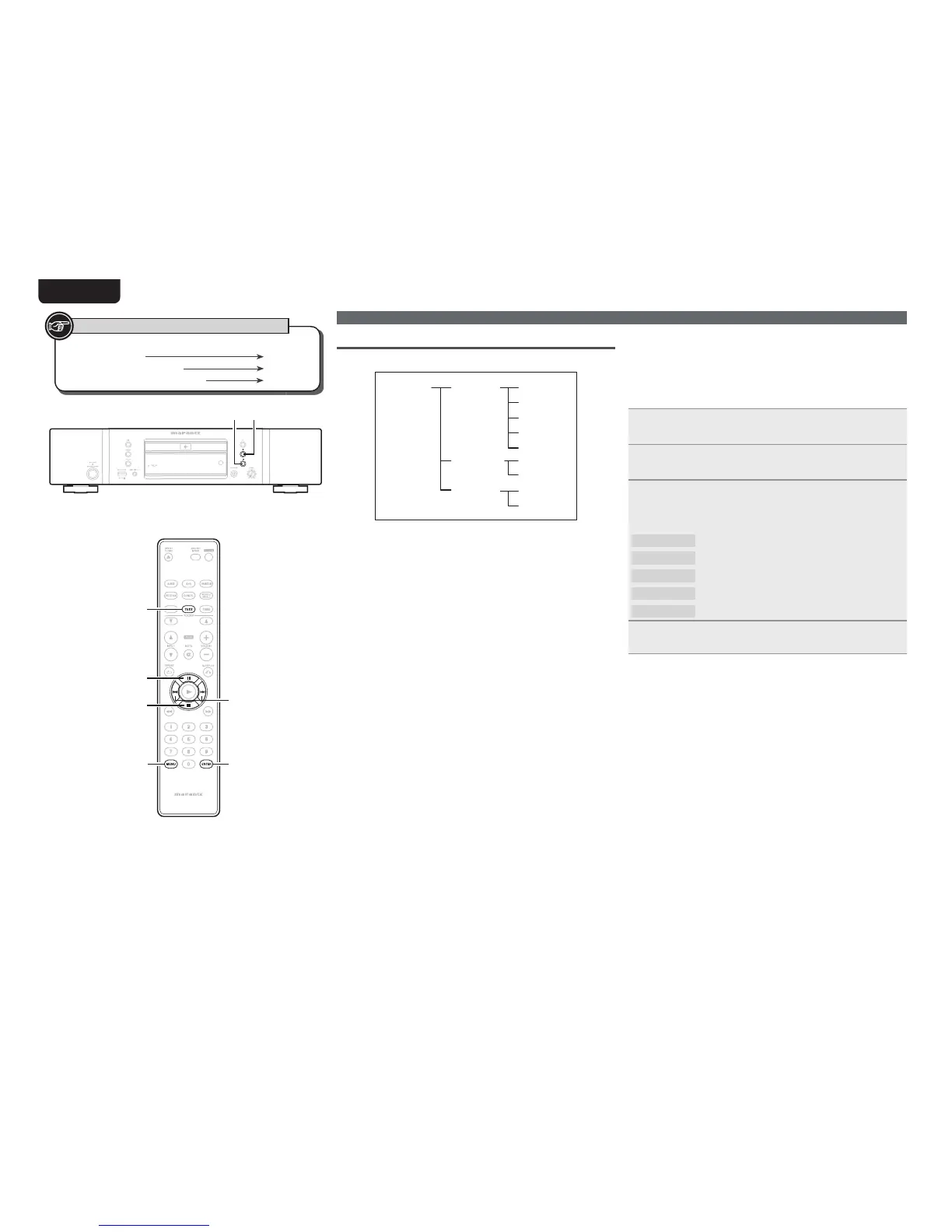
The “USB Setup” operating layers are as shown below.
USB Setup=>
1 File Name*
2 Title
1 Off*
2 On
3 Artist
4 Album
5 Time
File Info=>
1 All*
2 Folder
Range Spec=>
Resume=>
* Default setting
n File Info (File information display selection)
When [TEXT] is pressed on the unit while playing back fi les from a
USB memory device, information such as MP3 tag information is
shown in the display.
Here, you can set which information is displayed fi rst when
[TEXT]
is pressed.
1
Select “USB Setup=>” using
[8]
and
[9]
, and
press
[ENTER].
2
Select “File Info=>” using
[8]
and
[9]
, and
press
[ENTER].
3
6HOHFWWKHLQIRUPDWLRQ\RXZDQWWRGLVSOD\¿UVWXVLQJ
[8] and [9], and press [ENTER].
GSelectable itemsH
1 File Name
The fi le name is displayed.
2 Title
The track name is displayed.
3 Artist
The artist name is displayed.
4 Album
The album name is displayed.
5 Time
The time information is displayed.
4
Press [MENU].
The settings are saved, and the display returns to normal.
Button located on both the main unit and
the remote control
BUTTON
Button only on the main unit
<BUTTON>
Button only on the remote control
[BUTTON]
Symbols used to indicate buttons in this manual
23
[ENTER]
[MENU]
[8, 9]
3
2
[TEXT]



 To Next Page