25
ENGLISH
25
iPod Setup (iPod operation)
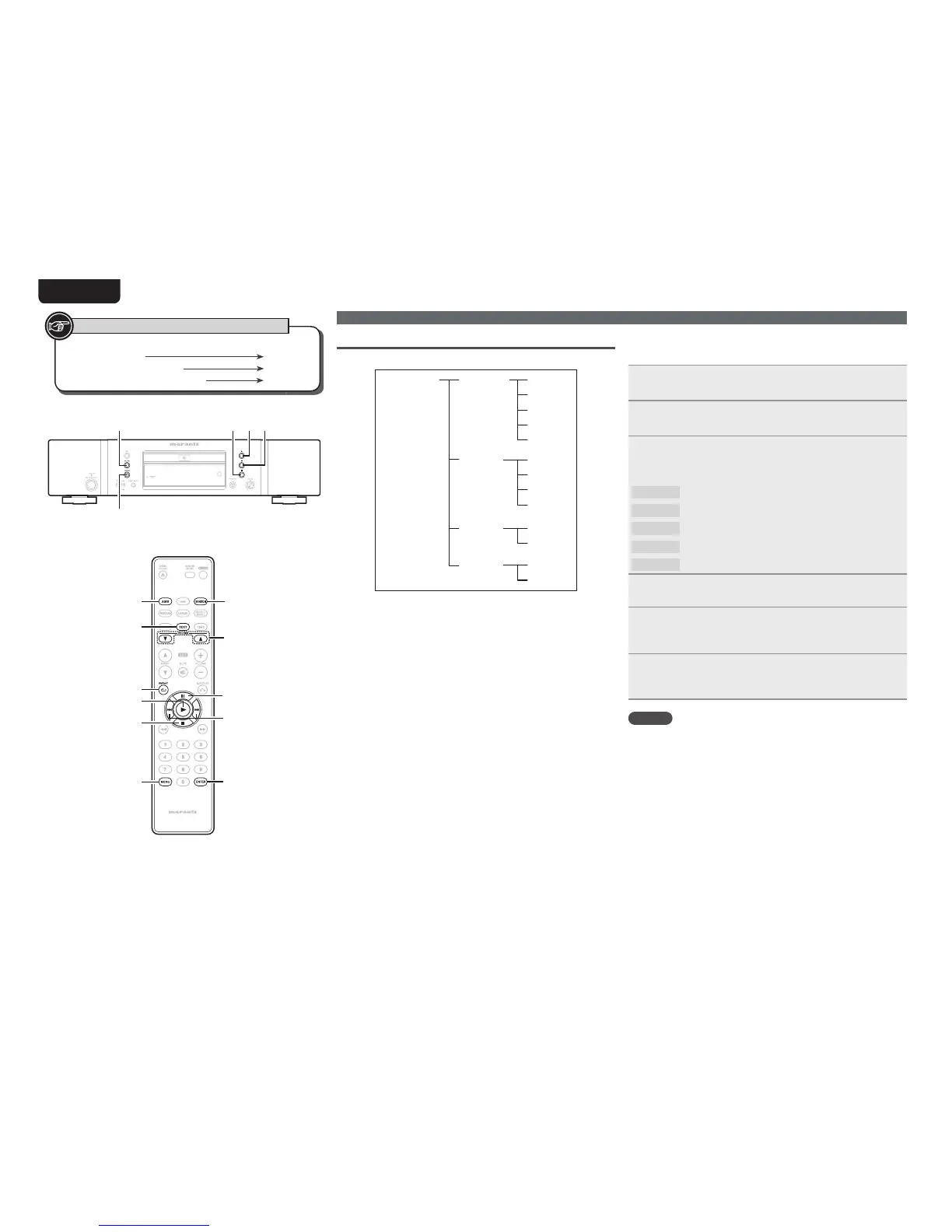
The “iPod Setup” operating layers are as shown below.
iPod Setup=>
1 Album
2 Artist
3 Genre
4 Playlist
5 Track*
1 Title*
2 Artist
3 Album
4 Time
Database=>
File Info=>
1 Off*
2 On
Resume=>
1 Direct*
2 Remote
iPod Ctrl=>
* Default setting
Performing menu settings
n Database (iPod database selection)
Set which database within the iPod to playback fi les from.
1
Select “iPod Setup=>” using
[8]
and
[9]
, and
press
[ENTER].
2
Select “Database=>” using
[8]
and
[9]
, and
press
[ENTER].
3
Select the database from which you want to playback
¿OHVXVLQJ
[8]
and
[9]
, and press [ENTER].
GSelectable itemsH
1 Album
Search fi les by album.
2 Artist
Search fi les by artist.
3 Genre
Search fi les by genre.
4 Playlist
Search fi les by playlist.
5 Track
Search fi les by track title.
4
Press [MENU].
The settings are saved, and the display returns to normal.
5
6HOHFWWKHIROGHU WKDW FRQWDLQV WKH¿OHV\RXZDQW WR
playback using
[FOLDER d
,
f], and press [ENTER].
Files included in the folder are displayed.
6
6HOHFWWKHPXVLF¿OHWKDW\RXZDQWWRSOD\EDFNXVLQJ
[8]
and
[9]
, and press
1
.
Playback starts.
NOTE
This cannot be set when “iPod Ctrl=>” (vpage 26) is set to
“1 Direct”.
Button located on both the main unit and
the remote control
BUTTON
Button only on the main unit
<BUTTON>
Button only on the remote control
[BUTTON]
Symbols used to indicate buttons in this manual
231
<7/9>
<6/8>
[ENTER]
[MENU]
[8, 9]
3
2
1
[TEXT]
[AMS]
[REPEAT]
[RANDOM]
[FOLDER d, f]



 To Next Page