28
Getting started
Basic connections Basic operation Specifications IndexAdvanced connections Advanced operations Explanation of terms Troubleshooting
ENGLISH
28
Getting started
Basic connections Basic operation Specifications IndexAdvanced connections Explanation of terms TroubleshootingTroubleshootingAdvanced operations
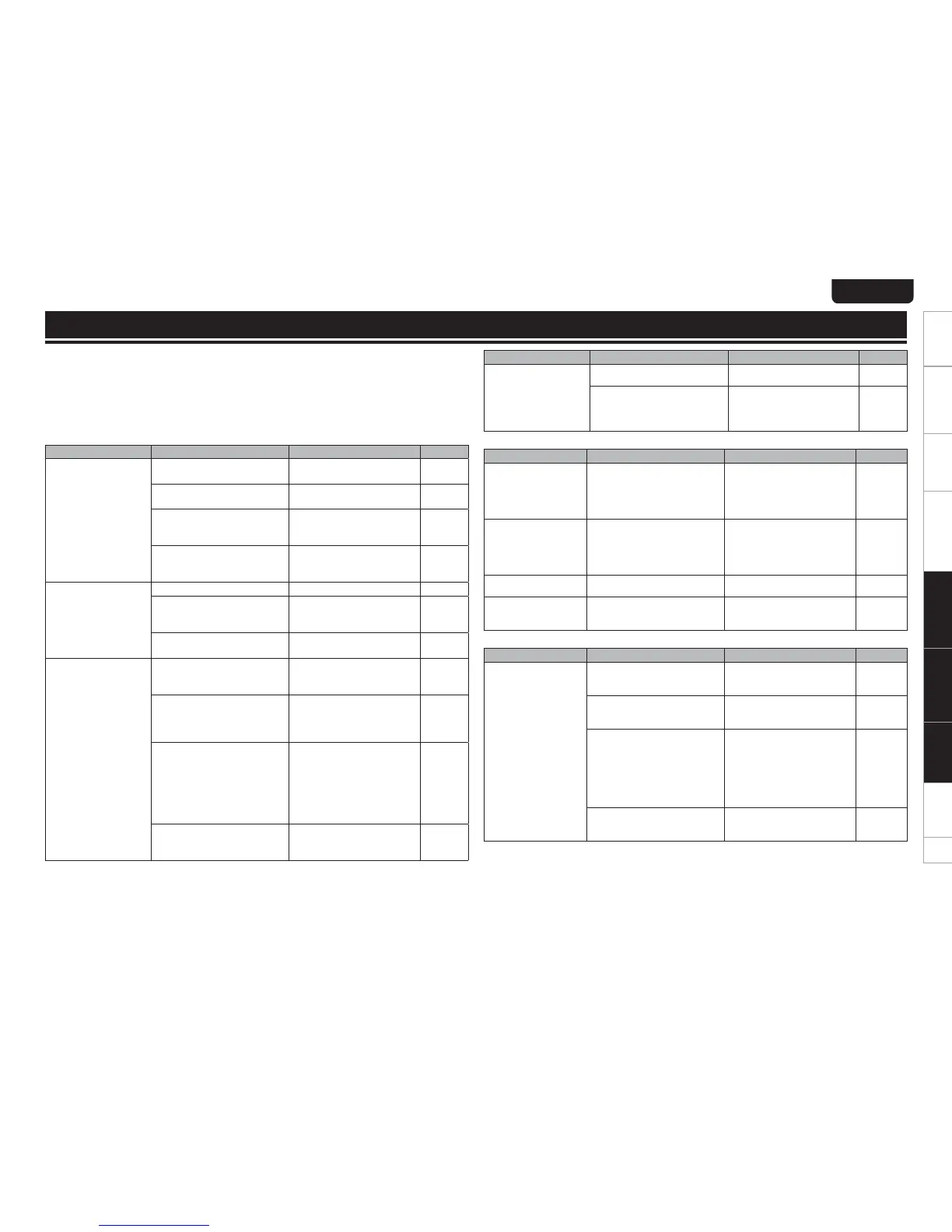
If a problem should arise, first check the following:
1. Are the connections correct?
2. Is the set being operated as described in the owner’s manual?
3. Are the other devices operating properly?
If this unit does not operate properly, check the items listed in the table below. Should the problem persist,
there may be a malfunction.
In this case, disconnect the power immediately and contact your store of purchase.
Problem Cause Corrective action Page
The disc fails to rotate. tThe power cord is pulled out
of the socket.
tInsert the power cord plug
into the socket.
7
tPower to this unit is not ON. tTurn the power to this unit
ON.
8
tThe disc is not placed in the
correct position on the disc
tray.
tPlace the disc in the disc tray
correctly.
3
tThe disc is placed in upside
down. (The disc is placed in
with the label facing down).
tPlace the disc in the disc tray
correctly.
3
The disc stops rotating
in mid-operation.
tThe disc is dirty. tClean the disc’s surface. 4
tThe disc is scratched. tThe disc may be unable to
be played if it has a lot of
scratches.
–
tThe disc is warped. tThe disc may be unable to be
played if it is badly warped.
–
The disc is rotating but
no sound is heard.
tThe amplifier and speakers are
not connected correctly.
tConnect the cables correctly.
(See the instruction manual
for the amplifier.)
7
tThe amplifier power is not ON. tTurn ON the power to the
amplifier.
(See the instruction manual
for the amplifier.)
–
tThe amplifier’s function or
selector switch is not set to
“CD” or “AUX” or such (to
whatever you have connected
this unit to).
tSwitch the amplifier’s
function or selector switch
to “CD” or “AUX” or such
(to whatever you have
connected this unit to).
(See the instruction manual
for the amplifier.)
–
tThe amplifier’s volume control
is set at the minimum level.
tAdjust the amplifier volume.
(See the instruction manual
for the amplifier.)
–
Troubleshooting
Problem Cause Corrective action Page
CD-R/CD-RW disc
cannot be played.
tThe disc is placed in upside
down.
tPlace the disc in the tray
correctly.
3
tThe information recorded is not
in an audio (CD-DA) format. Or
the MP3/WMA/AAC file was
not properly recorded.
tRecord correct information
that is compatible with to this
unit.
15
GDisplayH
Problem Cause Corrective action Page
“OverCurrent” appears
on the display.
tThe voltage able to be
supplied from this unit via the
USB memory device has been
exceeded.
tThe USB memory device is
not supported. Please use a
USB memory device with an
operating current that is less
than 1 A.
–
“FAT Error” or “Cluster
Err” appear on the
display.
tAn unsupported file system
is being used. USB memory
device below 128 MB cannot
be supported.
tPlease use a USB memory
device formatted with a
compatible file system (FAT32
or FAT16) and that has at
least 256 MB of memory.
–
“No File” appears on
the display.
tNo file able to be played on this
unit exists.
tCheck supported formats. 15, 18
“DRM Stream”
appears on the display.
tThis is a file subject to digital
rights management.
tCannot play on this unit
because of unsupported
DRM.
16, 18
GUSB/iPodH
Problem Cause Corrective action Page
Sound cannot be
heard even when USB
memory device is
connected.
tThe amplifier and speakers are
not connected properly.
tConnect the cables correctly.
(See the instruction manual
for the amplifier.)
14
tThe amplifier power is not ON. tTurn the amplifier power ON.
(See the instruction manual
for the amplifier.)
–
tThe amplifier’s function or
selector switch is not set to
“CD” or “AUX” or such (to
whatever you have connected
this unit to).
tSwitch the amplifier’s
function or selector switch
to “CD” or “AUX” or such
(to whatever you have
connected this unit to).
(See the instruction manual
for the amplifier.)
–
tThe amplifier’s volume control
is set at the minimum level.
tAdjust the amplifier volume.
(See the instruction manual
for the amplifier.)
–
Explanation of terms
GDiscH



 To Next Page