5 – Recording—Manually updating the track number
31
ENGLISH
Manually updating the track
number
If you want to update the track number manually, pro-
ceed as follows.
1 Take the following steps to enable manual
track number updating.
1 As described in “Basic operation in Menu
mode” (→ p.13), access the “M_TR INCR?”
menu item and press the ENTER button.
The display will indicate “TR_INCR> XXX”
(you can select ON or OFF).
2 Turn the MULTI JOG dial to select ON.
3 Press the MENU button or the ENTER but-
ton to exit menu mode.
2
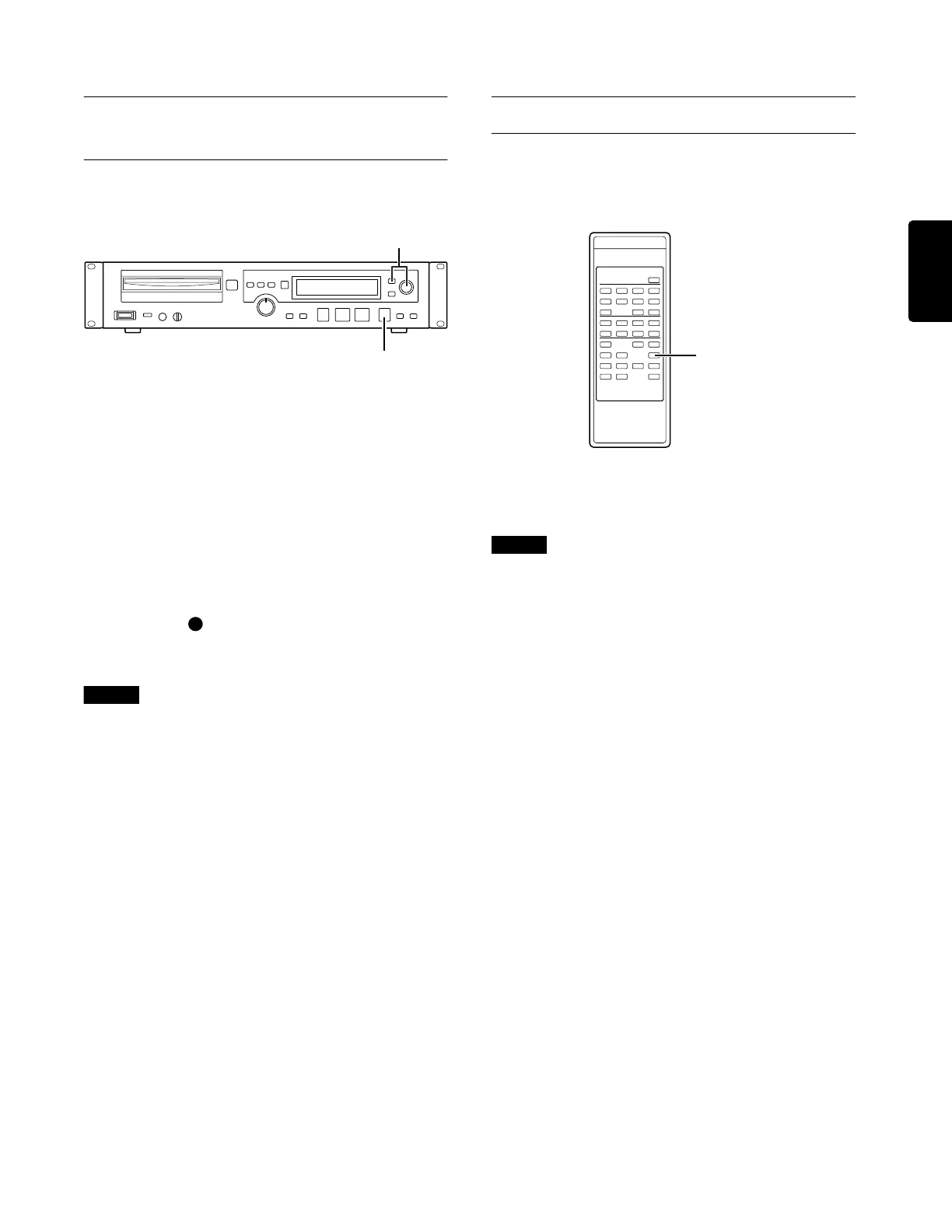
Press the (record) button at the point
where you want to assign a track number.
The track number will be updated.
Note
This button is disabled while track number 99 is being
recorded.
Rec mute
This function makes it easy to record a silent interval.
To do so, press the remote control unit REC MUTE
button during recording.
The display will indicate
“Rec Mute”
and muted
recording will begin. After approximately four sec-
onds, the recorder will enter record-ready mode.
Note
The rec mute function can be controlled only from the
remote control unit.
2
1
REC MUTE button



 To Next Page