Setting the lighting LED brightness
.
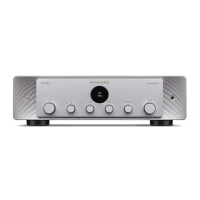
Lighting LED brightness can be adjusted in 4 levels. It can also be linked
with the display’s brightness. Switching the lighting off reduces a source of
noise that affects sound quality, enabling higher sound quality playback.
1
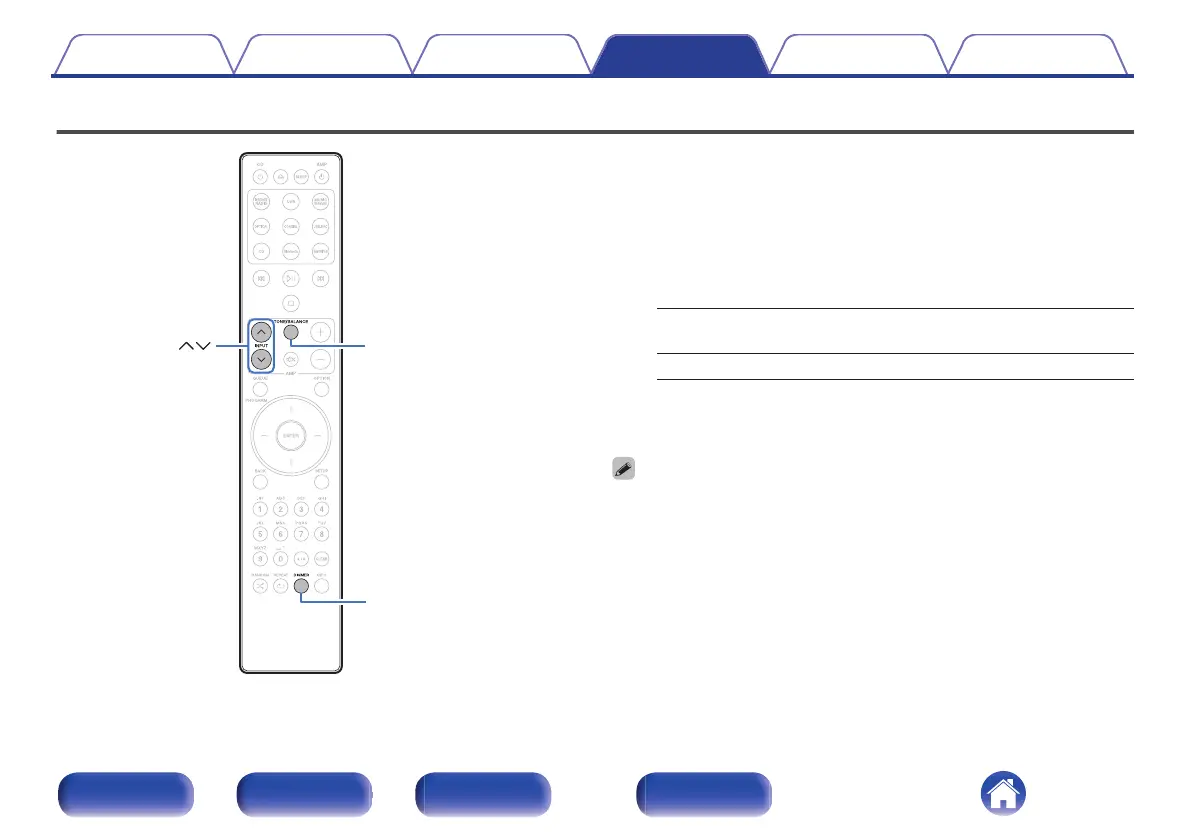
Press and hold TONE/BALANCE for 5 seconds or more.
The lighting setting menu is displayed on the display.
2
Use INPUT ml to change to desired setting.
Sync
(Default):
The brightness is synchronized to the
brightness of the display. (v p. 28)
Bright / Dim / Dark / Off
3
Press TONE/BALANCE.
Setting is finalized and the display returns to usual status.
0
If no operations are made for 5 seconds or more while setting lighting LED
brightness or if other operations are performed, the setting is finalized and the
display returns to usual status.
0
When display brightness it set to off with DIMMER, the lighting LED turns off
regardless of the lighting LED brightness setting. (v p. 28)
Contents
Connections Playback Settings Tips Appendix
29
Front panel Rear panel
Remote control
unit
Index



 To Next Page