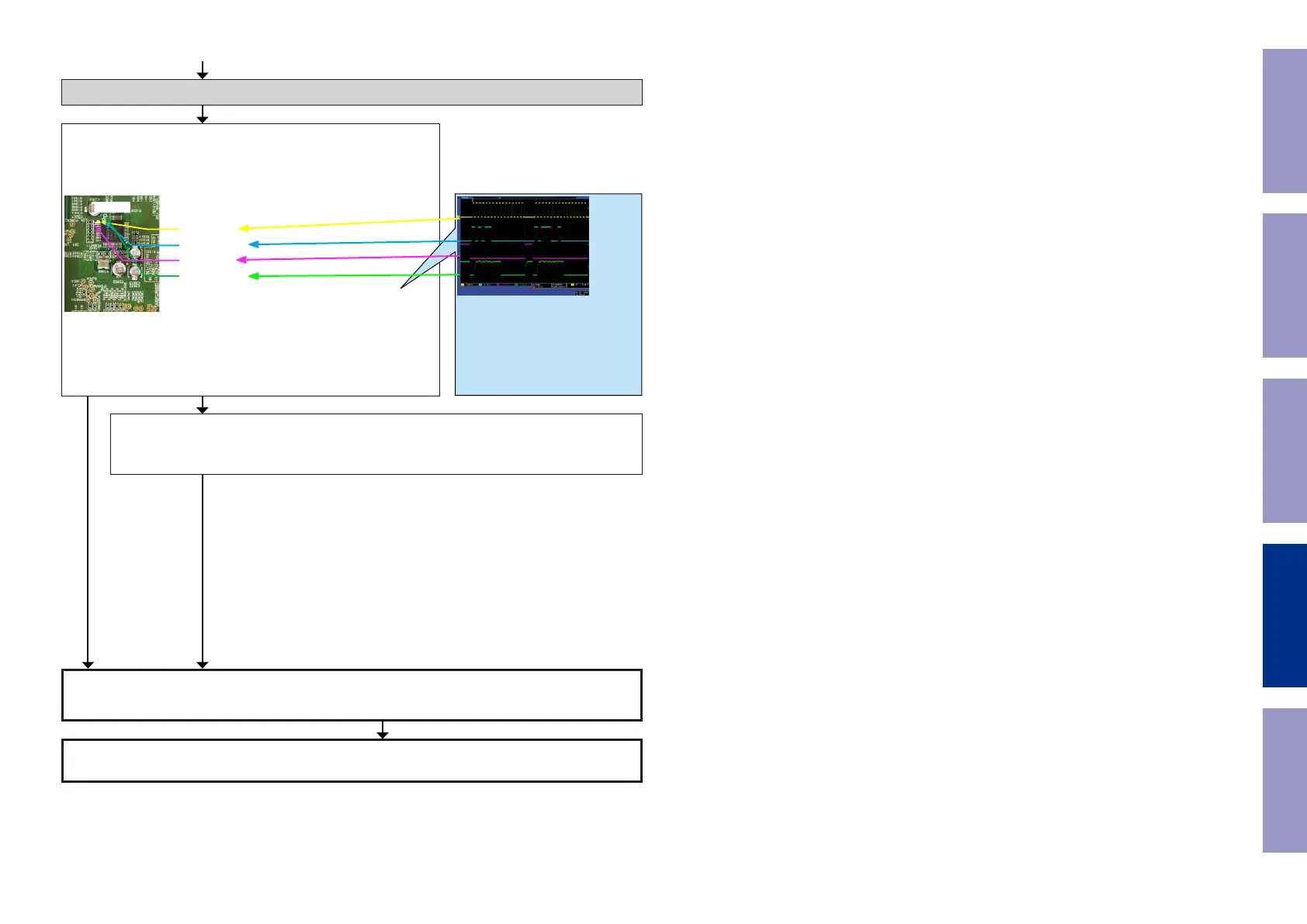
Check item(39). Check the communication line :
Check the CPU.
Is the waveform of the TP near the DIR [U1040] correct (like the one
shown in the diagram) when the power is turned on?
U1040
CLK:25pin
MOSI:24pin
CS:26pin
MISO:23pin
Check item(40). Check the communication line :
Check DIR [U1040], CPU [U1018] patterns as well as soldering.
If there is no problem, go to the next step.
Check the communication line.
DIR [U1040] is faulty.
Replace with a new device.
YES
*The diagram shows an example.
(Signal patterns vary depending on the
timing.)
Points for checking waveforms
- Crest value (3.3V normally)
- Signal change
- CLOCK frequency (about 2MHz)
Voltage scale:2.0V/div
Time scale:2us/div
NOYES
Recheck from check item (1).
If it does not work, replace the PCB.
Before Servicing
This Unit
Electrical Mechanical Repair Information Updating
105



 To Next Page