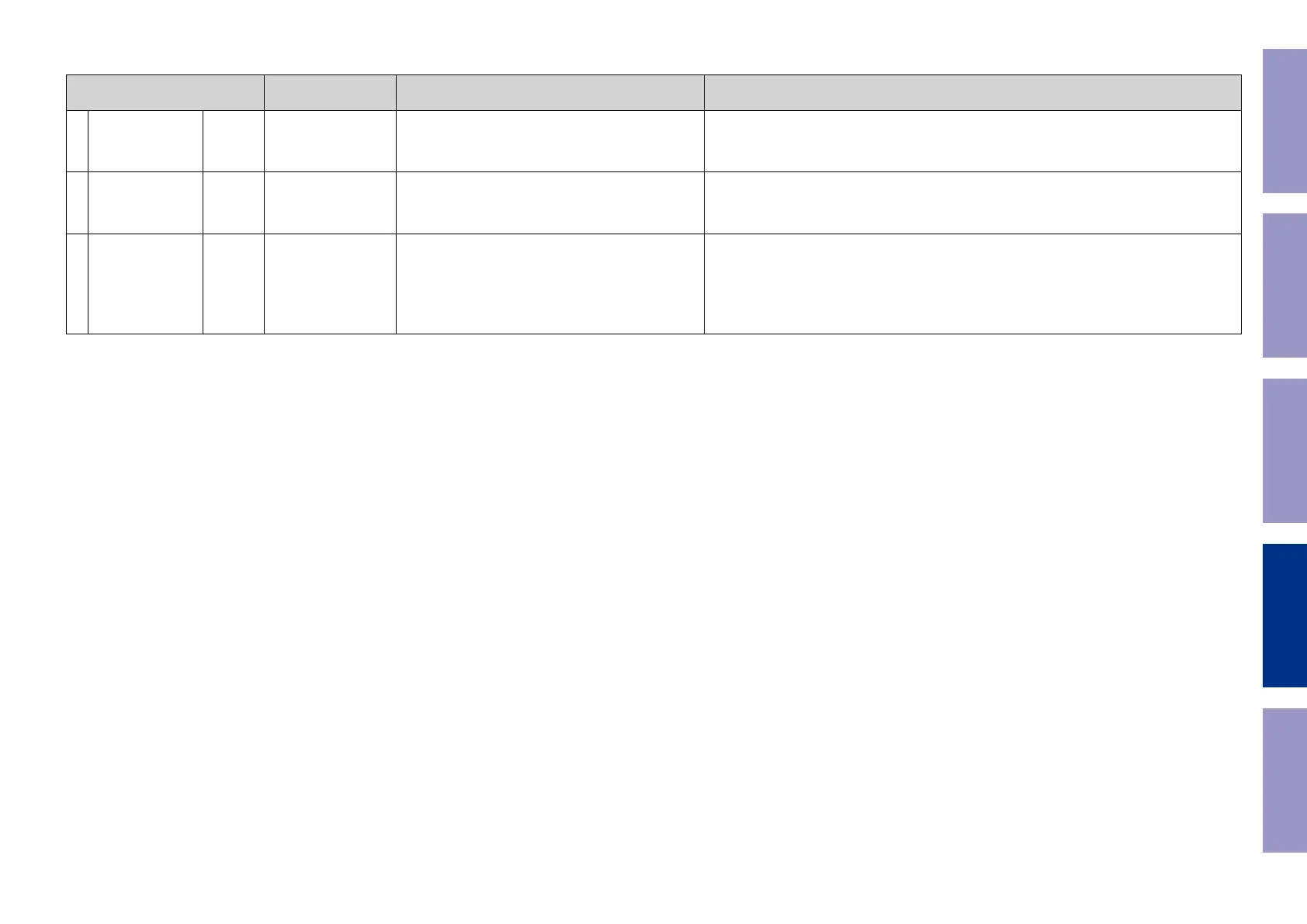
Paths to be conrmed Display Settings What to conrm
5
HDMI Audio
(Audio : AVR)
g.V05a
g.V05b
V05:H.AUDIO-AVR
Input Source : CBL/SAT
HDMI Control : Off
HDMI Audio : AVR (if checking the audio output from
AVR)
・ HDMI input (PCM, DolbyDigital, DTS) ⇒ Speaker output.
・ HDMI input(HD audio) ⇒ Speaker output.
(
b
The input source can be switched to any source except CBL/SAT.)
6
HDMI Audio
(Audio : TV)
g.V06
V06:H.AUDIO-TV
HDMI Audio : TV (if checking the audio output from TV)・ HDMI input (PCM, DolbyDigital, DTS) ⇒ HDMI output (audio output from connected TV)
(
b
The input source can be switched to any source except CBL/SAT.)
7 GUI g.V07
V07:GUI MENU ON
Input Source : CBL/SAT
Video Conversion (IP Scaler) : ON, All sources
IP Scaler : "Analog & HDMI", All sources
Resolution : "AUTO", All sources
Setup Menu : On
MAIN ZONE : On
ZONE2 : Off
・GUI display ⇒ HDMI output.
(
b
The input source can be switched to any source except CBL/SAT.)
Before Servicing
This Unit
Electrical Mechanical Repair Information Updating
133



 To Next Page