DISASSEMBLY
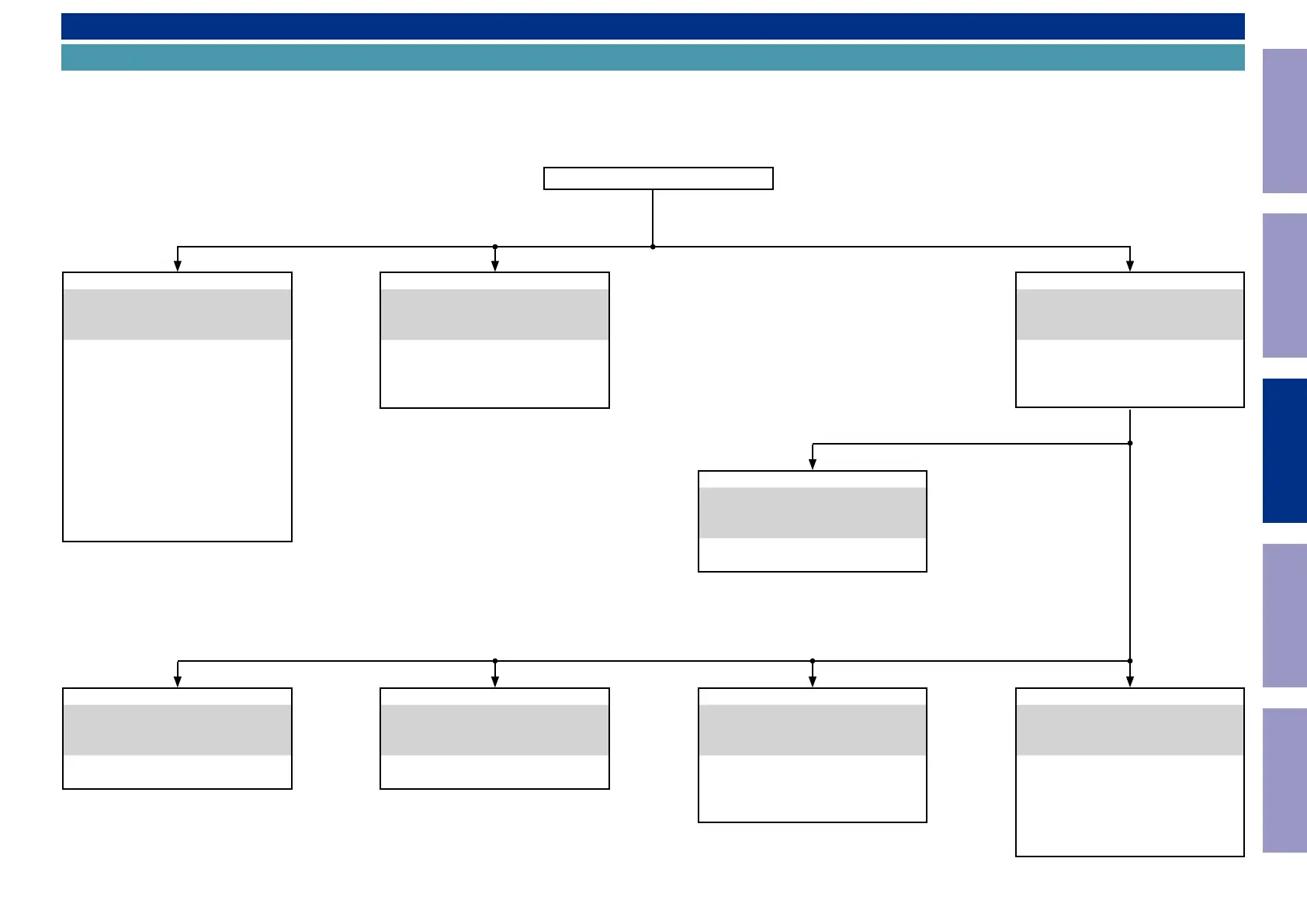
Flowchart
• Remove each part following the ow below.
• Reassemble the removed parts in the reverse order.
• Read "SAFETY PRECAUTIONS" before reassembling the removed parts.
• If wire bundles are removed or moved during adjustment or part replacement, reshape the wires after completing the work. Failure to shape the wires correctly may cause problems such as noise.
• See "EXPLODED VIEW"
FRONT PANEL ASSY
DISASSEMBLY
1. FRONT PANEL ASSY
and "EXPLODED VIEW"
FRONT PCB
Ref. No. of EXPLODED VIEW : P 1
MC HP PCB
Ref. No. of EXPLODED VIEW : P 2
USB PCB
Ref. No. of EXPLODED VIEW : P 3
F_HDMI PCB
Ref. No. of EXPLODED VIEW : P 4
HDMI_GUIDE_A PCB
Ref. No. of EXPLODED VIEW : P 5
HDMI_GUIDE_B PCB
Ref. No. of EXPLODED VIEW : P 6
TOP COVER
TRANS
DISASSEMBLY
5. TRANS
and "EXPLODED VIEW"
POWER TRANS
Ref. No. of EXPLODED VIEW : 24
RADIATOR ASSY
DISASSEMBLY
2. RADIATOR ASSY
and "EXPLODED VIEW"
AMP PCB
Ref. No. of EXPLODED VIEW : P 8
GUIDE L PCB
Ref. No. of EXPLODED VIEW : P 7
DIGITAL PCB
DISASSEMBLY
3. DIGITAL PCB
and "EXPLODED VIEW"
DIGITAL PCB
Ref. No. of EXPLODED VIEW : P 16
NETWORK MODULE
Ref. No. of EXPLODED VIEW : P 17
SPK PCB
DISASSEMBLY
4. SPK PCB
and "EXPLODED VIEW"
SPK PCB
Ref. No. of EXPLODED VIEW : P 12
AV PCB
DISASSEMBLY
8. AV PCB
and "EXPLODED VIEW"
AV PCB
Ref. No. of EXPLODED VIEW : P 15
FRONT_CNT PCB
Ref. No. of EXPLODED VIEW : P 13
SIDE_CNT PCB
Ref. No. of EXPLODED VIEW : P 14
REG PCB
DISASSEMBLY
7. REG PCB
and "EXPLODED VIEW"
REG PCB
Ref. No. of EXPLODED VIEW : P 10
REG_CNT PCB
Ref. No. of EXPLODED VIEW : P 11
SMPS PCB
DISASSEMBLY
6. SMPS PCB
and "EXPLODED VIEW"
SMPS PCB
Ref. No. of EXPLODED VIEW : P 9
Before Servicing
This Unit
Electrical Mechanical Repair Information Updating
68



 To Next Page