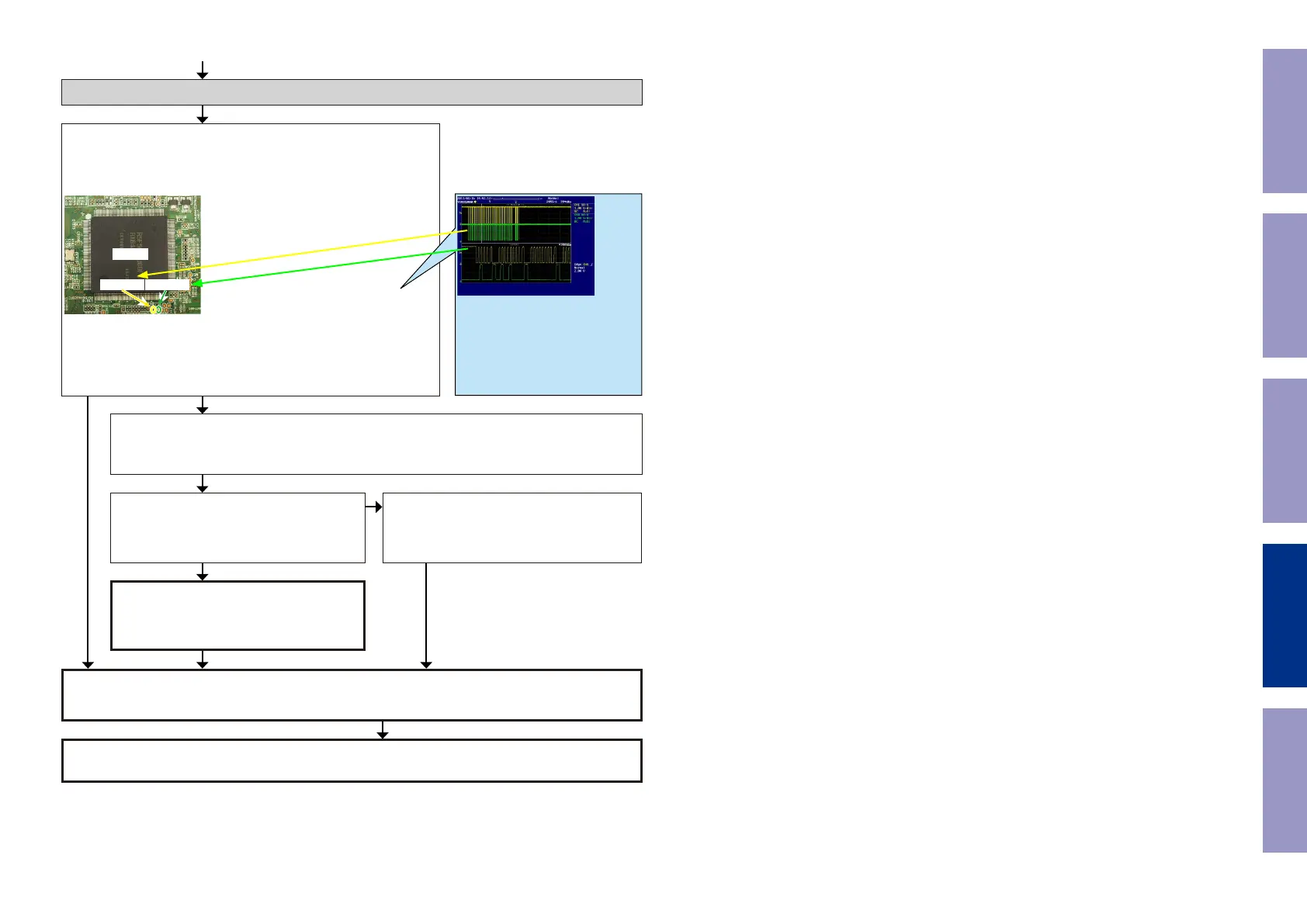
Check item(24). Check the I2C communication line :
Check the CPU.
Is the "I2C" waveform of the TP near the CPU [U1018] correct (like
the one shown in the diagram) when the power is turned on?
U1018
AVSDA
AVSCL
Check item(25). Check the I2C communication line :
Check GUI [U1026], HDMI SW [U1103] and CPU [U1018] patterns as well as soldering.
If there is no problem, go to the next step.
Check the CPU.
Remove the damping resistor [R1493/R1494]
of [U1018].
Is the "I2C" waveform correct?
The CPU [U1018] is faulty.
Replace with a new device.
Check the I2C communication line.
GUI [U1026] is faulty.
Replace with a new device.
GUI [U1026] is faulty.
Replace with a new device.
YES
*The diagram shows an example.
(Signal patterns vary depending on the
timing.)
Points for checking waveforms
- Crest value (3.3V normally)
- Signal change
- SCL frequency (400kHz normally)
Voltage scale:1.0V/div
Time scale:10us/div
NO
YES
YES
NO
Recheck from check item (1).
If it does not work, replace the PCB.
Before Servicing
This Unit
Electrical Mechanical Repair Information Updating
99



 To Next Page