SPECIAL MODE
Special mode setting button
b
No. 1 : While holding down the "
A
" button, press the power button to turn on the power.
No. Mode Button A Descriptions
1 Service mode
SOURCE
DIRECT
The rmware version is shown on the display. Errors that have occurred are displayed.
(See 1. Service mode)
1. Service mode
1.1. Actions
Version information is displayed when the device is started in this mode. U-COM (U1001)
1.2. Starting up
(1) While holding down the "
SOURCE DIRECT
" button, press the power button to turn on the power.
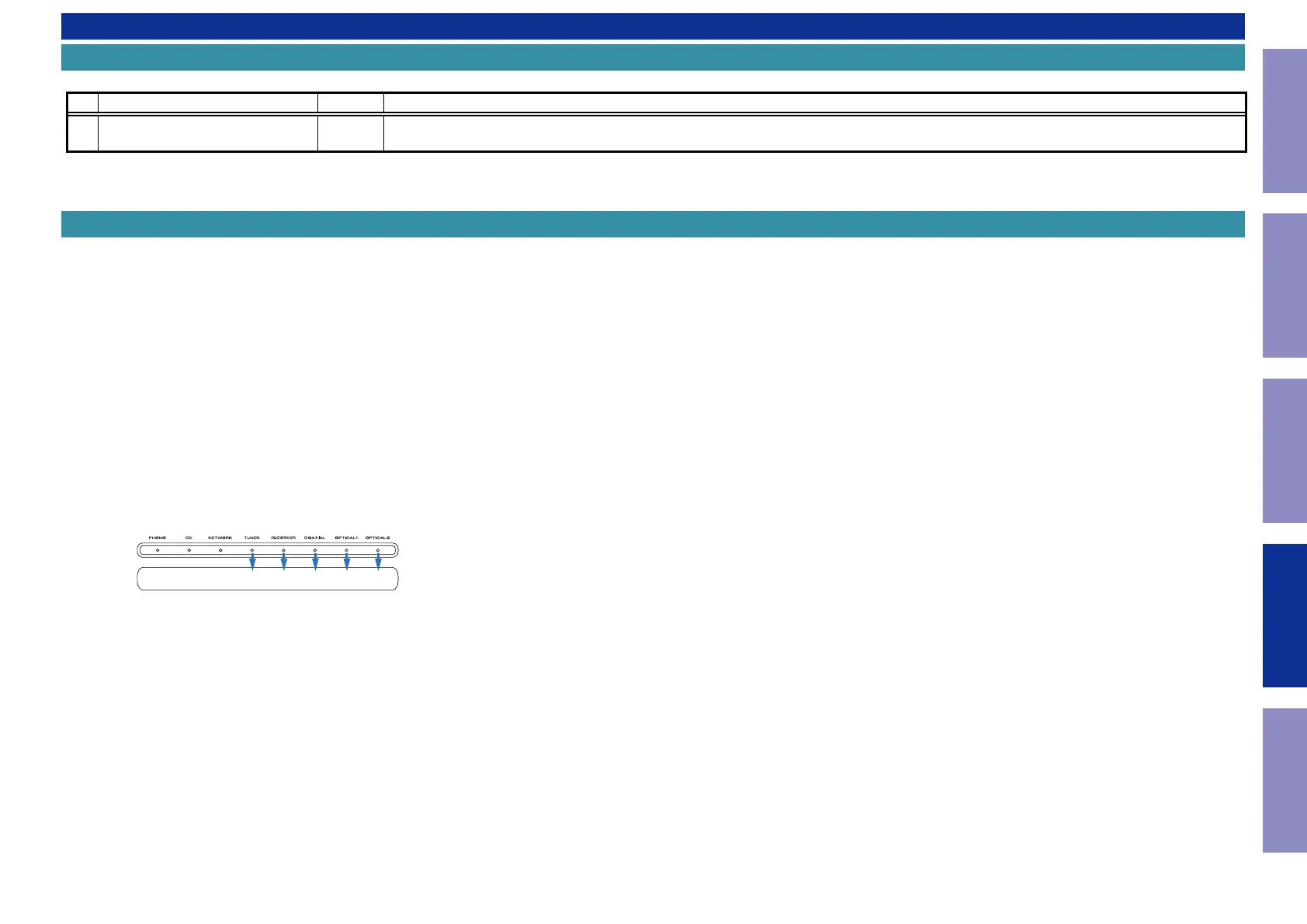
(2) FIRMWARE version is displayed by LED. (Only displayed for 3 seconds)
b
Section where LED is lit indicates the version.
(3) Front panel LEDs light in order, after which all are lit.
(4) Turn off power to exit from service mode.
(All of the settings on this unit are returned to the default values, and the unit is returned to the fac-
tory state)
1.3. Display Order
Light up OPTICAL2 [1], Version : 1
Light up OPTICAL2 [1] and COAXIAL [4], Version : 5
Light up OPTICAL2 [1] and RECORDER [8], Version : 9
12416Version: 8
34
Caution in
servicing
Electrical Mechanical Repair Information Updating



 To Next Page