4. Run the FLASH MCU Programmer
(1) Press the power button to turn on the power.
(2) Execute "
FUJITSU FLASH MCU Programmer for FM3/FM4
" after installing it on your computer.
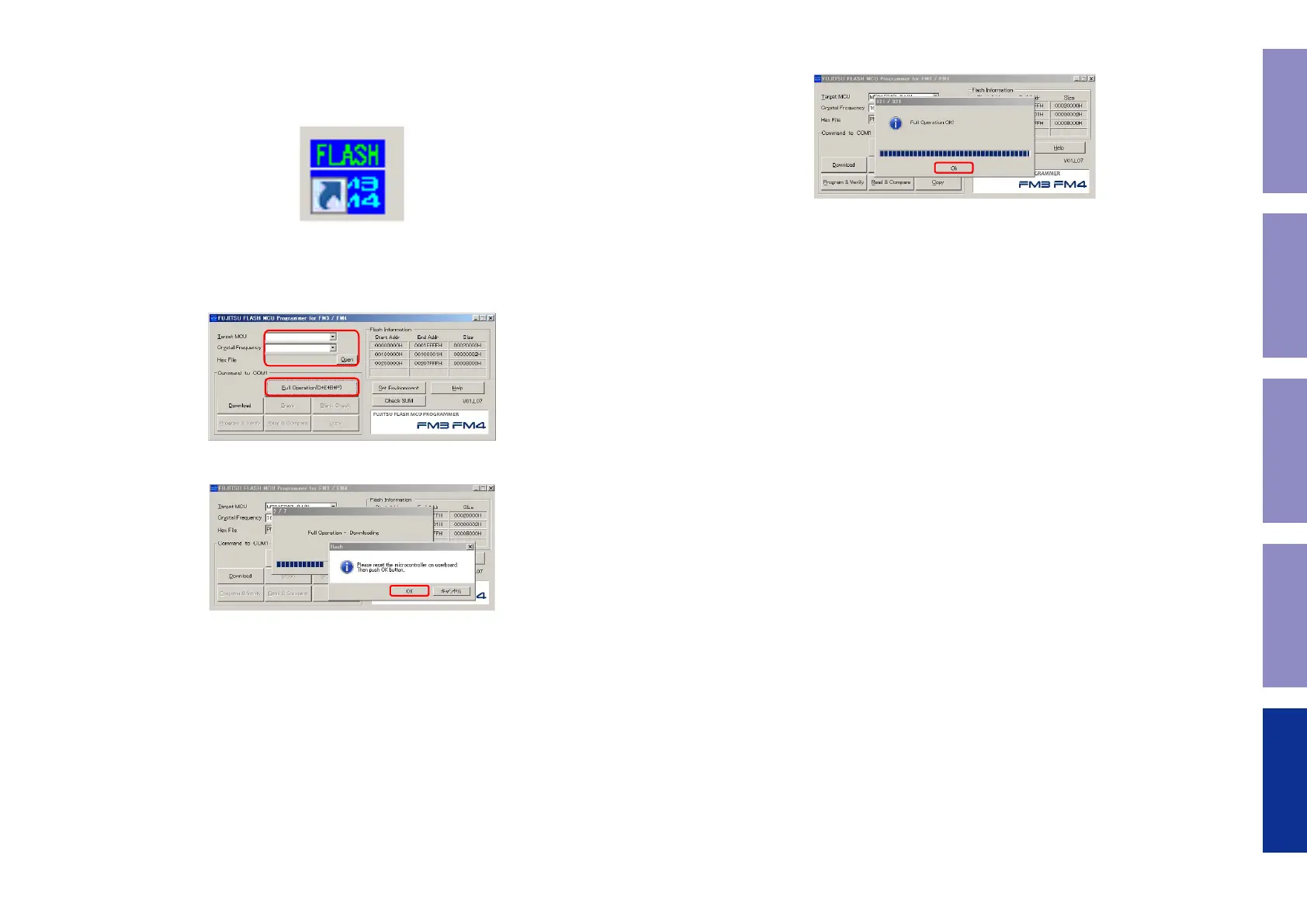
Double-click
FLASH MCU Programmer
to launch
FLASH MCU Programmer
Start.
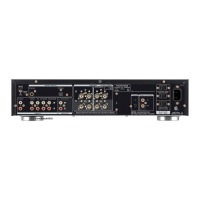
(3) Target MCU : Select "
MB9AF342L/M/N
"
Crystal Frequency : Select "
16MHz
"
Hex File : Select the le to be "
Update
"(PM6006_Ver_XX.hex)
Click "
Full Operation(D+E+B+P)
"
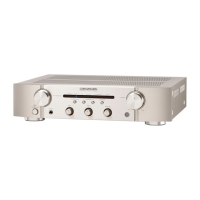
(4) Click "
OK
".
MB9AF344L/M/N
XXXXXX_XXXXXX-XX.hex
4MHz
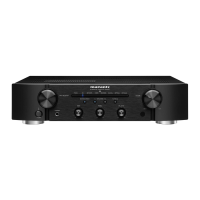
(5) The following display appears when the rmware update is complete.
Click "
OK
".
(6) After updating the rmware, check the version.
See "1. Service mode"
d
40
Caution in
servicing
Electrical Mechanical Repair Information Updating


 To Next Page