o
Playback
Install the desired player software on your computer beforehand.
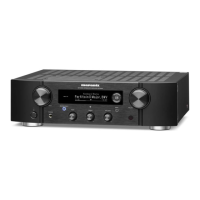
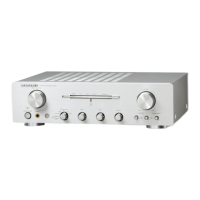
Use the rear panel USB-DAC port to connect this unit to a computer.
For the connection procedure, refer to the “Connecting a PC or
Mac” (v
p. 23) section.
1
Press the input source select button (USB-DAC) to
switch the input source to “USB-DAC”.
The “USB-DAC” input indicator lights.
2
Start playback on the computer’s player software.
3
Press VOLUME df to adjust the volume.
NOTE
The USB-DAC input indicator flashes if this unit cannot detect the sampling
frequency of the input signal.
o
Files that can be played back
See “D/A converter” (v p. 47).
NOTE
0
Perform operations such as playback and pause on the computer. At this time, you
cannot perform operations with buttons on this unit or the remote control.
0
You can also control the volume and equalizer on the computer. Enjoy playing
music at the desired volume.
0
When this unit is functioning as a D/A converter, sound is not output from the
computer’s speakers.
0
If the computer is disconnected from this unit while the computer music playback
software is running, the playback software may freeze. Always exit the playback
software before disconnecting the computer.
0
When an abnormality occurs on the computer, disconnect the USB cable and
restart the computer.
0
Use a cable that is 3 m or less to connect to the computer.
Contents Connections Playback
Settings
Tips Appendix
36
Front panel Rear panel
Remote control
unit
Index







 To Next Page