57
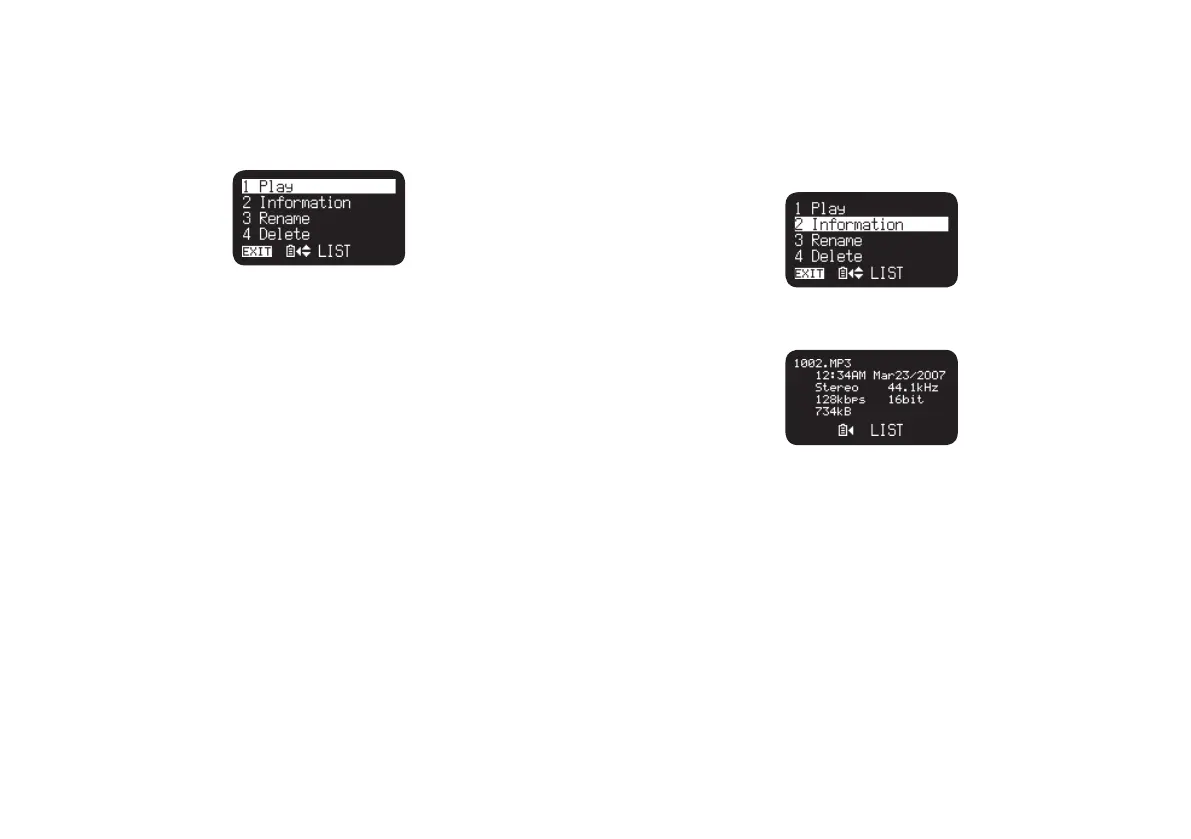
1) Play
The “Play” menu item allows you to play the selected file.
1.
In the file list menu, press the PITCH + or PITCH – button to select
“Play”.
2.
Press the 3/8/ENTER button to start playback.
• Press the STOP button to stop playback and return to File List.
2) Information
The “Information” menu item allows you to display the information of
the selected file.
1.
In the file list menu, press the PITCH + or PITCH – button to select
“Information”.
2.
Press the 3/8/ENTER button to display the information.
• Press the 4 button to return to the File list Menu.
• Press the STOP button to return to the stop mode.



 To Next Page