19
ENGLISH
OPERATION
QUICK REPLAY
When
QUICK REPLAY
button is pressed during playback,
the unit goes back to the amount of time set by the MENU and
starts playback from there.
* Playback that goes beyond the track is not allowed.
Also, when the total time of the track being played is
shorter than the time set for quick replay, or when the
playback time is shorter than the time set for quick replay, if
QUICK REPLAY
button is pressed, the track will be goes
back to the start of that track and playback is started from
there.
To Set Quick Replay Time
q If a disc is loaded in the disc tray, eject the disc and close
the tray.
w Press the
MENU
button on the remote control.
e Press the
ENTER
button on the remote control while
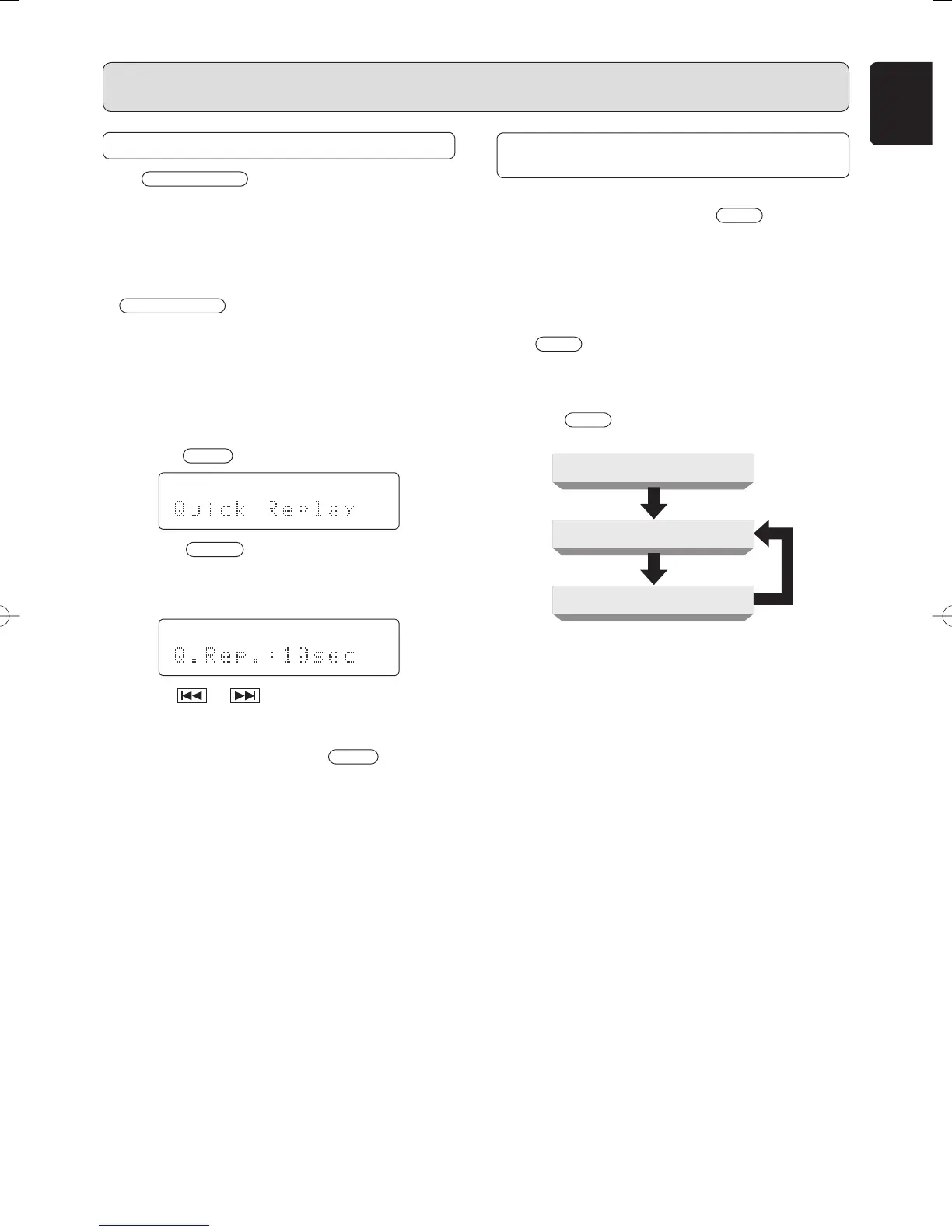
Quick Replay is displayed (approx. 3 seconds). The
current time setting appears on the LCD. (The default
setting is 10 seconds.)
r Use the or button to set the time. (5 to 60
seconds)
t After making the setting, press the
MENU
button twice.
The LCD returns to the normal display.
y The time setting is retained even when the power is turned
off.
Caution:
When there is no key input for about 3 seconds during this
series of operations, the setting will be configured to the
conditions at that time and the display will return the time
display.
ABOUT THE TEXT INFORMATION
DISPLAY
The following items of text information in Super Audio CD
discs can be displayed by pressing
TEXT
button on the
remote.
Nevertheless, which items of information are recorded
depends on discs so some information may not be displayed.
This unit skips unrecorded information to display.
• During playback
When
TEXT
button is pressed on the remote, “Track Title”
of the currently playing will be displayed.
• In Stop Mode
Each time
TEXT
button on the remote is pressed, text
information will be displayed in the following order.
Time Display
Album Title
Album Artist
• This unit can display 12 characters in one time. If information
is longer than 12 characters, the display will scroll right to
left.
• This unit can display only alphabets, numeric numbers
and symbols. Chinese and Japanese characters cannot
be displayed. If information is in Chinese and Japanese
characters, the unit displays nothing.
SA-11S2U01Eng.indd19SA-11S2U01Eng.indd19 07.8.810:02:36AM07.8.810:02:36AM



 To Next Page