111
Video
Make video-related settings.
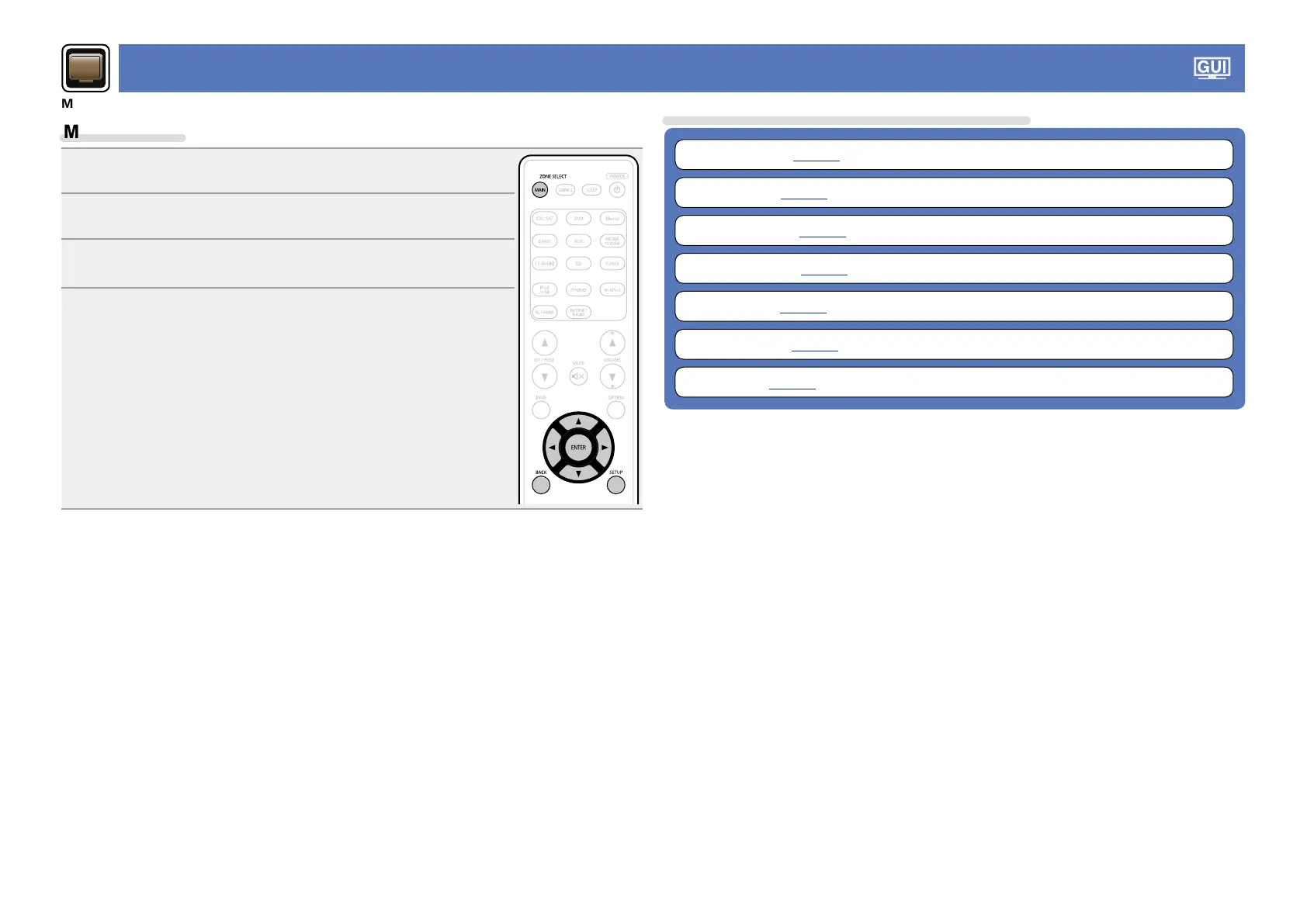
Menu operation
1
Press MAIN to switch the zone mode to the MAIN ZONE.
MAIN lights.
2
Press SETUP.
The menu is displayed on the TV screen.
3
Use ui to select the menu to be set or operated.
4
Press ENTER or p to enter the setting.
•To return to the previous item, press o or BACK.
•Exiting the Menu, press SETUP while the menu is displayed.
The menu display disappears.
Items that can be set with the “Video” procedure
Picture Adjust (vpage112)
HDMI Setup (vpage112)
Output Settings (vpage113)
Volume Display (vpage114)
Info Display (vpage114)
Audio Display (vpage115)
TV Format (vpage115)



 To Next Page