145
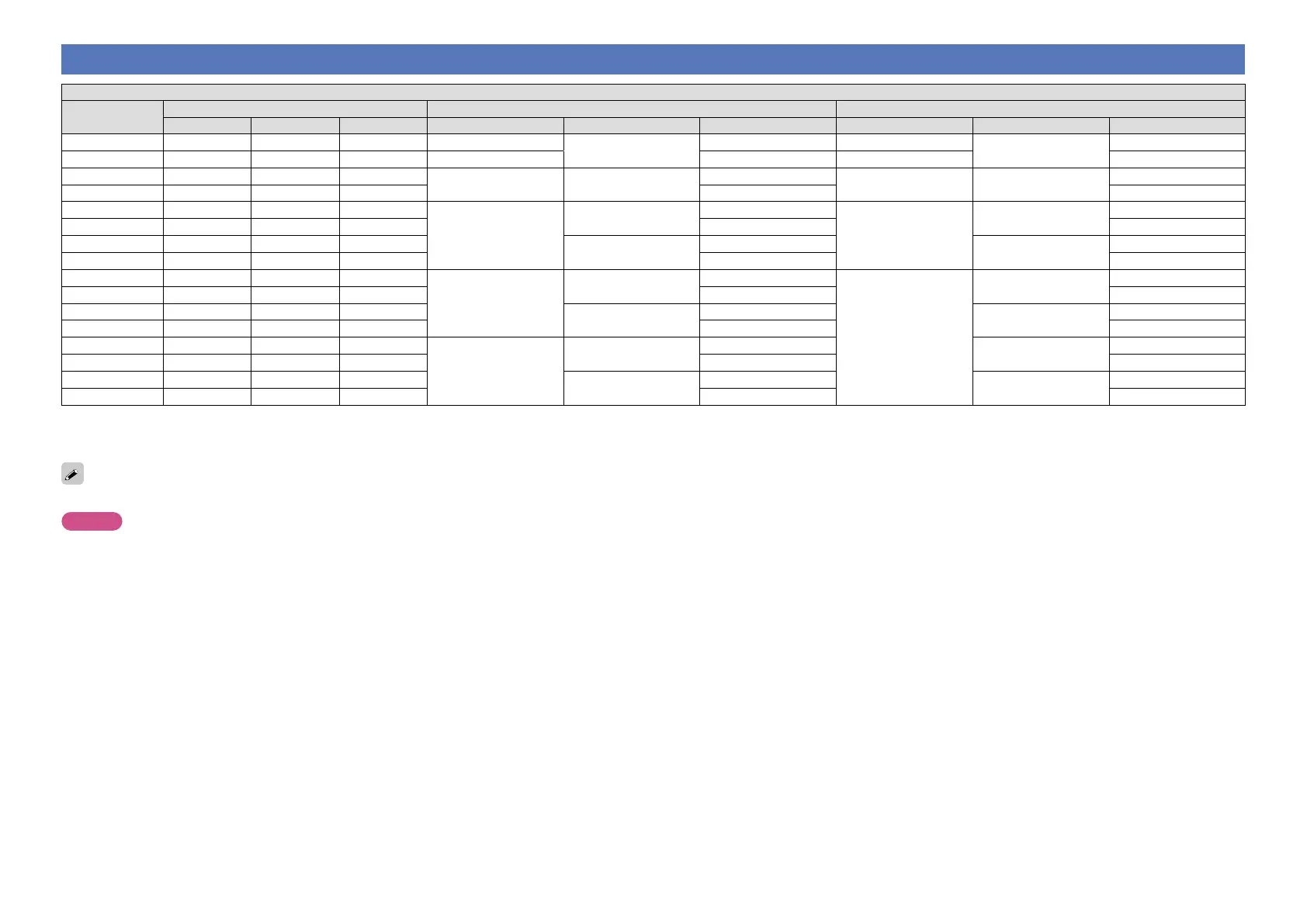
Relationship between video signals and monitor output
MAIN ZONE MONITOR OUT
Video Conversion
Input connector Output connector Menu displayed
HDMI COMPONENT VIDEO HDMI COMPONENT VIDEO HDMI COMPONENT VIDEO
On
A A A A
A
A
Only the menu is displayed
A
A
On
A A S S <VIDEO> S <VIDEO> S (VIDEO) S (VIDEO)
On
A S A
S <COMPONENT> S <COMPONENT>
A
S (COMPONENT) A (COMPONENT)
A
On
A S S S <VIDEO> S (VIDEO)
On
S A A
S <HDMI>
A
A
S (HDMI)
A
A
On
S A S S <VIDEO> S (VIDEO)
On
S S A
S <COMPONENT>
A
A (COMPONENT)
A
On
S S S S <VIDEO> S (VIDEO)
Off
A A A
A
A
A
Only the menu is displayed
A
A
Off
A A S S <VIDEO> S (VIDEO)
Off
A S A
S <COMPONENT>
A
A (COMPONENT)
A
Off
A S S S <VIDEO> S (VIDEO)
Off
S A A
S <HDMI>
A
A
A
A
Off
S A S S <VIDEO> S (VIDEO)
Off
S S A
S <COMPONENT>
A
A (COMPONENT)
A
Off
S S S S <VIDEO> S (VIDEO)
S : Video signal input present
A : No video signal input
S < > : The input signal between the < > marks is output.
A : No video signal output
S ( ) : Superimposed on the picture indicated in ( ).
A ( ) : Only the picture in ( ) is output.
A : Neither the picture nor the menu is output.
The main zone video conversion function is compatible with the following formats: NTSC, PAL, SECAM, NTSC4.43, PAL-N, PAL-M and PAL-60.
NOTE
•The status display screen cannot be displayed at a computer’s resolution (e.g. VGA) or while certain 3D video contents is being played.
•When the menu is operated on a computer’s resolution (e.g. VGA) or during playback of certain 3D video content, the playback image switches to the menu screen image.



 To Next Page