ENGLISH
22
SIMPLE SETUP
You can setup the speaker conditions quickly with
SIMPLE SETUP menu. In this menu, the number
of speakers and speaker delay time can be set.
These settings can be changed more detail in “2.
SPEAKER” setup menu.
Press the SIMPLE SETUP button on the unit to
enter this menu.
1.
Press the SIMPLE SETUP button on the unit
to enter the “SPEAKERS” menu.
2.
Press or cursor button to select the
speaker number.
3.
Press the cursor button to enter the
“ROOM” menu.
4.
Press or cursor button to select the room
size.
5.
After finishing all setup, press the cursor
button to exit the SIMPLE SETUP menu.
Note:
• All Simple Setup menu is reset when the speaker
setting is changed with Speaker Setup menu.
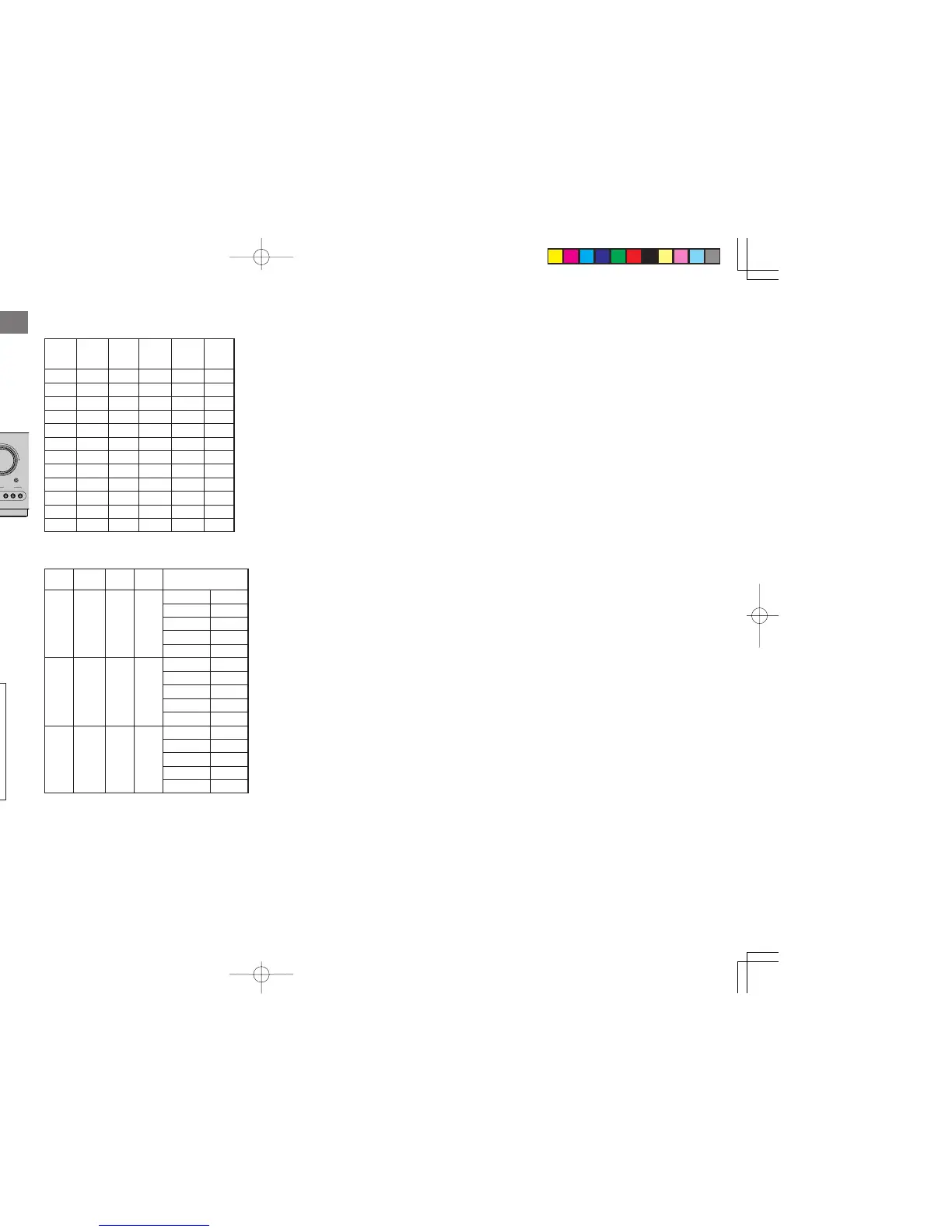
The relation of the speakers number and
conectted speaker
The relation of the room size and floor space
The relation of the room size and floor space is a
roughly standard.
Front Front Surround Surround Sub
CHANNEL L/R Center L/R Back L/R woofer
(F) (C) (S) (SB) (SW)
7.1 ch LARGE SMALL SMALL 2ch YES
7.0 ch LARGE SMALL SMALL 2ch NONE
6.1 ch LARGE SMALL SMALL 1ch YES
6.0 ch LARGE SMALL SMALL 1ch NONE
5.1 ch LARGE SMALL SMALL NONE YES
5.0 ch LARGE SMALL SMALL NONE NONE
4.1 ch LARGE NONE SMALL NONE YES
4.0 ch LARGE NONE SMALL NONE NONE
3.1 ch LARGE SMALL NONE NONE YES
3.0 ch LARGE SMALL NONE NONE NONE
2.1 ch LARGE NONE NONE NONE YES
2.0 ch LARGE NONE NONE NONE NONE
SIZE
Floor Width Depth
Imaging Distance
space (W) (D)
Front (F) 6 ft. (1.8 m)
Center (C) 5 ft. (1.5 m)
SMALL 10 m
2
2.7 m 3.6 m Surround (S) 4 ft. (1.2 m)
Surr. Back (SB) 5 ft. (1.5 m)
Sub Woofer (SW) 5 ft. (1.5 m)
Front (F) 7 ft. (2.1 m)
Center (C) 6 ft. (1.8 m)
MEDIUM 16 m
2
3.6 m 4.5 m Surround (S) 5 ft. (1.5 m)
Surr. Back (SB) 7 ft. (2.1 m)
Sub Woofer (SW) 6 ft. (1.8 m)
Front (F) 9 ft. (2.7 m)
Center (C) 8 ft. (2.4 m)
LARGE 24 m
2
4.5 m 5.4 m Surround (S) 7 ft. (2.1 m)
Surr. Back (SB) 8 ft. (2.4 m)
Sub Woofer (SW) 8 ft. (2.4 m)
SR5500NDFU01ENG22 04.6.25, 9:20 AMPage 22 AdobePageMaker6.5J/PPC



 To Next Page