1.
Recall the preset number to be inputted name
with the method described in “Recalling” a
preset station.
2.
Press the MEMO button on the front panel or
press the MEMO button on the remote for
more than 3 seconds.
3.
The left most column of the station name
indicator flashes, indicating the character
entry ready status.
4.
When you press the or cursor buttons on
the front panel or the
55
55
5 /
66
66
6 buttons on the
remote, alphabetic and numeric characters
will be displayed in the following order:
A → B → C ... Z → 1 → 2 → 3 ..... 0 → – → +
→ / → (Blank) → A
UP →
← DOWN
5.
After selecting the first character to be
entered, press the MEMO or ENTER buttons,
press the MEMO button on the remote.
The entry in this column is fixed and the next
column starts to flash. Fill the next column the
same way.
To move back and forth between the
characters, press the / cursor buttons or
press 4 or ¢ buttons on the remote.
Note:
• Unused columns should be filled by entering
blanks.
6.
To save the name, press the MEMO button on
the front panel or remote for more than 2
seconds.
RDS OPERATION
Now in use in many countries, RDS (Radio Data
System) is a description of the station’s
programming hidden space in the FM signal.
Your new receiver is equipped with RDS to assist
in the selection of FM stations using station and
network names, rather than broadcast
frequencies. Additional RDS functions include the
ability to search for programme types.
RADIO TEXT
Some RDS stations broadcast RADIO TEXT,
which is additional information on the station and
programme being broadcast.
RADIO TEXT information appears as ‘running’ text
in the display. RADIO TEXT is transmitted
character by the radio station. As a result of that it
may take some time until the entire text has been
completely received.
RDS DISPLAY
When a receiver is tuned to an FM station that is
transmitting RDS data, the Front Panel Information
Display will automatically show the station name or
RADIO TEXT in place of the typical display of the
station’s broadcast frequency.
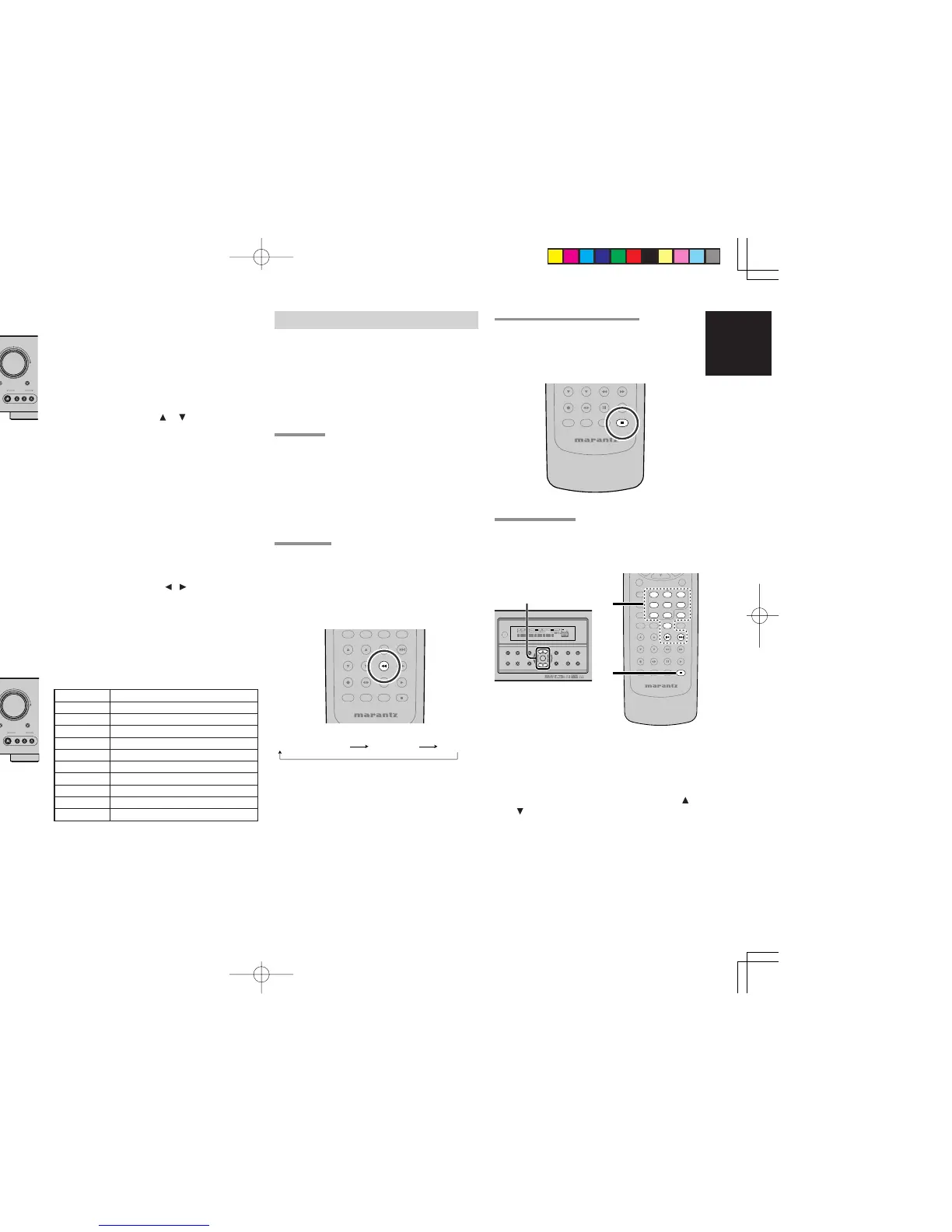
To change the display, press the RDS button on
the remote.
PROGRAMME TYPE (PTY) DISPLAY
The RDS system categorizes programmes
according to their genre into different programme
type (PTY) groups. To display the programme type
information of the current station, press the PTY
button in the TUNER MODE on the remote.
PTY AUTO SEARCH
Your receiver is equipped to automatically search
for stations transmitting any of 29 different
programme types. To search for a PTY, follow
these procedures:
1.
Press the PTY button in the TUNER MODE on
the remote controller. The current station’s
PTY will be displayed, or the currently
selected PTY group will be displayed in
blinking if no station or RDS data is present.
2.
To change to a new PTY type, press the
or
cursor
button on the front panel or numeric
buttons on the remote until the desired PTY is
shown in the display.
3.
Once the desired PTY group or type has been
selected, press the PTY button while the
display blink (approx. 5 seconds). The PTY
Auto search will start, and the tuner will pause
at each station broadcasting RDS PTY
information corresponding to the selected
choice.



 To Next Page