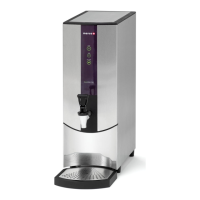
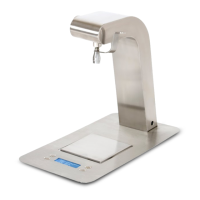
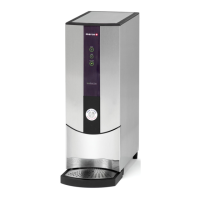
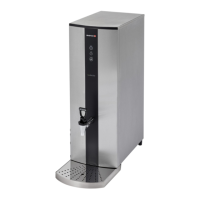
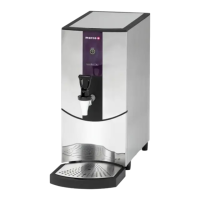
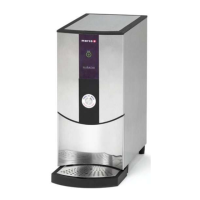
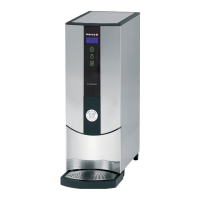
1000762#, 763#, 764#, 765#, 766#, 1762#, 1763# Service Manual for REVIEW
Page 18 of 33
8.3 Draining the tank
1. Turn off machine and disconnect from mains power.
2. Allow to cool sufficiently to avoid burn risk.
3. Place machine so that the tap of the machine is located next to a sink or a bucket large enough
to hold the full contents of the tank.
4. Open the tap and drain the machine up to the spigot level.
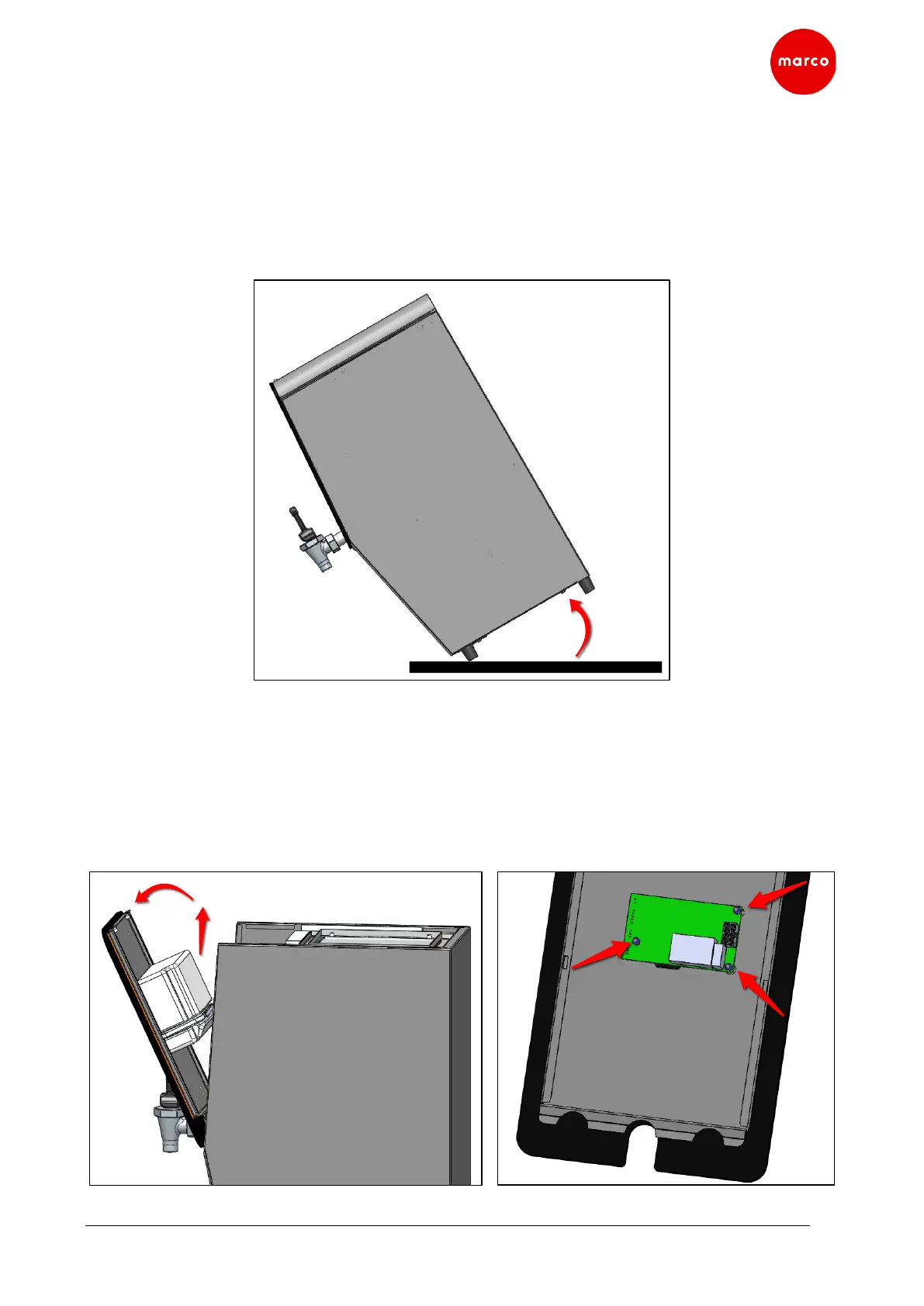
5. Tilt the machine forward and drain the remain water.
8.4 PCB replacement
1. Turn off machine and disconnect from mains power.
2. Remove Top Lid as per sections 8.1.
3. Pull Plastic Front Panel upwards and tilt it forward.
4. Remove the PCB insulation block by cutting the cable tie.
5. Disconnect all wiring connected to the PCB and remove Plastic Front Panel from the machine.
6. Remove 3 nuts to release PCB from Plastic Front Panel.


 To Next Page