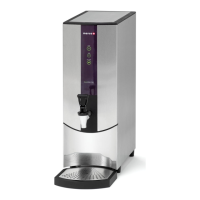
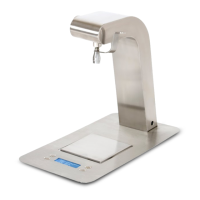
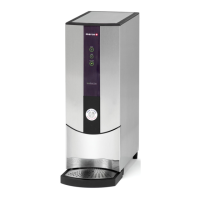
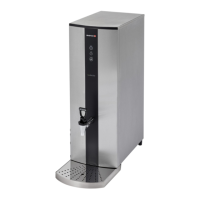
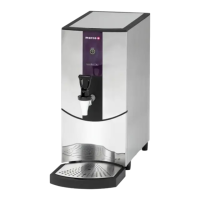
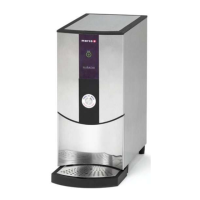
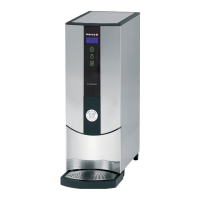
1000762#, 763#, 764#, 765#, 766#, 1762#, 1763# Service Manual for REVIEW
Page 23 of 33
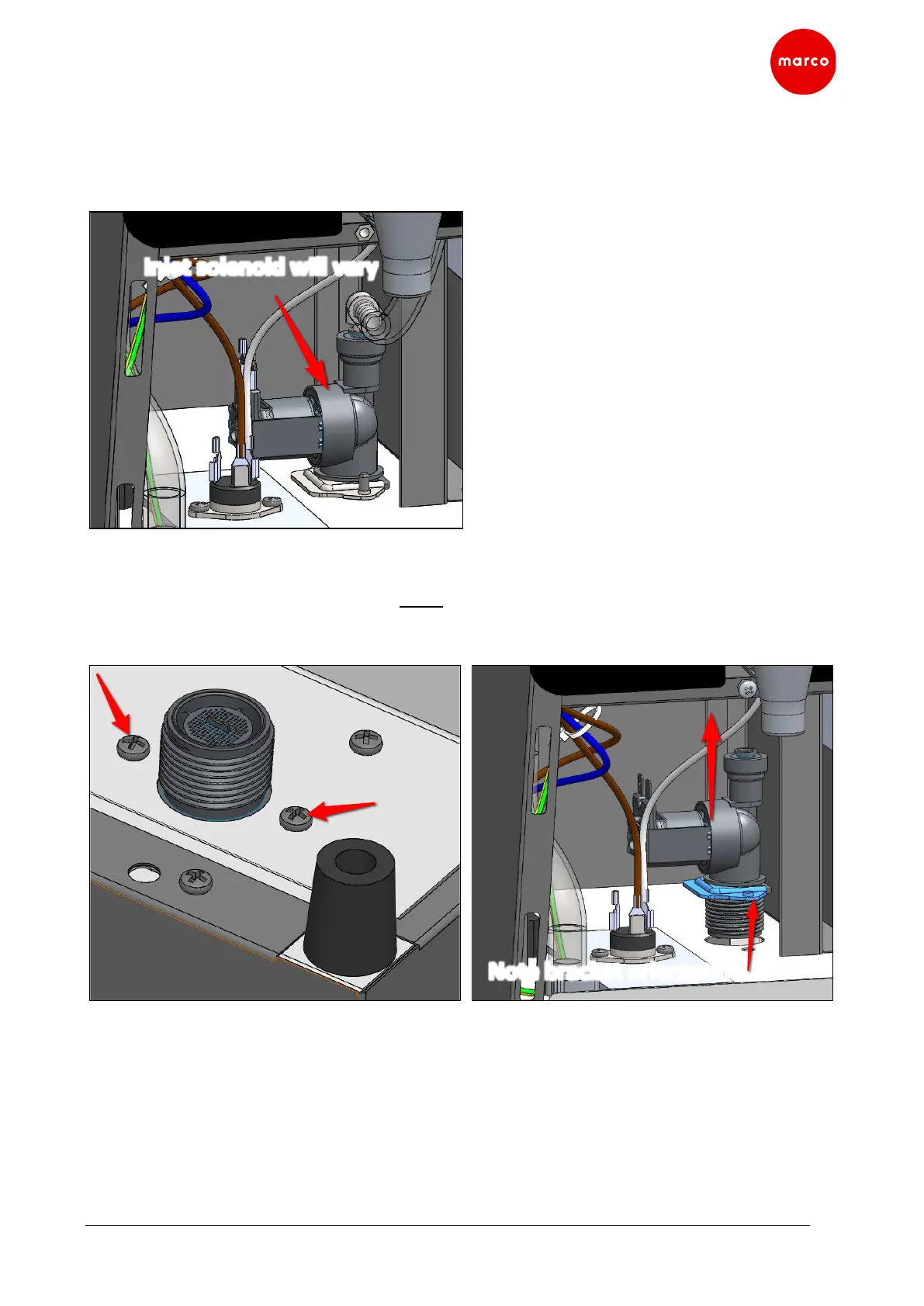
8.9 Inlet solenoid Replacement
1. Turn off machine and disconnect from mains power.
2. Drain the tank as per section 8.3.
3. Remove Lower Front Panel as per sections 8.2.
4. Disconnect all wires and hoses to the inlet solenoid.
5. Remove two solenoid retaining screws located on the base of the machine.
6. Remove solenoid by pulling upwards (NOTE: if replacing solenoid, observe the orientation of the
mounting bracket of the solenoid being removed. If orientation is NOT correct the solenoid will
not fit).


 To Next Page