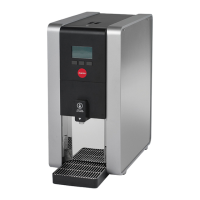
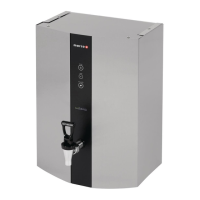
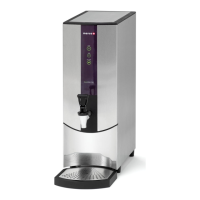
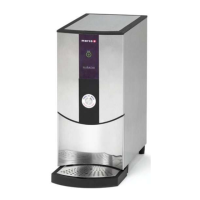
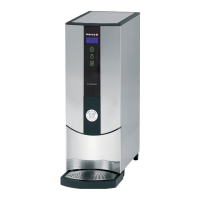
1000762#, 763#, 764#, 765#, 766#, 1762#, 1763# Service Manual for REVIEW
Page 8 of 33
5. BOILER SETUP
5.1 Operating Boiler for the First Time
• Check that all installation procedures have been carried out.
• Ensure water valve is connected and turned on.
• Plug in the IEC connector to the boiler.
• On models with a filter, connect the filter.
• Plug boiler into suitable socket.
• The boiler will power up.
• The screen will show the software revision.
• The machine will then fill with water and the display will flash between E-2 & the current
temperature of the tank, until the water has reached the low-level probe, then it will show the
current water temperature.
• The default temperature is 95°C (203°F).
• Once the machine is up to temperature the boiler is now ready for use.
NOTE:
Because the boiler is electronically controlled no priming is necessary.
The element cannot switch on until a safe level of water is reached.


 To Next Page