THE MENUS
The 2040 series instruments are operated by calling up
various
displays or menus on the
screen. Menus are accessed via both hard
and
soft
keys.
Pressing
a
hard key normally causes the
appropriate
primary
menu to appear on the screen regardless of the current
working position
within the menu hierarchy. As the display changes from one menu to another, so the 12 soft keys
assume those functions necessary
to
drive
the instrument from that
menu. Secondary menus are
displayed by pressing a soft key while in a primary menu. Some sub-menus
are
nested e.g.
UTILITIES. Clearance from these is obtained
by
pressing the [EXIT] key.
C0467
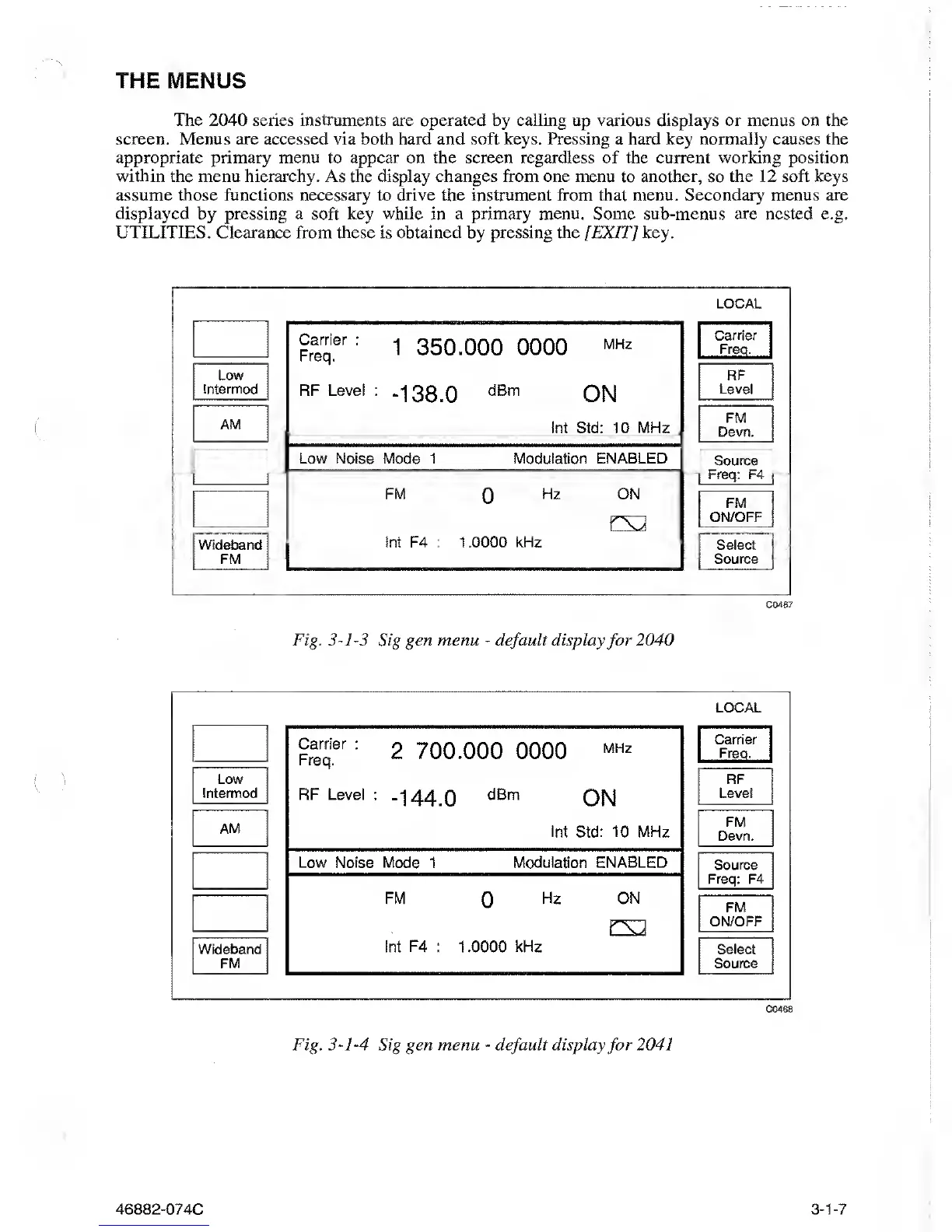
Fig.
3-1-3
Sig
gen menu
-
default display
for
2040
C0468
Fig.
3-1-4
Sig gen menu
-
default
display
for
2041
46882-074C
3-1-7



 To Next Page