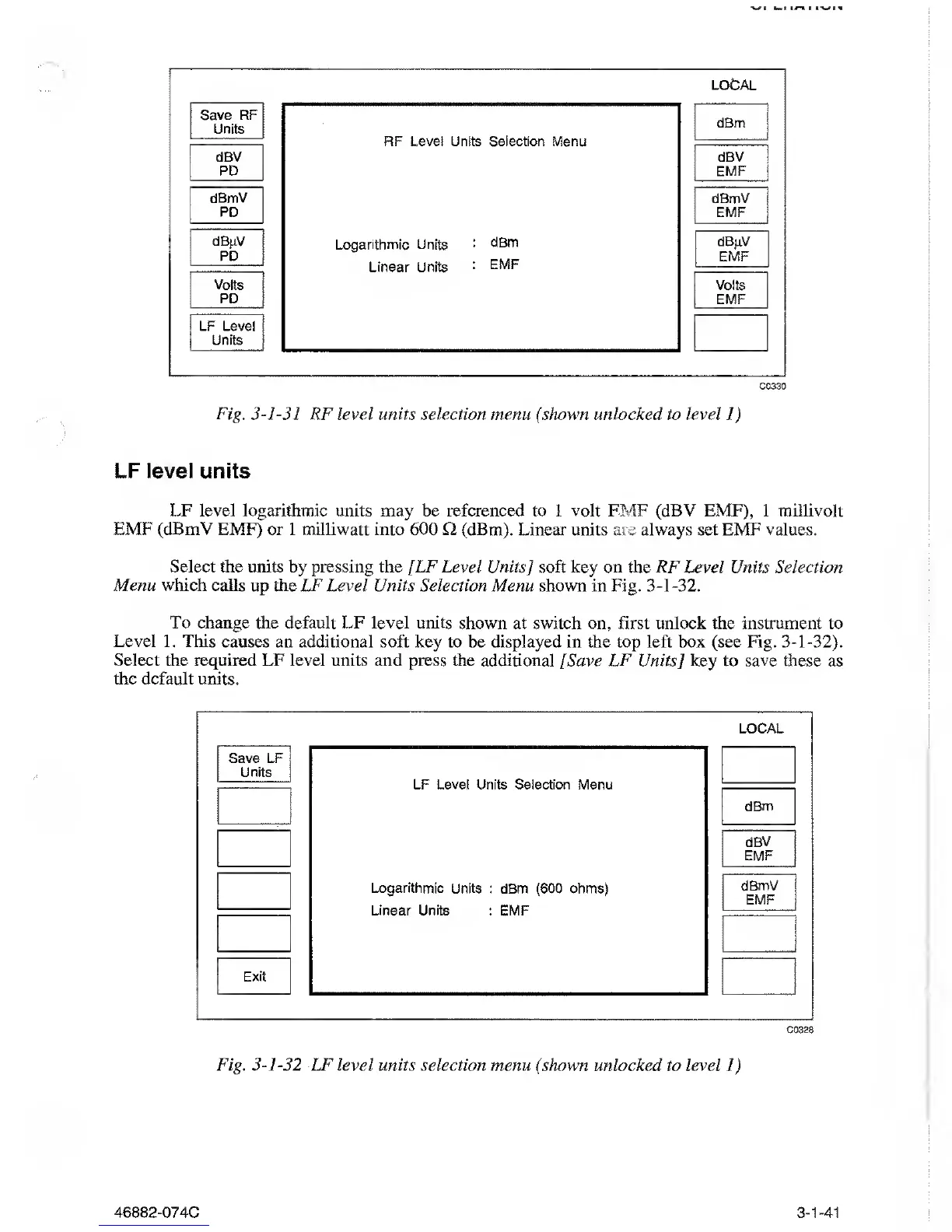
C0330
Fig.
3-1-31
RF level units selection menu (shown unlocked to level
1)
LF level units
LF level logarithmic units may be referenced
to 1
volt EMF (dBV EMF),
1
millivolt
EMF (dBmV EMF) or 1 milliwatt into 600
Q
(dBm). Linear units are always set EMF
values.
Select the units
by
pressing the
[LF Level Units] soft key on the RF Level Units Selection
Menu which
calls up the LF Level
Units
Selection Menu shown in Fig.
3-1-32.
To change
the default
LF
level
units shown at switch on, first unlock the instrument to
Level
1. This causes an additional soft
key to be displayed in the top left box (see Fig.
3-1-32).
Select the
required LF
level units and
press the additional [Save LF Units
]
key to save these as
the default units.
C0328
Fig.
3-1-32
LF level units selection
menu (shown unlocked to level
1)
46882-074C
3-1-41



 To Next Page