When
earner frequency
parameters
are entered, the instrument calculates all the individual
step
values
together with any level and modulation correction factors. While
this process is taking
place, the sweep status line changes
to
indicate
' CALCULATING SWEEP'.
Number of steps
(
1 )
Select
/Number
of
Steps].
(2)
Enter the number of steps via the numerical
key
pad and the [GHz/V/enter]
terminator
key.
Note...
If an inappropriate number of
steps is selected, the instrument will automatically choose a
more reasonable value. The number of steps available depends on the operating mode and
the maximum values are:
250 for
carrier
frequency with FM, OM or Wideband FM enabled.
1,000 for earner frequency without
FM, <hM or Wideband FM enabled.
10,000 for RF level, RF modulation frequency, LF frequency and LF level.
Step
time
(
1 )
Select
[
Step Time].
(2)
Enter the step time via the
numerical key
pad and the [MHz/mV/ms] terminator
key.
Markers
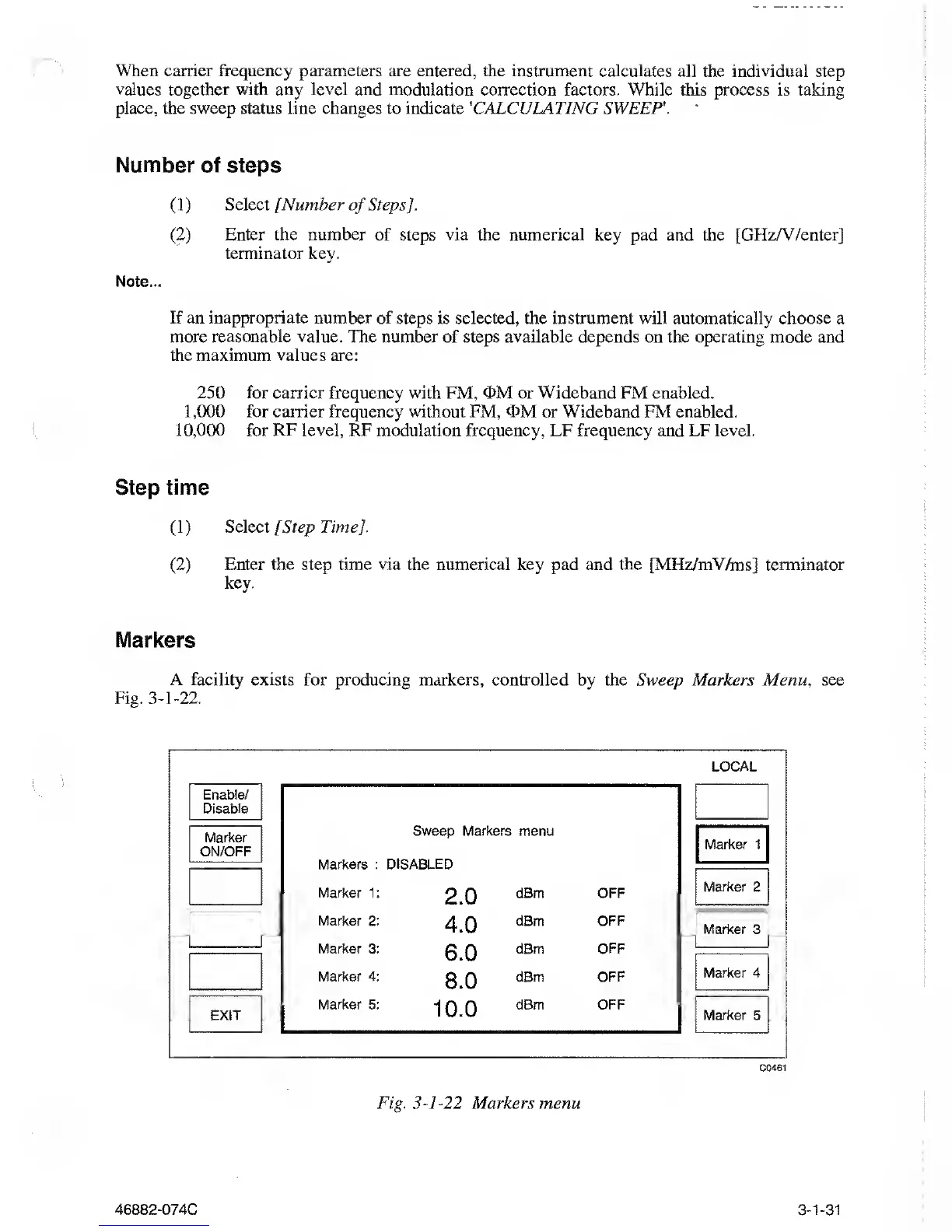
A facility exists for producing
markers, controlled by the Sweep Markers Menu
,
see
Fig.
3-1-22.
LOCAL
Enable/
Disable
Marker
ON/OFF
EXIT
Sweep Markers menu
Markers : DISABLED
Marker
1:
2.0
dBm OFF
Marker 2:
4.0
dBm OFF
Marker 3:
6.0
dBm OFF
Marker 4:
8.0
dBm OFF
Marker
5:
10.0
dBm OFF
Marker 1
Marker 2
Marker 3
Marker 4
Marker 5
C0461
Fig.
3-1-22
Markers
menu
46882-074C
3-1-31



 To Next Page