RPP
TRIPPED
***
REMOVE SIGNAL SOURCE
***
RPP
reset
C0039
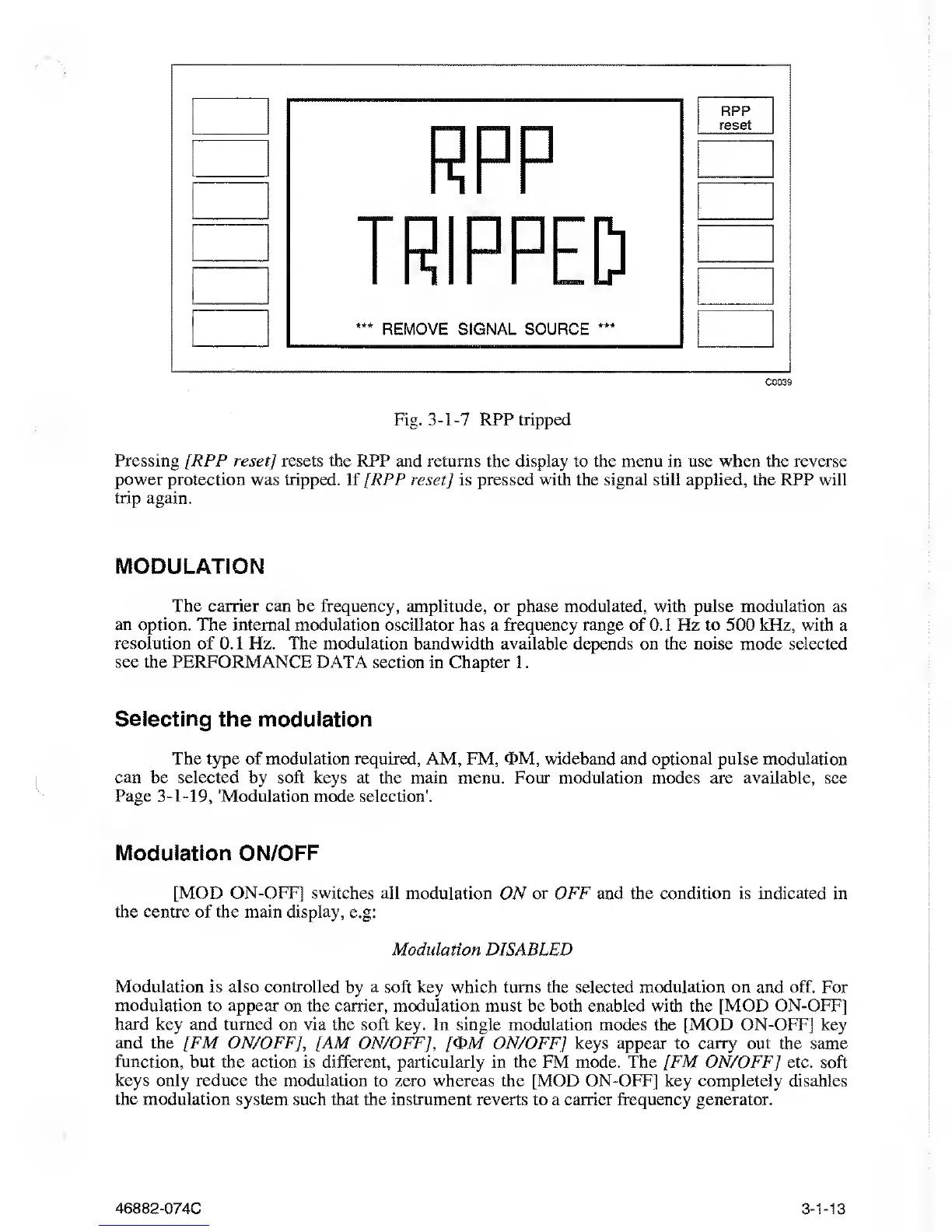
Fig.
3-1-7
RPP tripped
Pressing [RPP reset] resets the RPP and
returns the
display
to the menu in use when the reverse
power protection
was tripped. If [RPP reset]
is
pressed with the signal still applied, the RPP will
trip
again.
MODULATION
The carrier
can be
frequency, amplitude,
or
phase modulated, with pulse modulation
as
an option. The internal modulation oscillator
has a frequency range of
0.1
Hz to 500 kHz,
with
a
resolution
of 0. 1 Hz.
The modulation
bandwidth
available
depends on the noise mode selected
see the PERFORMANCE DATA section
in
Chapter
1
.
Selecting
the modulation
The
type
of modulation
required, AM, FM, <E>M,
wideband
and optional pulse modulation
can be selected by soft keys at the
main menu. Four
modulation modes are available,
see
Page
3-1-19,
'Modulation
mode selection'.
Modulation ON/OFF
[MOD ON-OFF] switches all modulation
ON
or OFF
and the condition is indicated in
the centre of the main display,
e.g:
Modulation DISABLED
Modulation is also controlled
by
a soft key which turns
the selected modulation on and off. For
modulation
to appear on the carrier, modulation must be both enabled with the [MOD ON-OFF]
hard
key and turned on via the soft key. In single modulation modes
the
[MOD ON-OFF]
key
and the [FM ON/OFF],
[AM ON/OFF], /<DM ON/OFF] keys appear to carry out the same
function,
but the action is different, particularly in the FM mode. The [FM ON/OFF] etc. soft
keys only reduce the modulation
to
zero whereas
the [MOD ON-OFF] key completely disables
the modulation
system such that the instrument reverts to a earner frequency generator.
46882-074C
3-1-13



 To Next Page