Use as an independent LF generator
To
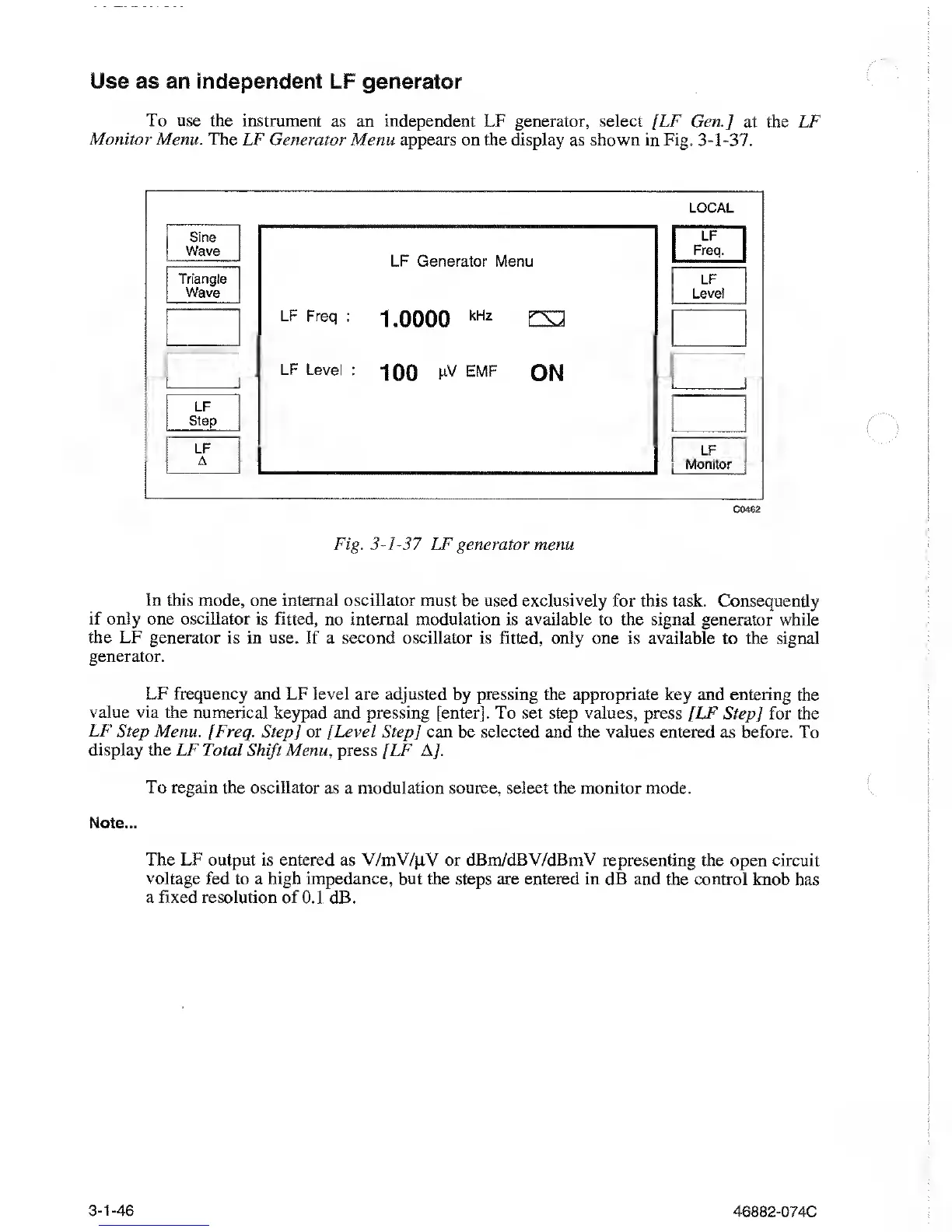
use the instrument as an independent
LF generator, select [LF Gen.] at the LF
Monitor Menu. The LF Generator Menu
appears on the display as shown in Fig.
3-1-37.
LOCAL
Sine
Wave
Triangle
Wave
LF
Step
LF
A
LF Generator Menu
LF Freq :
1.0000
kHz
CS2
LF
Level :
100
FV
emf
ON
LF
Freq.
LF
Level
LF
Monitor
C0462
Fig.
3-1-37
LF generator menu
In
this mode, one internal oscillator must
be used
exclusively
for this task. Consequently
if only one
oscillator is fitted, no internal modulation
is
available
to
the
signal generator while
the LF generator is in
use. If
a
second oscillator is fitted, only one is available
to
the signal
generator.
LF frequency
and LF
level
are adjusted
by pressing
the appropriate
key and entering the
value via
the numerical keypad and
pressing [enter]. To set step
values,
press [LF
Step]
for
the
LF Step Menu. [Freq.
Step] or [Level Step
]
can
be
selected and the values entered
as before. To
display
the LF Total
Shift
Menu, press
[LF A/.
To regain the oscillator as a
modulation source, select the monitor mode.
Note...
The LF
output is entered as V/mV/jLV or dBm/dBV/dBmV
representing the open circuit
voltage
fed to a high impedance,
but the steps are entered in dB and the control
knob has
a fixed
resolution of 0.1 dB.
3-1-46
46882-074C



 To Next Page