FULL
48
LOCAL
“
:
2 700.000
0000
MHz
RF Level :
-144.0
dBm
ON
Int Std: 10 MHz
Single Modulation Mode
Modulation
ENABLED
FM
0
Hz
0N
ES3
Int F4 : 1.0000 kHz
Memory
UP
Memory
Down
Memory
Return
Cl 030
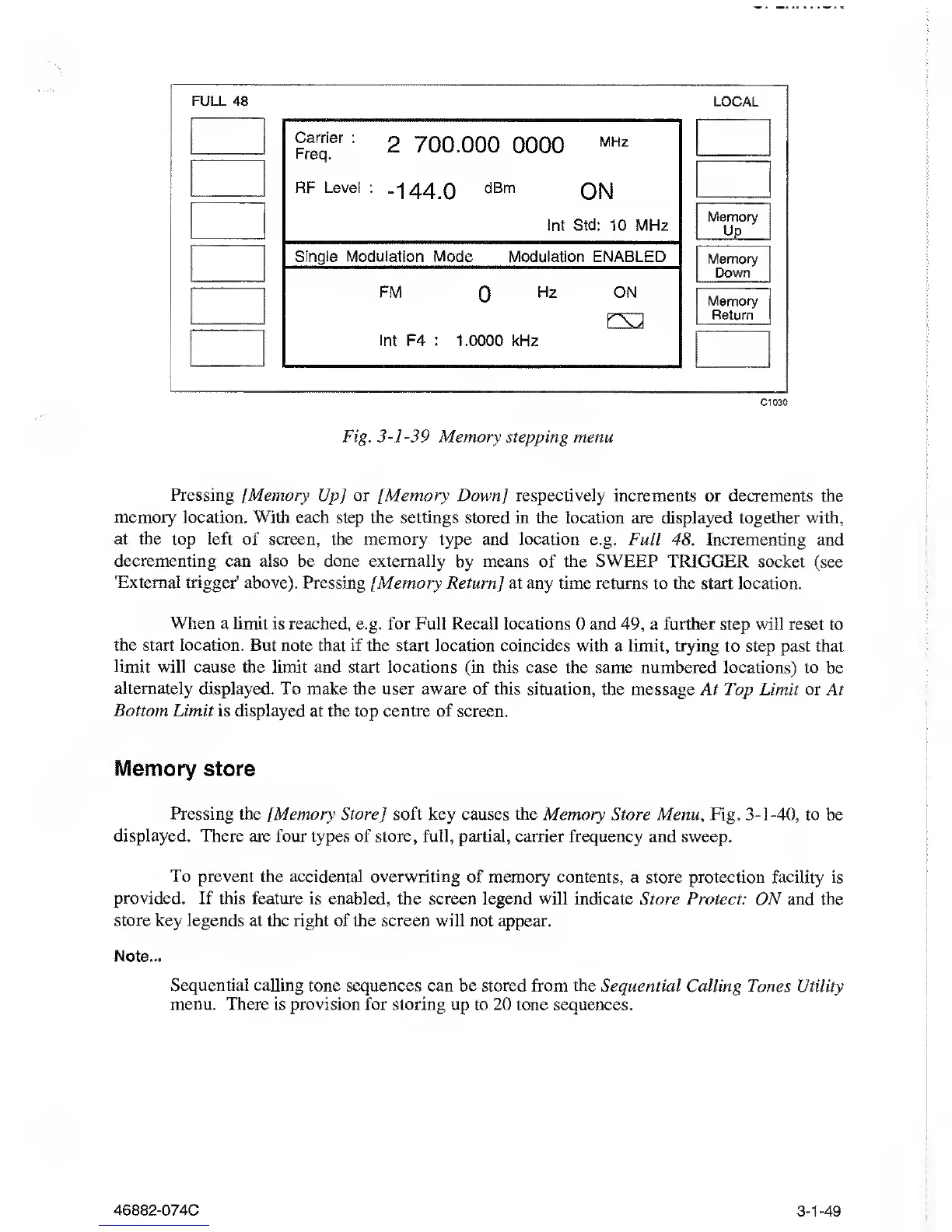
Fig.
3-1-39
Memory stepping menu
Pressing [Memory
Up] or [Memory Down
]
respectively increments or
decrements the
memory
location. With each step the settings stored in the
location are displayed together with,
at the
top
left
of screen, the memory type and location e.g.
Full 48. Incrementing and
decrementing
can also be done externally
by means of the SWEEP TRIGGER socket
(see
'External
trigger' above). Pressing [Memory
Return] at any time returns to the start location.
When a limit is reached, e.g. for Full
Recall locations 0
and
49,
a further step will reset to
the start
location. But note that if the start location
coincides
with
a limit, trying to step past that
limit will cause the
limit
and start
locations (in this case the same numbered locations) to
be
alternately displayed. To
make the user aware of this situation, the message At Top
Limit or At
Bottom
Limit is displayed at the top centre of
screen.
Memory store
Pressing
the [Memory Store] soft key
causes the Memory Store Menu
,
Fig.
3-1-40,
to
be
displayed. There are four types
of store, full, partial, carrier frequency and sweep.
To prevent the
accidental overwriting of memory contents,
a store protection facility is
provided. If this feature is
enabled, the screen legend will indicate Store Protect:
ON and the
store key
legends at the right of the screen will not appear.
Note...
Sequential
calling tone sequences can be stored from the Sequential
Calling Tones Utility
menu. There is provision for storing up
to
20
tone sequences.
46882-074C
3-1-49



 To Next Page