Before executing
a earner hopping sequence,
the frequencies must be loaded into the
carrier frequency
stores
(0
-
99).
This can
be
achieved via
the GPIB using the following
commands
-
CFRQ <
frequency value
>
STO:CFRQ < store number >
To enter the frequency
hopping mode, enter the following GPIB commands
-
IMODE SWEEPER
SWEEP-.TYPE HOP
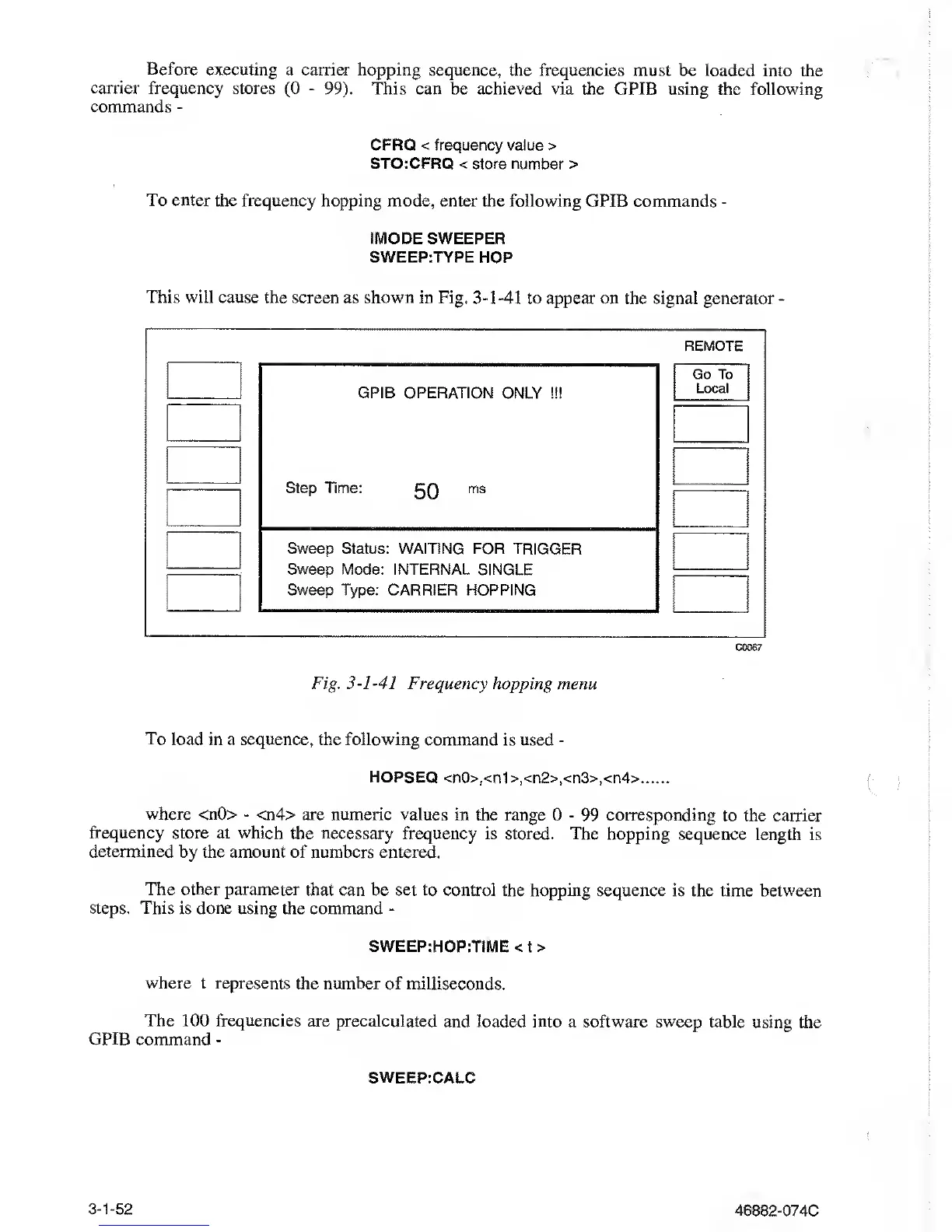
This will
cause the screen as shown in Fig.
3-1-41
to appear on the signal
generator
-
REMOTE
GPIB OPERATION
ONLY !!!
Step Time:
5Q
ms
Go
To
Local
Sweep Status: WAITING FOR TRIGGER
Sweep Mode: INTERNAL SINGLE
Sweep Type: CARRIER HOPPING
C0067
Fig.
3-1-41
Frequency hopping menu
To load in
a sequence, the
following
command
is used
-
HOPSEQ
<n0>,<n1>,<n2>,<n3>,<n4>
where
<n0>
-
<n4>
are numeric values
in the range 0
-
99 corresponding to the
carrier
frequency store
at
which
the necessary
frequency is stored. The hopping
sequence length
is
determined by the amount
of numbers entered.
The other parameter
that can be set to control
the hopping sequence is the time
between
steps. This
is done using the command
-
SWEEP:HOP:TIME <
t
>
where
t represents the number of milliseconds.
The 100 frequencies
are precalculated
and loaded into a software sweep table
using the
GPIB
command
-
SWEEP:CALC
3-1-52
46882-074C



 To Next Page