15
N
0
52 RefeReNce PReamPlifieR / Quick-Start Guide
enGliSh
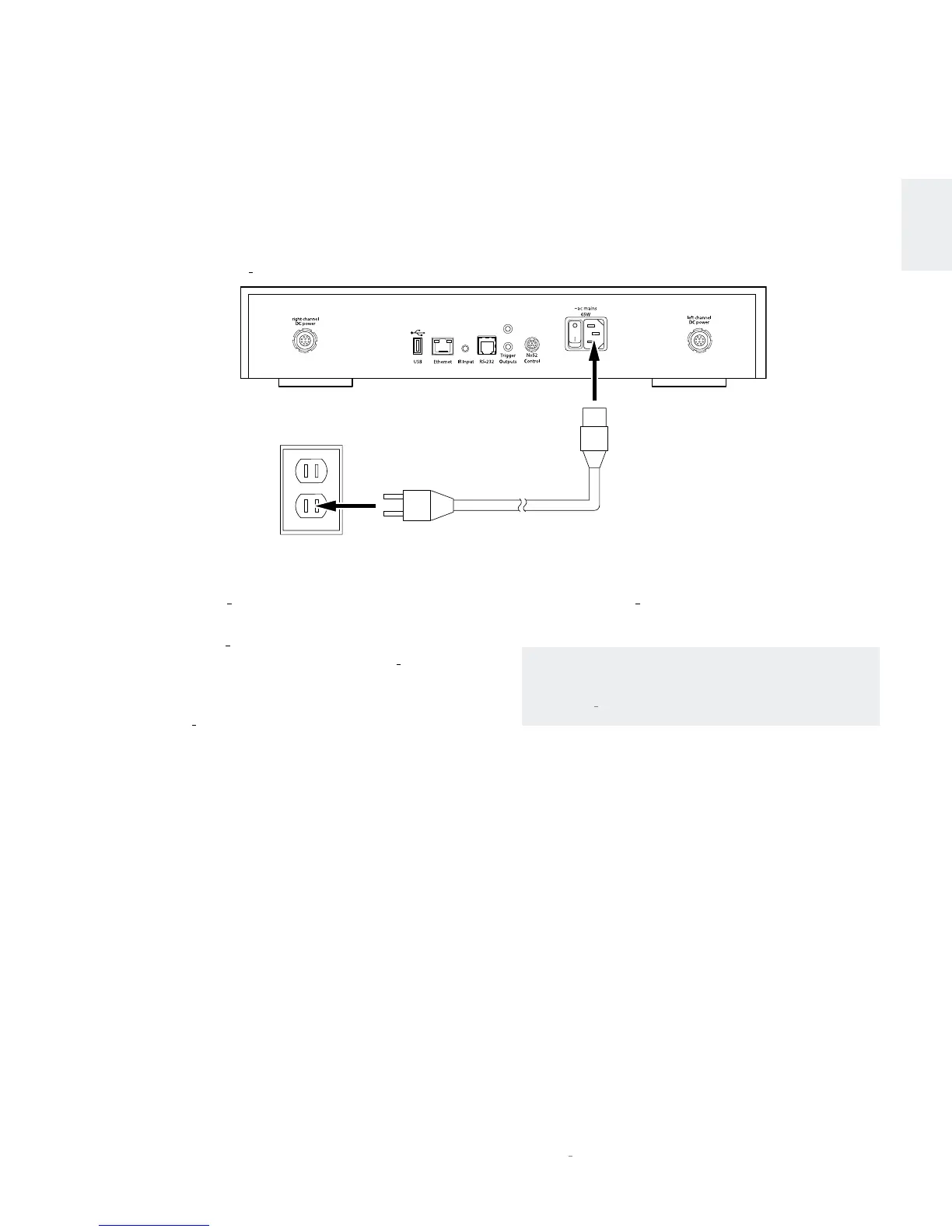
5. Connect the supplied power cable to the Controller and
into an electrical outlet.
6. Power the N
0
52 and all associated components on.
NOTE: Power amplifiers should be powered on last.
7. Rotate the N
0
52 select knob or press the Select +/–
buttons on the remote to select the N
0
52 input that
corresponds to the input connectors to which you
connected the source component.
• The N
0
52’s front-panel display indicates the name and
volume level of the selected input.
• Factory-default input names correspond to their
assigned stereo input connector number. For example,
Input 1 is assigned to the input connectors numbered
1, Input 2 is assigned to the input connectors numbered
2, and so on.
8. Make sure the N
0
52’s volume is set to a reasonable level.
Then, begin playing the connected source device.
NOTE: For information about making Network and
SSP (Surround-Sound Processor) mode connections,
see the
N
0
52 User Guide.
Quick SetuP and liSten
N
0
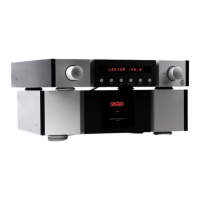
52 CONTROLLER
Power Cable
(supplied)
AC Outlet









 To Next Page