5
N
0
536 MONAURAL / N
0
534 DUAL-MONAURAL AMPLIFIER / OWNER’S MANUAL
ENGLISH
GETTING STARTED
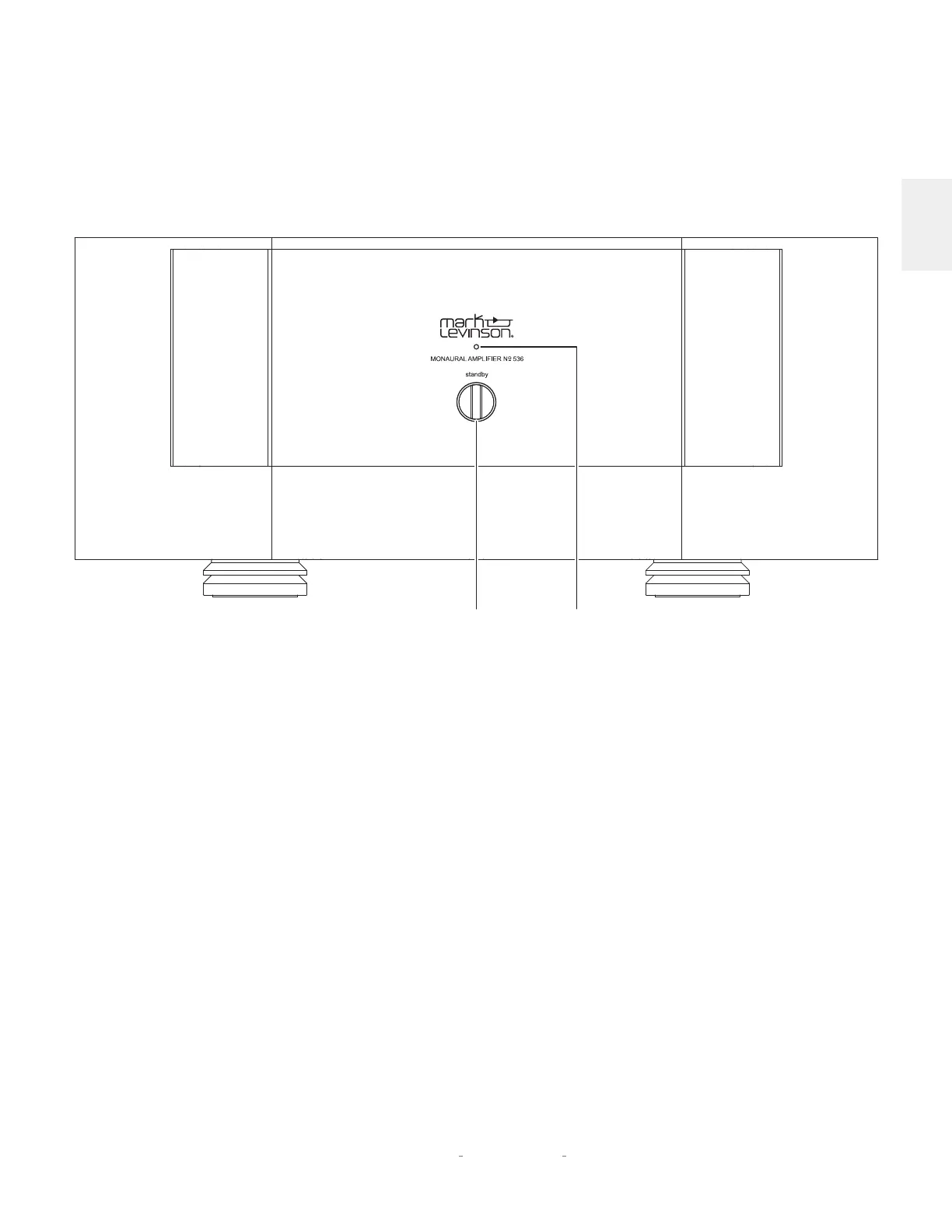
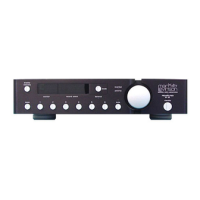
FRONT PANEL
GETTING STARTED
Standby button:
press this button to put the unit into and out of
the selected Standby mode.
LED:
illuminates red when the unit is On, and flashes slowly
when the unit is in Standby mode. Illuminates blue when loading
software. Illuminates white during fault conditions.
Standby
Button
LED









 To Next Page