METAL X PRINTER USER GUIDE
22
APPLYING A PRINT SHEET
Note: See Safety Notes for additional instructions.
Supplies
● Print sheet
● Sheet press
● Brush from accessory kit
1. Using the brush from the Metal X accessory kit, brush all metal and support debris from the print bed.
Note: Keeping the print bed channels clean allows for a quality vacuum seal between the print
bed and the print sheet.
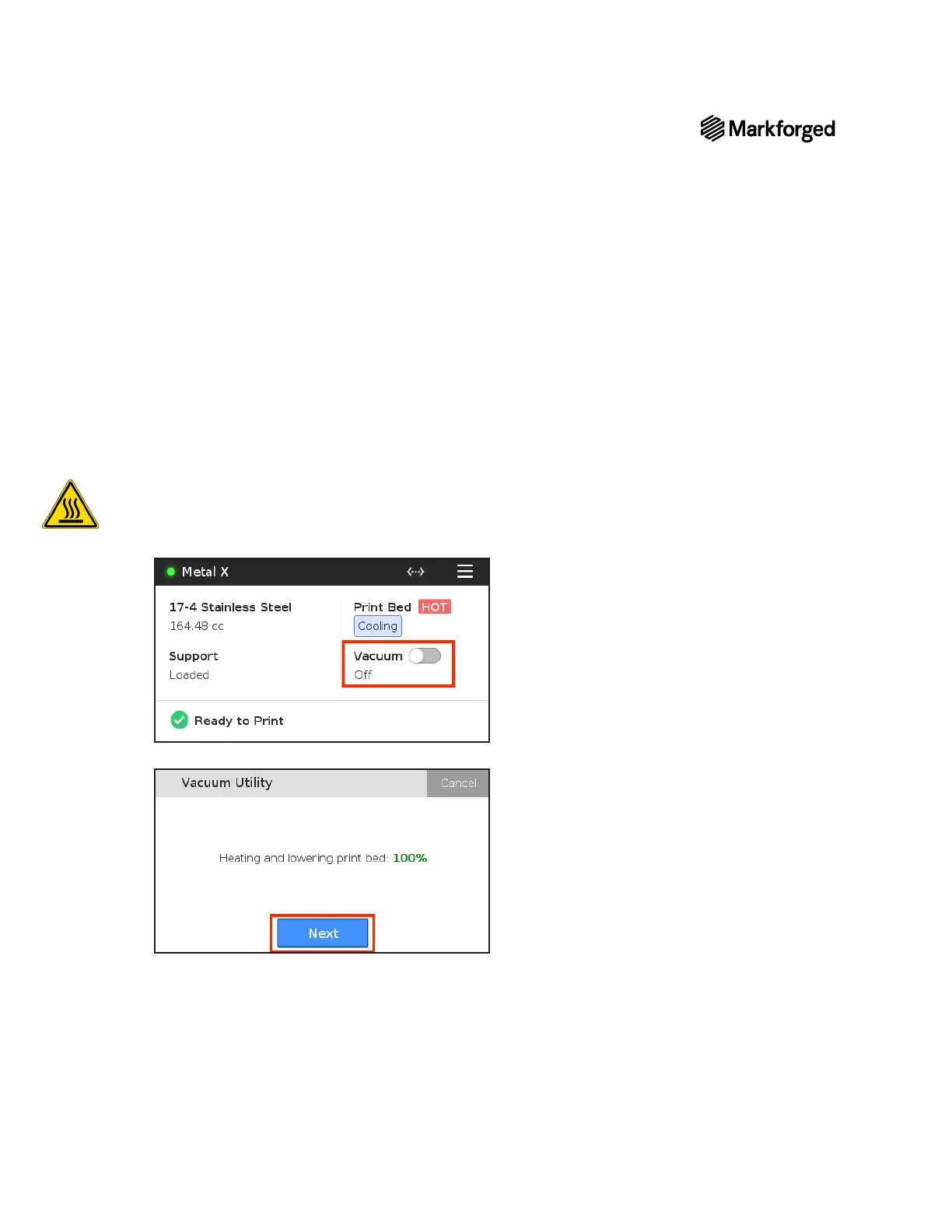
2. On your touchscreen, toggle the Vacuum slider to the On position.
3. Allow the bed to lower and heat, then press Next.



 To Next Page