METAL X PRINTER USER GUIDE
6
CREATING EIGER ORGANIZATIONS
Before you can print to your printer, you will need to create an organization in Eiger, our software for setting up
only be assigned to a single Eiger organization, and a user can only belong to a single organization.
CREATE NEW ORGANIZATION
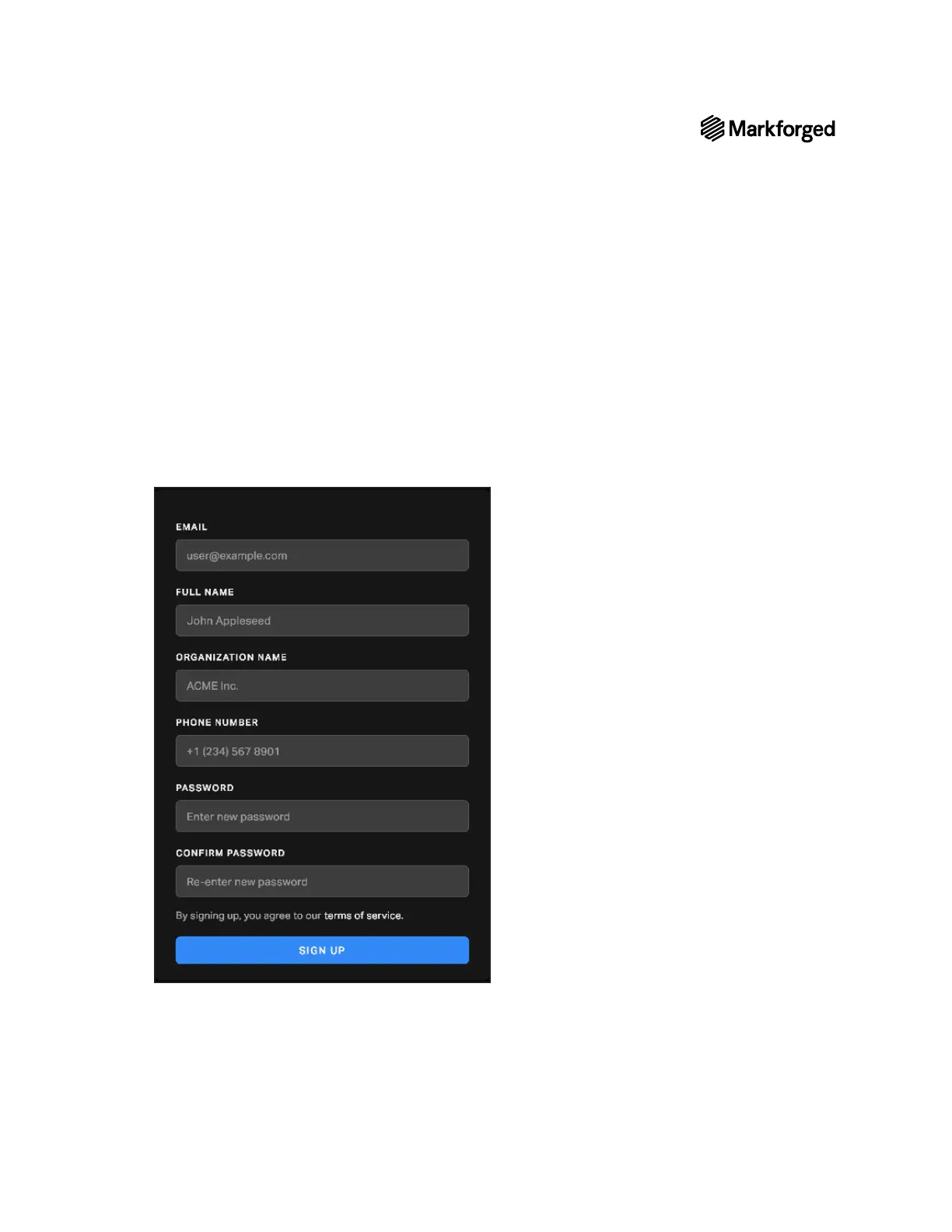
1. Navigate to https://www.eiger.io/register in a Google Chrome browser.
2. Input all of the required information to create an Eiger organization.
3. You will receive an email from Eiger after creating your organization. Please click on the link within the
email to complete the sign-up process.
4.
screen by selecting the menu icon from the dashboard of your printer and navigating to Settings >
System Info.



 To Next Page