EasyManua.ls Logo

Markforged Metal X - ADD PRINTER TO EXISTING ORGANIZATION

Markforged Metal X
102 pages
Print Icon
To Next Page IconTo Next Page
To Previous Page IconTo Previous Page
Loading...
7
METAL X PRINTER USER GUIDE
5. Register.
ADD PRINTER TO EXISTING ORGANIZATION
If you already have an existing organization, you can add a new printer to it at any time with the ID and access
Settings >
System Info.
1. Sign into your Eiger account in a Google Chrome browser.
2. Navigate to https://www.eiger.io/devices.
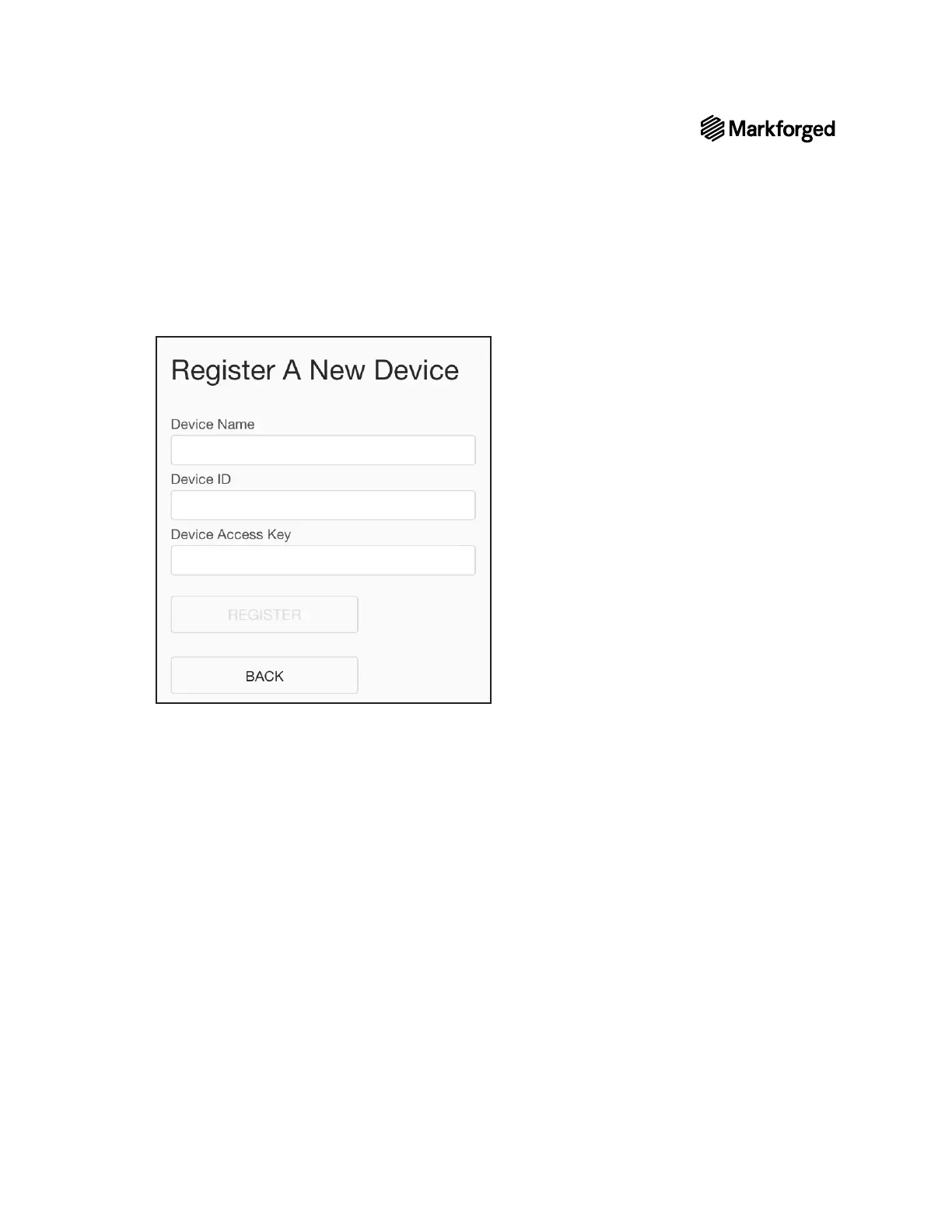
3. Select the Register Device button on the screen.
4. 
Register.

Other manuals for Markforged Metal X

Related product manuals