47
METAL X PRINTER USER GUIDE
UNLOADING METAL FILAMENT
Note: See Safety Notes for additional instructions.
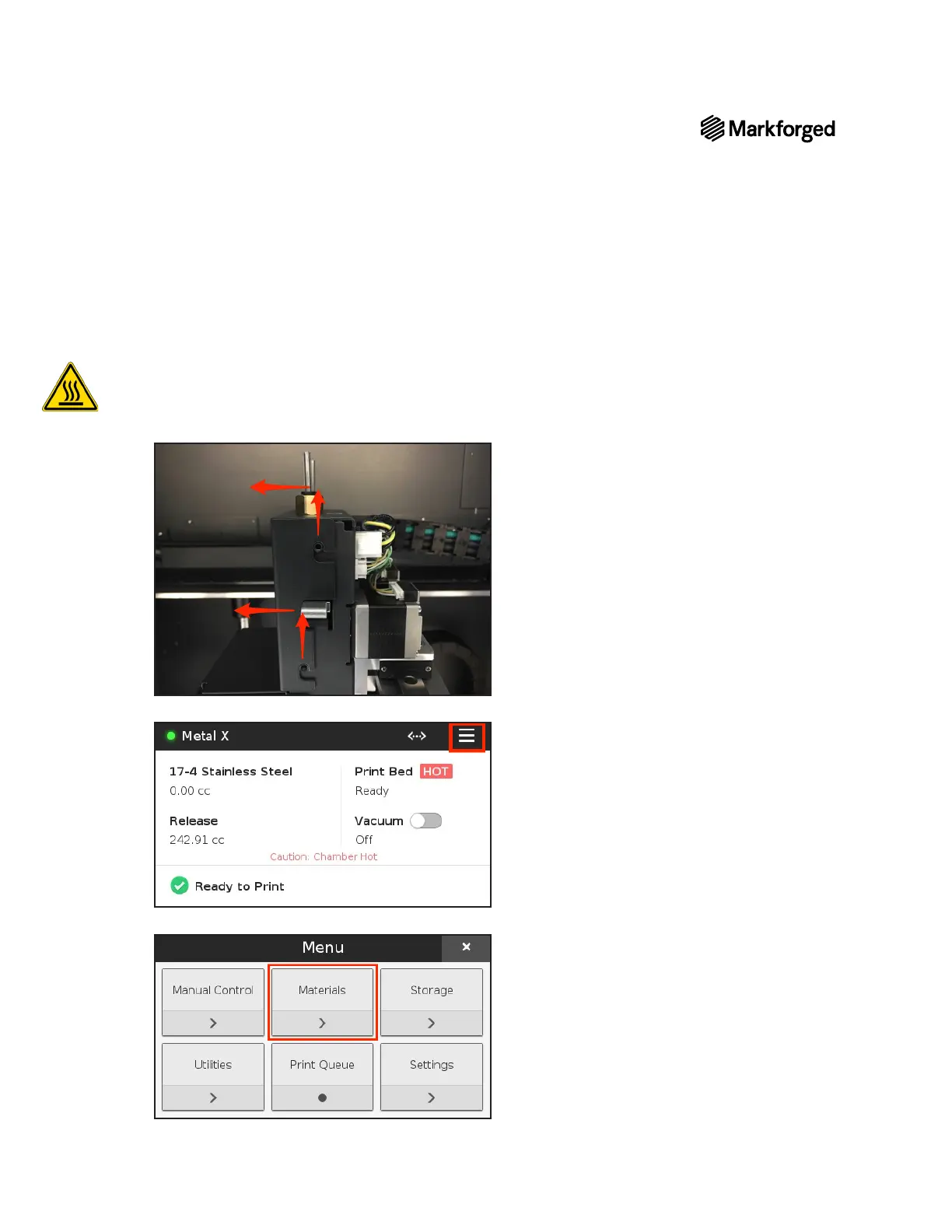
1. Manually move your print head to the center of the printing area, then remove the print head cover by
Note: Always take extra care when working near the print head. Hold the print head from the top
and do not touch the nozzles, fan, or exposed electronics.
2. Select the menu icon from the dashboard.
3. Materials



 To Next Page