METAL X PRINTER USER GUIDE
46
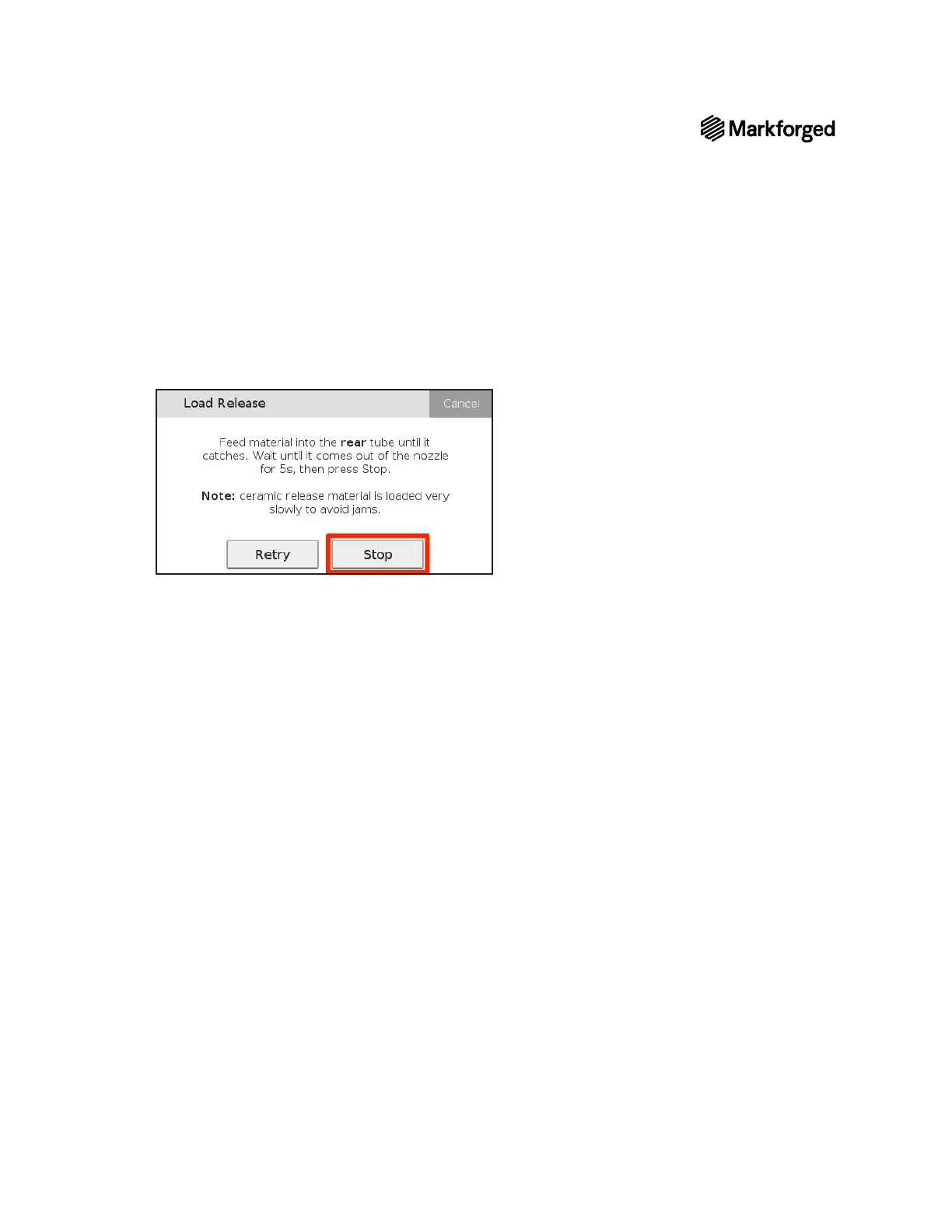
8. Feed the material into the rear brass inlet until the extruder is loaded. When the release material extrudes
from the nozzle for a few seconds, press Stop. Press Stop to exit the utility or press Retry to continue
extruding material.
Note: The release filament extrudes very slowly and will take longer than loading metal filament.
9. Remove the brush pan from the print bed. Never leave foreign objects in the print chamber.
10. Replace the print head cover.



 To Next Page