9
METAL X PRINTER USER GUIDE
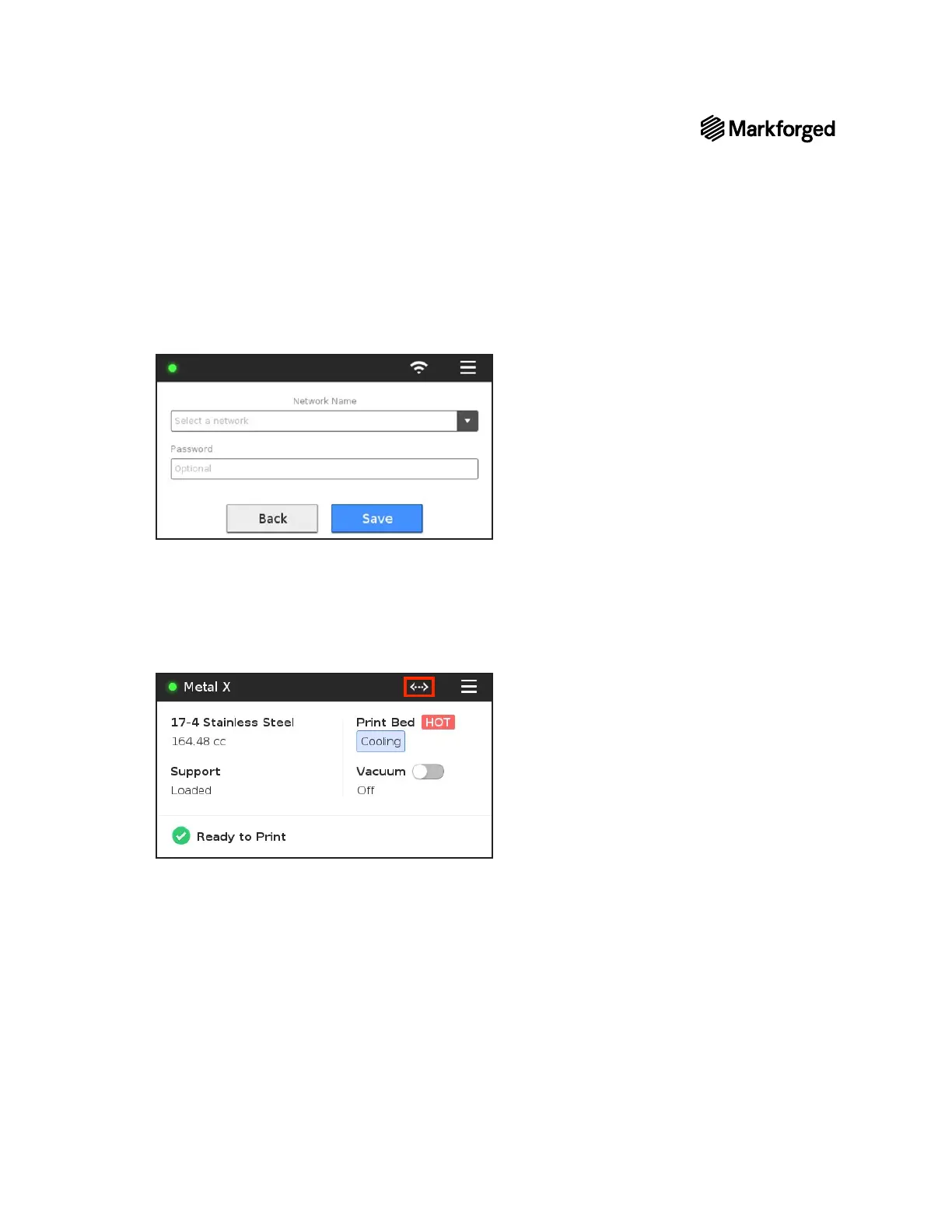
4. Choose a network from the Network Name drop-down menu and enter your network password, if
necessary.
5. Press Save
1. Plug your Ethernet cable into the Ethernet port.
Note: Make sure your LAN (Local Area Network) uses DHCP.
2. Select the Ethernet icon from the dashboard.
for either Ethernet or Wi-Fi.



 To Next Page