METAL X PRINTER USER GUIDE
90
4. Place the microphone close to, but not touching, the belt opposite the print head. Pluck the center of the
belt as if it were a guitar string. Using a 3mm hex key, adjust the belt tensioner until a frequency of
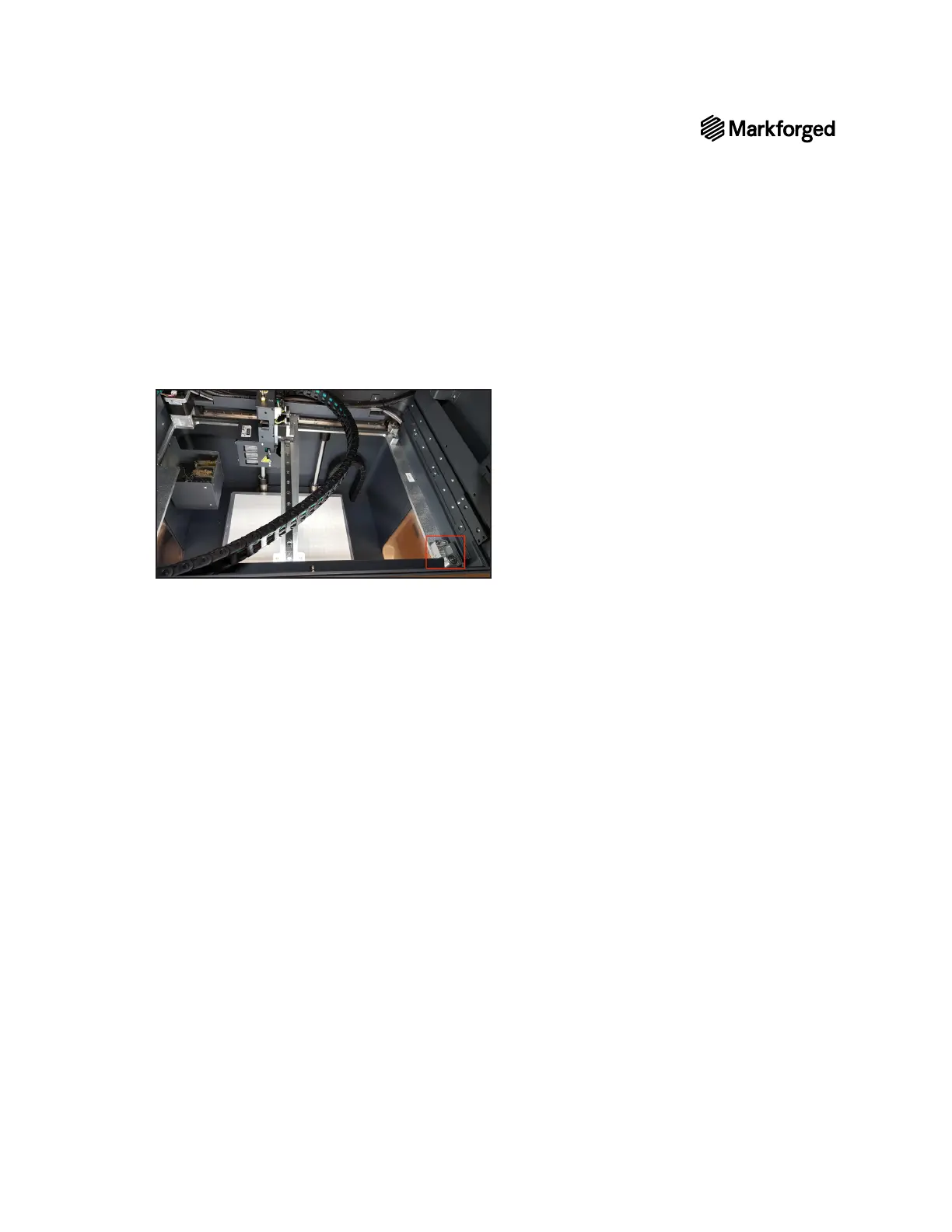
82-84Hz is read by the app. The belt tensioner is located on the front right corner of the printer, as seen
in the picture below.
Once the belt is properly tuned, you may proceed with normal printer operation.



 To Next Page