13
INDUSTRIAL PRINTER QUICK START GUIDE
3. Import the Logo Keychain Onyx part into your Eiger organization following the steps below:
a. Download the STL le for the part here: https://s3.amazonaws.com/mf.product.doc.images/
Links/LogoKeychainOnyx.stl.
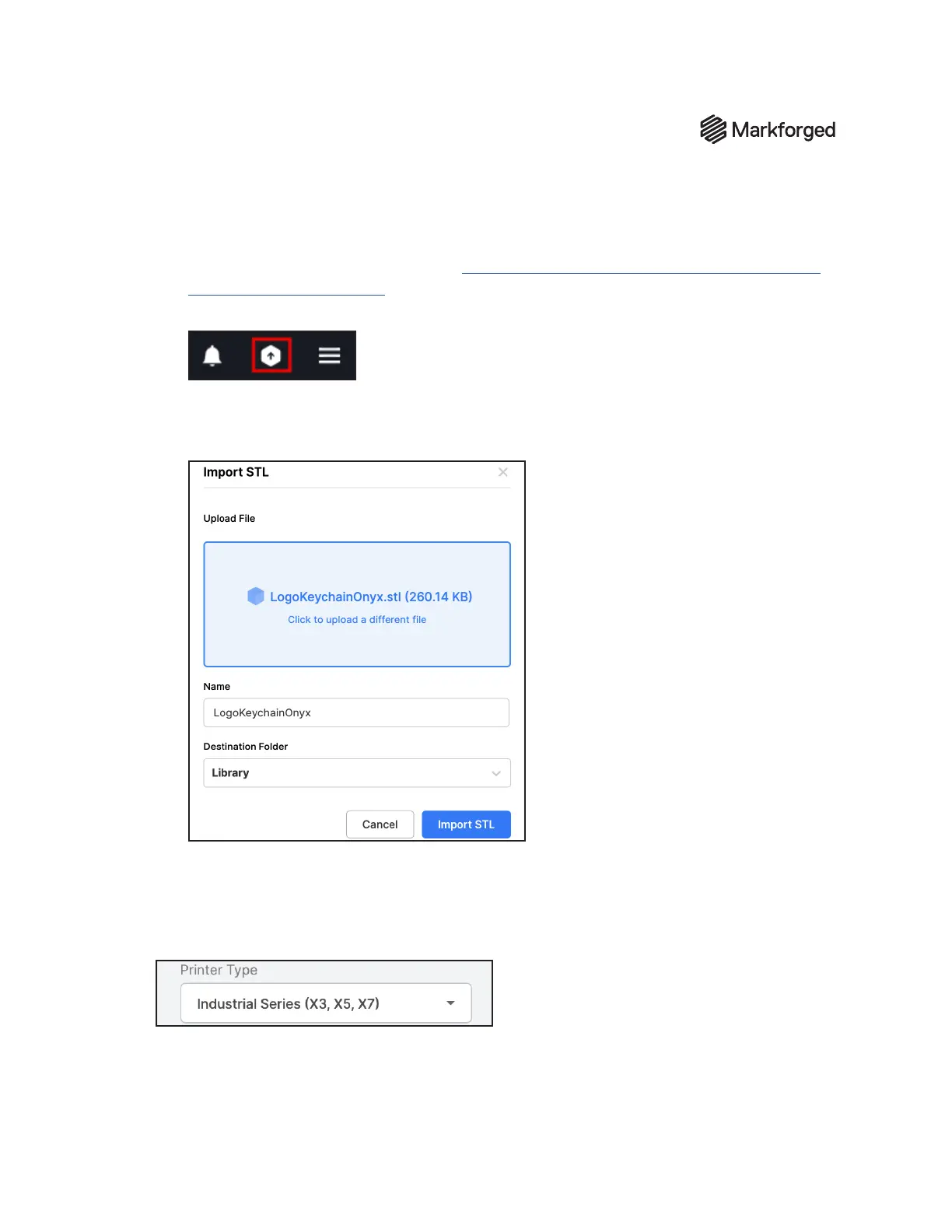
b. Click the Import STL icon in the navigation bar.
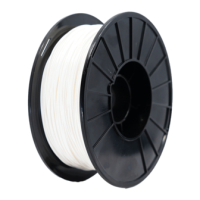
c. Click within the Upload File box and select LogoKeychainOnyx.stl from the lesystem, or
click and drag the le into the box. If desired, rename the part in the Name eld and select a
folder from the Destination Folder drop-down menu.
d. Click Import STL to import the le to Eiger. You will be redirected to the Part View page for
the newly created part.
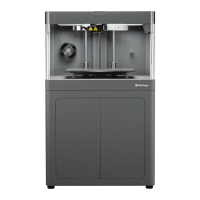
4. SelectIndustrial Seriesfrom thePrinter Typedrop-down menuin thePart Settingspanel on
the right side of the screen.


 To Next Page