9
INDUSTRIAL PRINTER QUICK START GUIDE
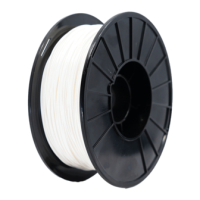
4. Place the plastic lament spool on the spindle and attach the spindle cap such that the magnets
connect.
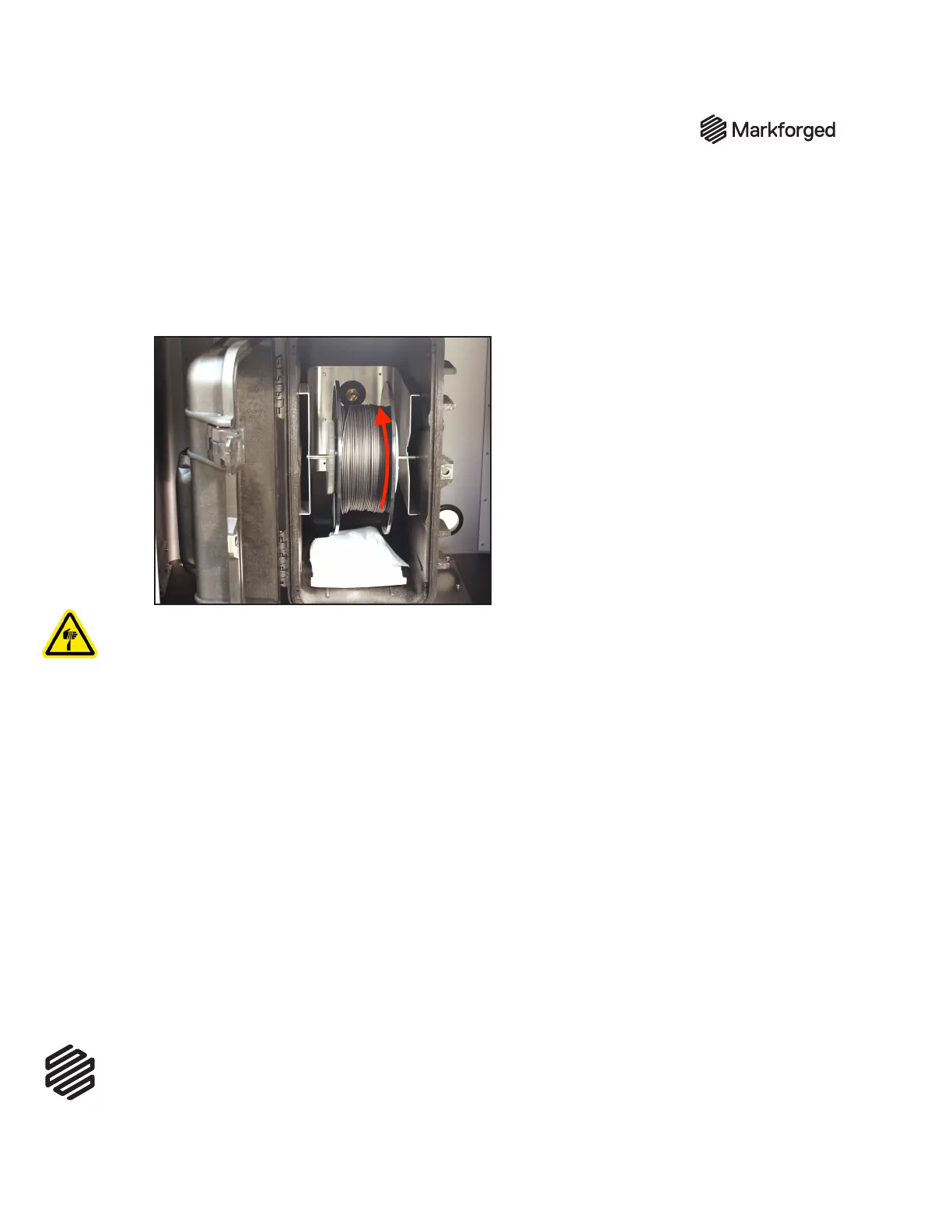
5. Place the spool and spindle in the drybox such that lament exits from the top of the spool.
Note: The plastic spool is wound under tension. Always hold the plastic against the spool to
prevent unwinding during the loading routine.
6. Using wire cutters or a similar tool, cut the plastic lament at a 45
o
angle.
7. Insert the end of the lament into the drybox adapter and feed it all the way through the plastic load
tube until it extends out the other end.
8. Close the drybox cover and press the latches closed until they each click twice, then close the
cabinet doors.
Note: Ensure that the drybox remains closed and fully latched at all times, except when quickly
loading or replacing filament. Failure to do so can result in wet, unusable material
9. Run theLoad Plasticroutine by selectingMenu>Materials>Load Plastic > Meter Loadon
your printer’s touchscreen. Input the type of plastic that you are loading and select Full Spool.
Follow the onscreen instructions to load plastic before moving on to the next section.
a. Wait for the plastic nozzle to heat up before feeding lament into the plastic extruder.
b. Once the extruder motor catches the lament, insert the unattached end of the plastic load
tube into the tting on the back of the plastic extruder.
Note: The plastic extruder will start to click as material is extruded from the nozzle. This is
normal and expected behavior for the material loading process.
10. Use tweezers to remove the extruded plastic material from the nozzle.
LOAD FIBER
1. Remove the ber spool from the ber lament material bag.
2. Hold the end of the ber to keep it from unspooling and remove the tape from it.


 To Next Page