10
6. Connecting Signals
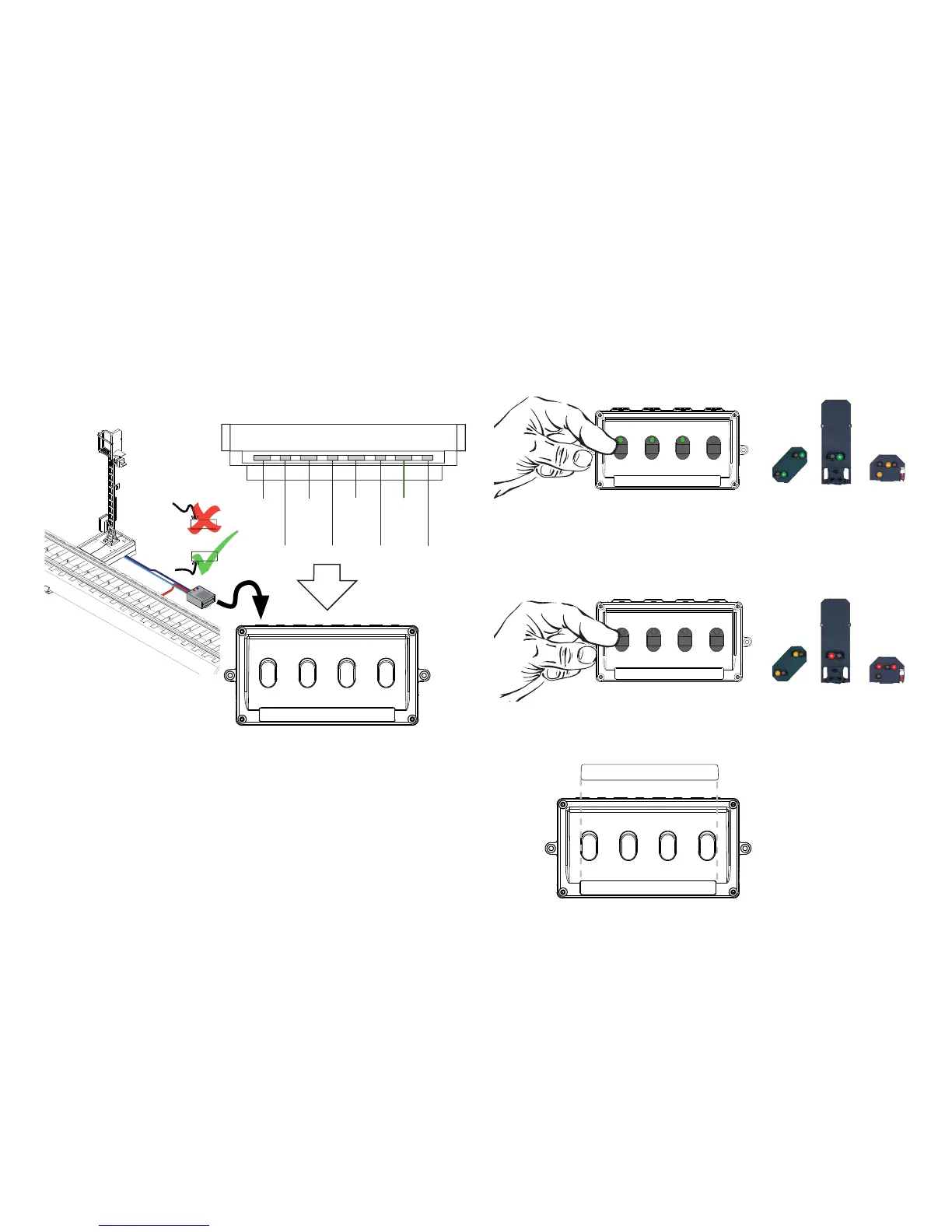
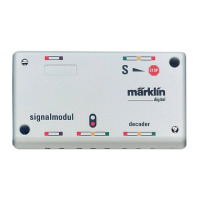
Insertthe3-pinsocketonthesignal(74391/74371)intothe
3-pin contact on the back of the control box.
74391
74371
74391
74371
74391
74371
74391
74371
74380
74380
74380
74380
If you are going to use the 74380 distant signal with the 74391
home signal, the 2-pin socket on the distant signal is plugged
into the 2-pin contact directly next to the connection for the
home signal on the signal control box.
7. Controlling Signals
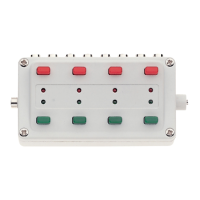
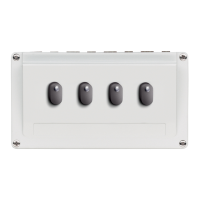
The signal is controlled by pressing on the button. If the
green LED is on at the button on the
control box, the signal will display “go“.
If there is no LED on at the button on the control box, the
signal will display “stop”.
If everything is working properly, the label that comes with
the control box can be affi xed to the latter and then
Signalaspect74380•74391•74371
72751
72751


 To Next Page