CHAPTER 3
25/10/17
Quick Digit
TM
Bluetooth
®
Driver
19
3.6
6 7 8
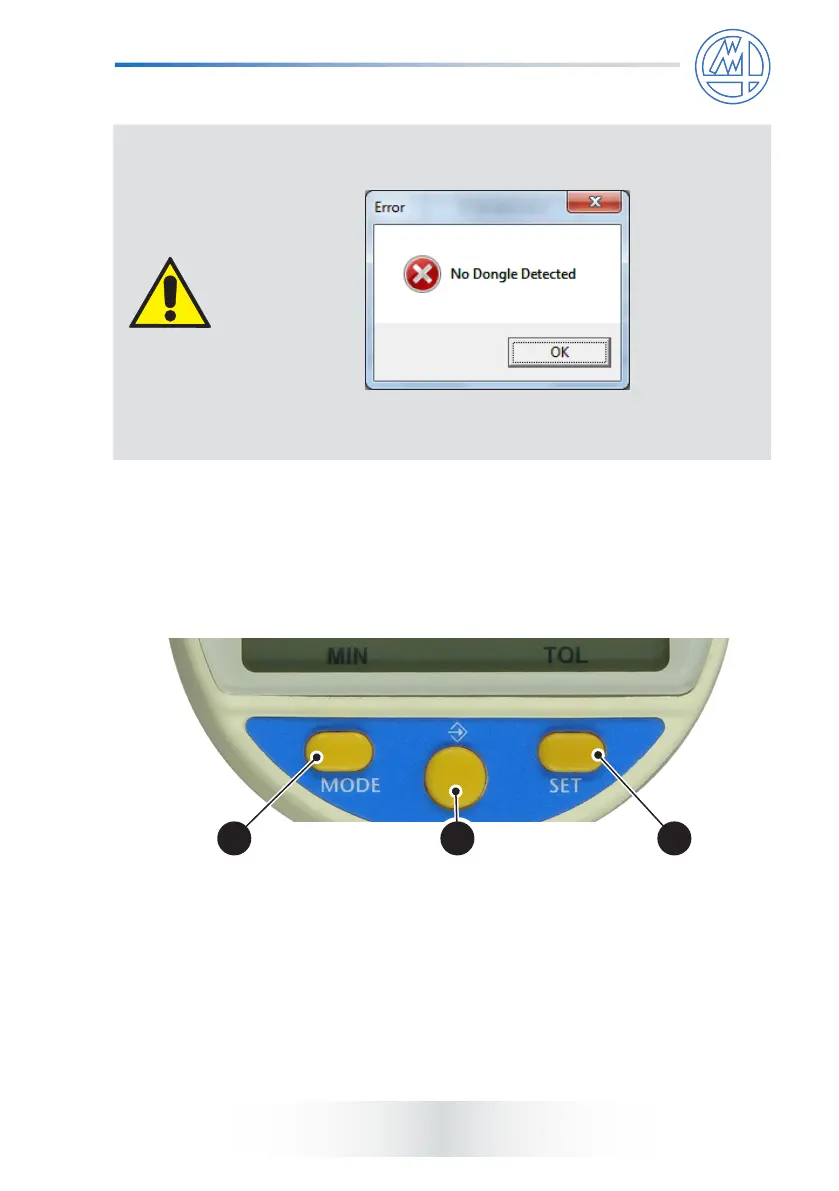
If the user attempts to carry out the pairing procedure without
a dongle connected, the following message will appear:
Press OK and repeat the pairing procedure with a dongle
connected.
5) Proceed as indicated in the message, i.e.:
● press <MODE> button (6) for more than 2 seconds;
● press <MODE> button (6) till <bt> menu appears;
● press <->> button (7) till <RESET> menu appears;
● press <SET> button (8);
● press OK (5) on driver interface.



 To Next Page