CHAPTER 3
25/10/17
Quick Digit
TM
Bluetooth
®
Driver
21
3.6
8) The system completes the table automatically using the data acquired during
the paring procedure; see below for an explanation of the various columns.
N.
Parameters Meaning
10
Device: it allows to choose the measuring channel.
There are three different examples of Device number settings:
Device previously paired: the Device number does not
change.
Device never paired: after having completed the pairing
procedure, it is possible to assign to the device one of the
Device numbers whose status is “Not bound” (in the above
gure it is possible to assign Device 2 or Device 3 to the
device just paired).
Replacement of a device with a new one: in this case
the Not bound status must be rst set for the device to be
replaced, then it will be possible to assign its Device number
to the new device. The replaced device will then no longer
be shown in the list.
11 Status: it shows the device status (Bound or Not Bound).
12
MAC Address: it shows the Bluetooth
®
address of the
corresponding device.
13
Firmware Version: it shows the rmware version of the
corresponding device.
14
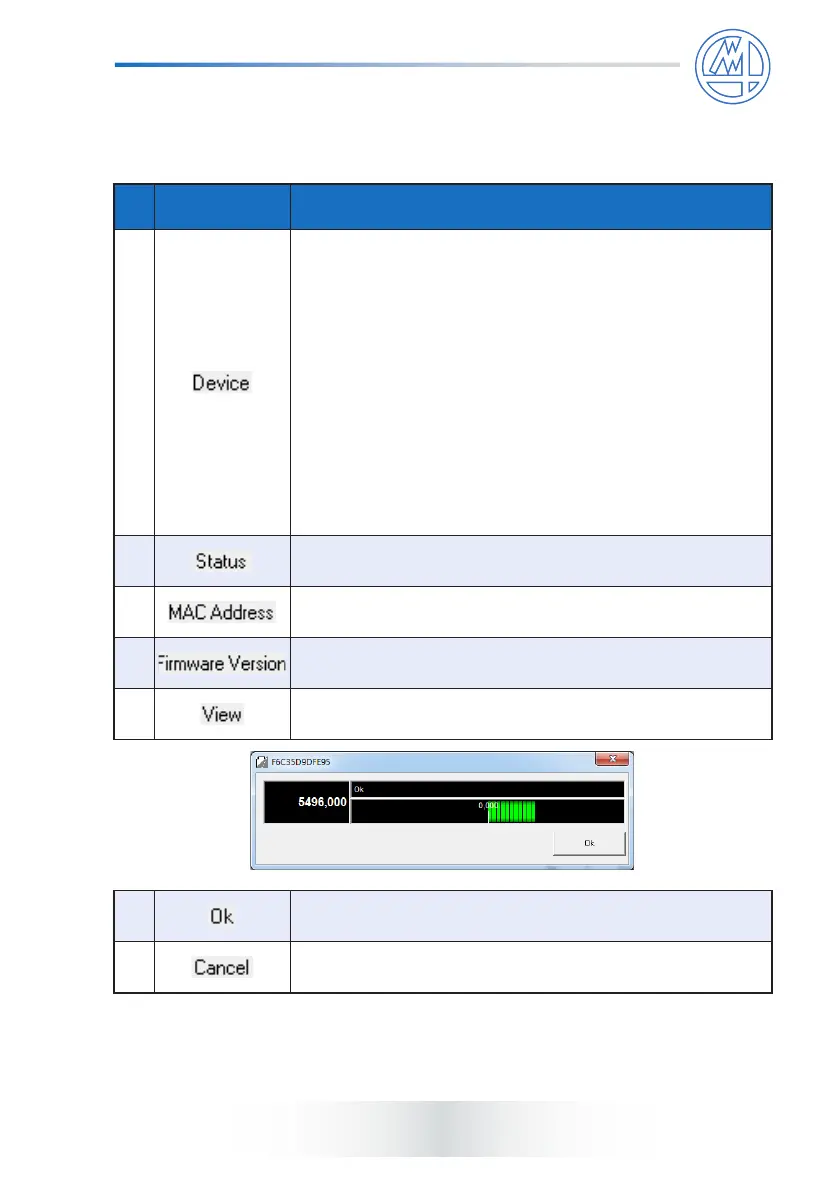
View: setting “Show” it allows to view the measuring bar.
Please see the picture below.
15 Ok: to exit with saving conguration.
16 Cancel: to exit without saving conguration.
9) Save and exit.



 To Next Page