EasyManua.ls Logo

Martin MAC 250 ENTOUR - User Manual

Martin MAC 250 ENTOUR
54 pages
Print Icon
To Next Page IconTo Next Page
Loading...
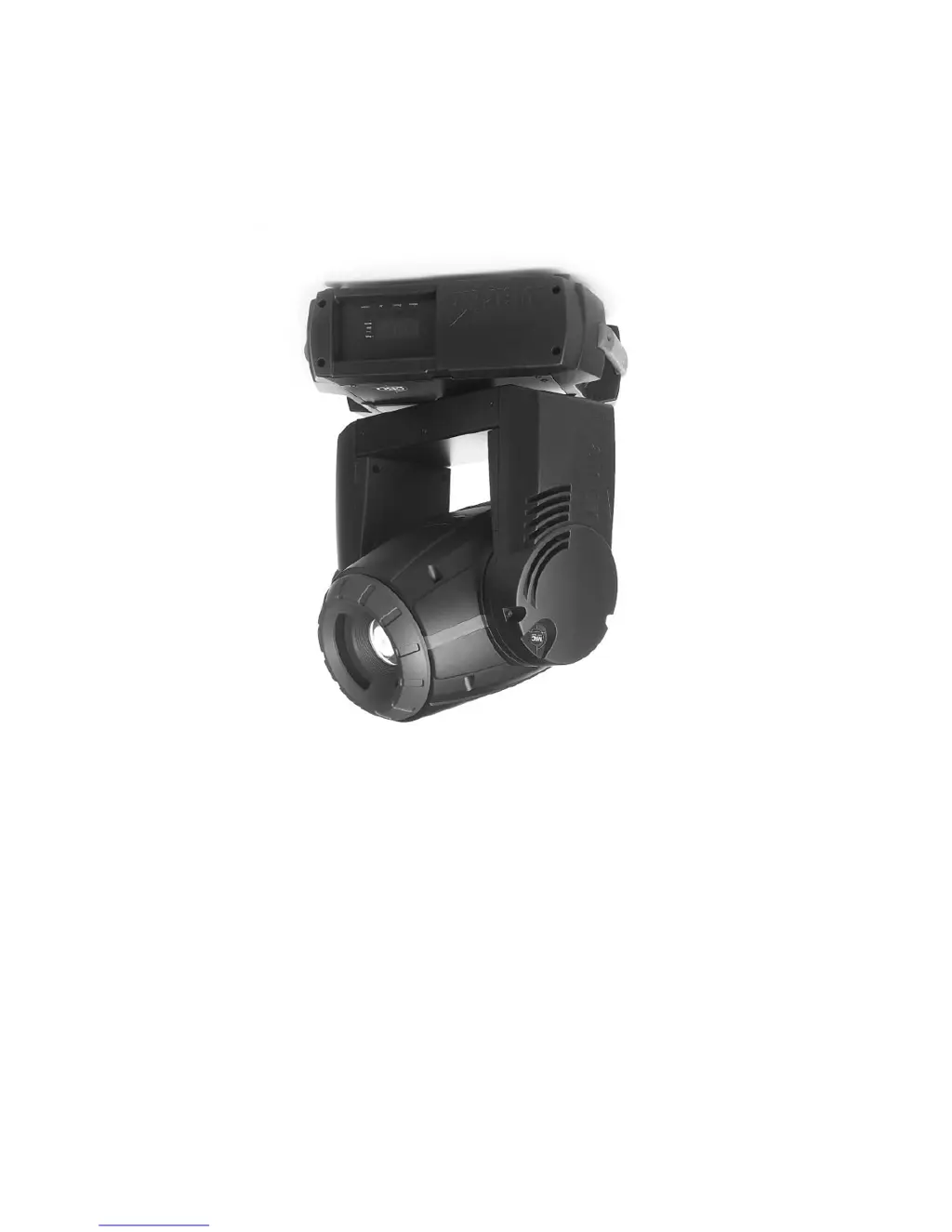
MAC 250 Krypton/Entour
user manual

Questions and Answers

  • C
    cheryl80Jul 26, 2025
    How to troubleshoot completely dead Martin Lighting Equipment?
    • S
      staceyhughesJul 26, 2025
      If one or more Martin Lighting Equipment fixtures are completely dead, the issue might be due to several reasons. First, ensure that the power is switched on and all cables are securely plugged in. If the problem persists, check the primary fuse and replace it if blown. Additionally, inspect the secondary fuses located on the PCB inside the base and replace them if necessary.
  • J
    jamiefoleyAug 2, 2025
    What to do if Martin Lighting Equipment shows error and no light?
    • J
      Jordan GoodmanAug 2, 2025
      If your Martin Lighting Equipment displays an error message and there is no light, there are two possible causes. First, the power supply settings might not match the local AC voltage and frequency. Disconnect the fixture and check the settings to correct them if necessary. Second, the lamp might be missing or blown. Disconnect the fixture and replace the lamp.
  • A
    amanda83Aug 7, 2025
    Why does the lamp cut out intermittently on my Martin Lighting Equipment?
    • S
      Samuel EverettAug 7, 2025
      If the lamp in your Martin Lighting Equipment cuts out intermittently, there are a couple of potential causes. First, the fixture may be overheating. To resolve this, allow the fixture to cool down, clean the fan, ensure that the air vents at the control panel and front lens are not blocked, and increase air conditioning. Another potential cause is that the power supply settings do not match the local AC voltage and frequency. To fix this, disconnect the fixture and check the settings to correct them if necessary.
  • K
    kennethscottAug 19, 2025
    Why do all Martin Lighting Equipment fixtures respond erratically to the controller?
    • B
      barrtaylorAug 20, 2025
      If all Martin Lighting Equipment fixtures respond erratically or not at all to the controller after resetting, the issue could stem from the controller connection or XLR pin-out. Ensure the controller is properly connected. If the XLR pin-out of the controller doesn't match the pin-out of the first fixture on the link, install a phase-reversing cable between the controller and the first fixture.
  • D
    Daniel CallahanNov 12, 2025
    Why do some Martin Lighting Equipment fixtures respond erratically to the controller?
    • J
      Jasmine MoralesNov 12, 2025
      If some of your Martin Lighting Equipment fixtures respond erratically or not at all after resetting, several factors could be at play. Here's a checklist to troubleshoot the issue: 1. Check the data quality. Poor data quality may be due to a bad data link connection, poor quality or broken cabling, missing termination, or a defective fixture disturbing the link. 2. Inspect connections and cables for poor connections or damage. Repair or replace as needed. 3. Ensure the data link is terminated with a 120 Ohm termination plug in the output jack of the last fixture on the link. 4. Verify the address settings of the fixtures. 5. Bypass one fixture at a time to identify if a defective fixture is disturbing data transmission. Have the defective fixture serviced. 6. If the XLR pin-out o...

Summary

Introduction

Safety Information

Essential safety warnings for operating the MAC 250 Krypton/Entour, including electrical and burn hazards.

Setup

Control Panel

DMX-512 Control

Advanced DMX Effects

Details DMX control for focus, prism, pan/tilt, speed, tracking, and vector control.

Optical Configuration

Service and Maintenance

Lamp Replacement and Cleaning

Procedures for replacing the lamp, cleaning optical components, and fan maintenance.

DMX Protocol

MAC 250 Krypton DMX Protocol

Detailed mapping of DMX channels to functions for the MAC 250 Krypton.

MAC 250 Entour DMX Protocol

Detailed mapping of DMX channels to functions for the MAC 250 Entour.

Control Menu Parameters

Error Messages

Error Codes and Solutions

Lists common error display readouts and their potential causes and solutions.

Troubleshooting

Specifications - MAC 250 Krypton

Specifications - MAC 250 Entour

Martin MAC 250 ENTOUR Specifications

General IconGeneral
TypeMoving Head
Control ProtocolDMX-512
FocusMotorized focus
Pan540°
Tilt270°
Gobosrotating gobos + open
Effectsdimmer, strobe
Beam Angle15° to 30° (variable)

Related product manuals