EasyManua.ls Logo

Martin MAC 600E - User Manual

Martin MAC 600E
30 pages
Print Icon
To Next Page IconTo Next Page
Loading...
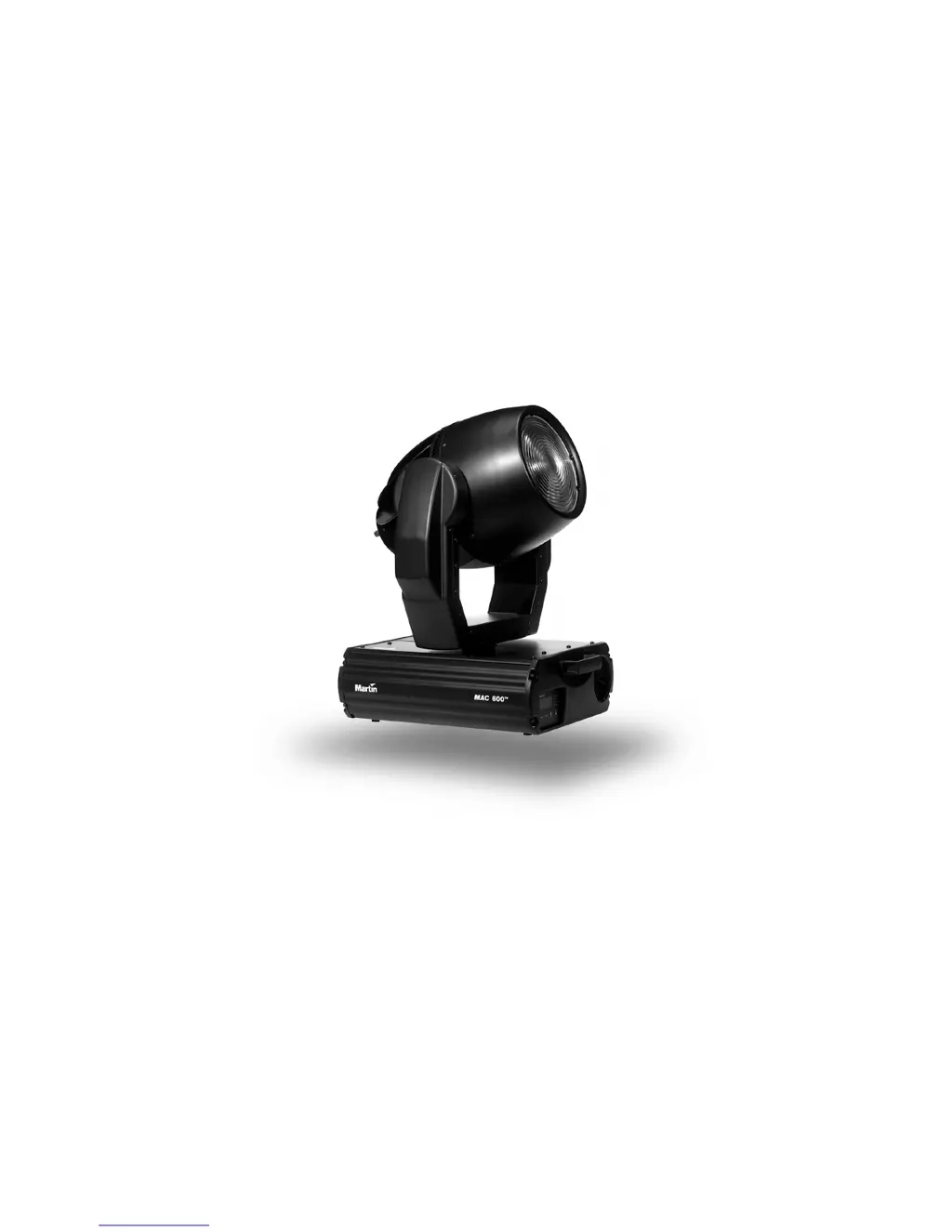
MAC 600/E
user manual

Questions and Answers

  • S
    Stephanie HahnJul 31, 2025
    How to troubleshoot a completely dead Martin MAC 600E fixture?
    • J
      Jeffrey JosephJul 31, 2025
      If one or more Martin Lighting Equipment fixtures are completely dead, first ensure the power is switched on and all cables are properly connected. If the fixture still doesn't power on, disconnect it and check the primary fuse located at the mains inlet cable and replace it if blown. Also, check the secondary fuses (F601 and F602) on the PCB inside the fixture base and replace them if necessary.
  • M
    mmeyerAug 9, 2025
    Why does the lamp fail to strike on my Martin MAC 600E?
    • J
      jaredchapmanAug 10, 2025
      If the lamp fails to strike on your Martin Lighting Equipment (with “LERR” displayed on MAC 600), the ballast and transformer settings might not match the local AC voltage and frequency. Disconnect the fixture and check these settings, correcting them if necessary. The lamp itself may also be blown and needs replacing after disconnecting the fixture. Ensure the lamp is installed correctly. If the lamp is too hot, allow it to cool, then execute a lamp-off followed by a lamp-on command.
  • K
    Kara JonesAug 14, 2025
    Why all Martin MAC 600E Lighting Equipment fixtures respond erratically to the controller?
    • G
      greenemarkAug 14, 2025
      If all Martin Lighting Equipment fixtures respond erratically after resetting, the controller may be disconnected from the data link; ensure the controller is properly connected. Also, the XLR pin-out of the controller might not match the pin-out of the first fixture. In this case, install a phase-reversing cable between the controller and the first fixture.
  • N
    nhodgeAug 19, 2025
    What to do if the lamp cuts out intermittently on Martin Lighting Equipment?
    • S
      Stephen DonaldsonAug 19, 2025
      If the lamp on your Martin Lighting Equipment cuts out intermittently, the fixture may be overheating. Allow the fixture to cool, reduce the ambient room temperature, and set the fan speed to full. You might also need to recalibrate the temperature sensors. Another potential cause is that the ballast and transformer settings do not match the local AC voltage and frequency. Disconnect the fixture and check these settings, correcting them if necessary.
  • G
    Gabriel GonzalezAug 25, 2025
    Why is the light output low on my Martin MAC 600E?
    • T
      Thomas CampbellAug 26, 2025
      If your Martin Lighting Equipment has low light output, the lamp might be near the end of its life; try replacing it. Also, the ballast and transformer settings might not match the local AC voltage and frequency; disconnect the fixture and check/correct these settings. If you are using a MAC 600 E, ensure the correct ballast type is selected by checking the S/N and setting the ballast type personality accordingly. Finally, the lamp may be misaligned, so adjust it as needed.
  • C
    Cathy JohnsonNov 3, 2025
    What to do if some Martin Lighting Equipment fixtures respond erratically?
    • K
      Kelly BurnsNov 3, 2025
      If some Martin Lighting Equipment fixtures respond erratically, start by inspecting the data link connections and cables, correcting any poor connections and replacing damaged cables. Ensure the data link is terminated with a 120? termination plug in the output jack of the last fixture. Verify the fixture address and protocol settings are correct. One of the fixtures might be defective and disturb data transmission. Bypass one fixture at a time until normal operation is regained by unplugging the XLR in and out connectors and connecting them directly together. If this resolves the issue, have the defective fixture serviced by a qualified technician. Finally, check if the XLR pin-out on fixtures does not match (pins 2 and 3 reversed) and install a phase-reversing cable between the fixtures ...

Summary

Introduction

Safety precautions

Lists critical safety instructions to prevent injury, fire, and equipment damage.

Setup

Installing or changing the lamp

Step-by-step instructions for safely replacing the fixture's lamp.

Powering the fixture

Instructions on how to connect and power the fixture.

Check voltage and frequency settings

Guidance on matching fixture settings to the local AC power supply.

Install a plug on the power cord

Instructions for correctly wiring the power cord plug for safety.

Rigging the fixture in place

Procedures for safely mounting the fixture using clamps and safety cables.

Connecting the serial link

Guidelines for establishing a reliable serial data connection between fixtures.

Connecting fixtures

Explains how to connect controllers and fixtures using different cable types.

Setting control protocol and address

How to configure the fixture's DMX or Martin protocol and starting address.

Operation

DMX-512 control

Explains DMX-512 control modes like Tracking and Vector.

Tracking mode

Details on how tracking mode uses fade time for smooth movement.

Vector mode

Explains vector mode for controlling effects with controllers lacking programmable fade times.

Lamp control

Procedures for lamp strike, automatic lamp on, and remote lamp off control.

Control Module

Address and protocol selection

How to set DMX/Martin addresses and select the operating protocol.

Personality settings

Configuration options for various fixture behaviors like speed, feedback, and modes.

Manual control (MAN)

Performing fixture operations like lamp control and movement without a controller.

Maintenance and Basic Service Operations

Removing the printed circuit board

Step-by-step guide for safely removing the main circuit board.

Replacing the printed circuit board

Instructions for reinstalling the circuit board and reconnecting wires.

Replacing the lamp

Changing voltage and frequency settings

How to match fixture settings to local AC supply voltage and frequency.

Updating software

DMX Protocol

Error Messages

Troubleshooting

Specifications

Martin MAC 600E Specifications

General IconGeneral
TypeMoving Head
DMX Channels16
Pan540°
Control ProtocolDMX512
ColorsCMY color mixing
IrisYes
FrostYes

Related product manuals