EasyManua.ls Logo

Martin MAC Axiom Hybrid - User Manual

Martin MAC Axiom Hybrid
44 pages
Print Icon
To Next Page IconTo Next Page
Loading...
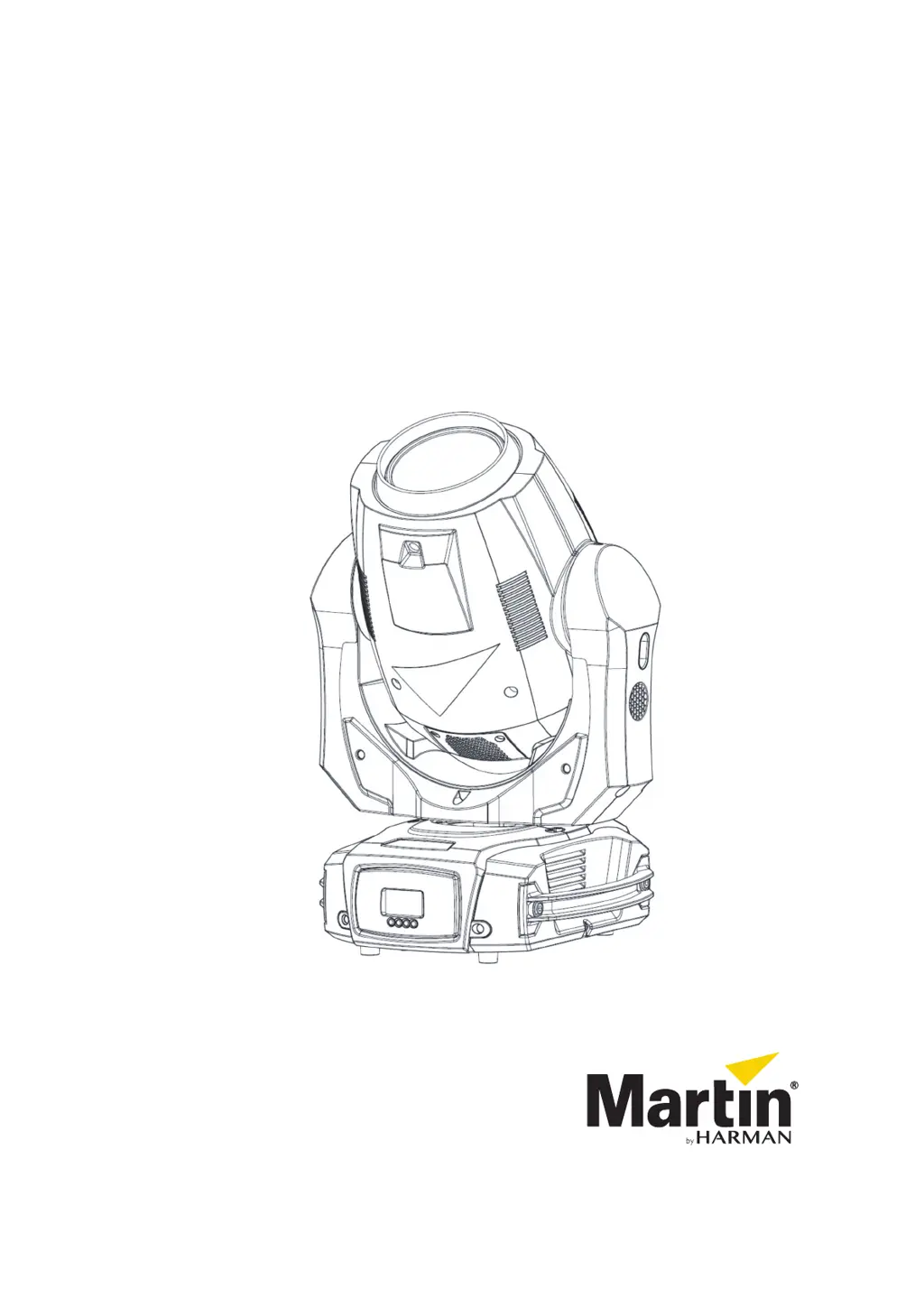
MAC Axiom™ Hybrid
User manual

Other manuals for Martin MAC Axiom Hybrid

Questions and Answers

  • M
    Misty TurnerAug 2, 2025
    What to do if Martin Lighting Equipment does not respond to DMX control?
    • R
      Robin MooreAug 2, 2025
      If the Martin Lighting Equipment isn't responding correctly to DMX control, ensure the fixture’s DMX address matches the address set on the DMX control device. Also, check that the DMX link is terminated and that all devices on the DMX link use standard DMX polarity. Check for faulty devices by bypassing them one by one. Try controlling the fixture with another DMX control device. If the DMX link is near an unshielded high-voltage installation, try moving or shielding it.
  • H
    holdersandraAug 12, 2025
    How to fix Martin Lighting Equipment when there is no light or the fans aren't working?
    • J
      Janet MitchellAug 12, 2025
      If there is no light or the fans aren't working on your Martin Lighting Equipment, it might be due to a power supply issue. Check all power connections and cables. Replacing the fixture’s primary fuse may also resolve the problem.
  • D
    Daniel ArellanoAug 22, 2025
    Why does the lamp cut out intermittently on my Martin MAC Axiom Hybrid?
    • J
      John Stewart MDAug 22, 2025
      The lamp on your Martin Lighting Equipment might be cutting out intermittently due to incorrect mains voltage or if the internal temperature is too high. Check the mains voltage and ensure there is free airflow around the fixture and that the ambient temperature does not exceed the permitted maximum. Cleaning the fixture, especially the cooling fans and vents, can also help.

Summary

Safety Precautions

Electrical, Fire, and Physical Hazards

Details electrical risks, heat, flammability, and physical injury prevention.

Lamp and Eye Protection

Covers safe lamp handling and protection from optical hazards.

Installation and Setup

Initial Setup and Tilt Lock

First-time use procedures and tilt lock operation.

Physical Installation Methods

Guidelines for securely mounting and securing the fixture.

Power and DMX Configuration

AC Power Input

Electrical power requirements and connection details.

DMX Data Link Setup

Steps for establishing DMX control connections.

Fixture Operation Modes

Control Panel and Settings

Using the control panel, DMX address, and personality settings.

Manual Control and Tests

Operating features manually and running diagnostic tests.

Effects Guide

Overview of dimming, color, gobos, prisms, and movement.

Service and Troubleshooting

Cleaning and Component Replacement

Procedures for cleaning, replacing lamps, gobos, and prisms.

Error Messages and Troubleshooting

Identifying and resolving common operational issues.

DMX Protocol and Specifications

DMX Protocol Reference

Detailed mapping of DMX channels and values for control.

Technical Specifications

Comprehensive physical and electrical parameters of the fixture.

Martin MAC Axiom Hybrid Specifications

General IconGeneral
Pan Range540°
Tilt Range270°
TypeMoving Head
Control ProtocolDMX
Gobo Wheels2
EffectsAnimation Wheel, Prism
Voltage100-240V AC, 50/60Hz

Related product manuals