EasyManua.ls Logo

Martin Mania SCX500 - User Manual

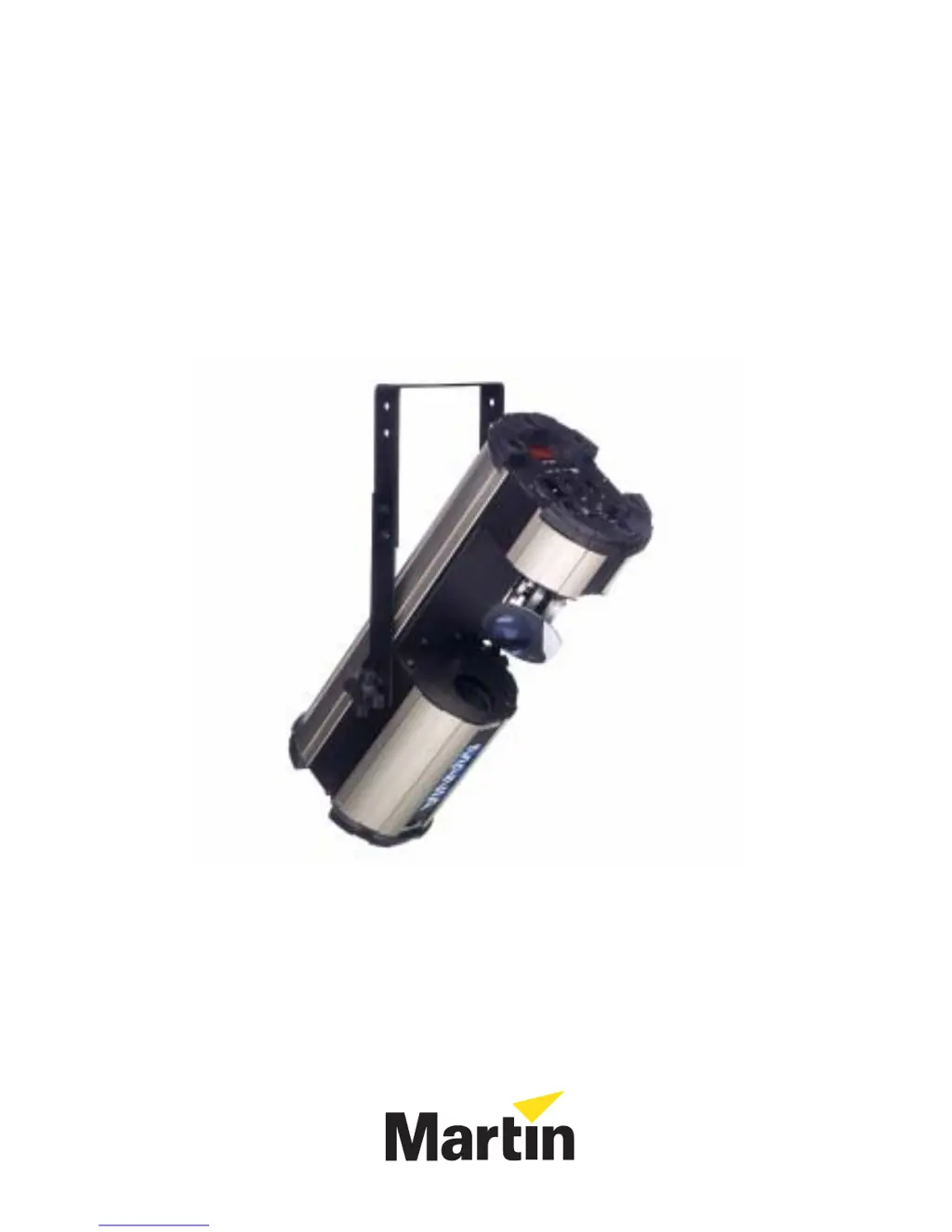
Martin Mania SCX500
36 pages
Print Icon
To Next Page IconTo Next Page
Loading...
Mania SCX500
user manual

Other manuals for Martin Mania SCX500

Questions and Answers

  • D
    Daniel AdamsJul 31, 2025
    How to fix Martin Lighting Equipment that is completely dead?
    • Z
      Zachary BryantJul 31, 2025
      If one or more Martin Lighting Equipment fixtures are completely dead, the issue might be due to no power reaching the fixture. Ensure that the power is switched on and all cables are securely plugged in. Alternatively, the main fuse might have blown, in which case you should replace the fuse.
  • M
    Mitchell CummingsAug 10, 2025
    Why do Martin Mania SCX500 Lighting Equipment fixtures reset correctly but respond erratically to controller?
    • M
      Melissa ParkerAug 10, 2025
      If Martin Lighting Equipment fixtures reset correctly but respond erratically or not at all to the controller, first ensure the controller is properly connected. Also, the XLR pin-out of the controller might not match the pin-out of the first fixture on the link, meaning the polarity is reversed. Install a phase-reversing cable between the controller and the first fixture on the link to correct this.
  • M
    Michelle BeasleyAug 15, 2025
    What to do if Martin Mania SCX500 lamp cuts out?
    • J
      Jordan YoungAug 15, 2025
      If the lamp in your Martin Lighting Equipment cuts out intermittently or burns out too quickly, the fixture may be overheating. Allow the fixture to cool down. Check the air vents and fan, and clean them if necessary to ensure proper ventilation.
  • K
    Kevin HarrisAug 20, 2025
    How to make Martin Mania SCX500 Lighting Equipment run stand-alone light show?
    • T
      Tiffany PetersenAug 20, 2025
      If your Martin Lighting Equipment fixture will not run a stand-alone light show and the display shows a number between 1 and 512, the fixture is likely set to DMX mode and is displaying a DMX address. Use the Mode switch to change the fixture from DMX to either auto trig or music trig mode.
  • R
    Rachel DavisAug 25, 2025
    Why Martin Mania SCX500 Lighting Equipment does not respond correctly to music beat?
    • D
      Daniel HallAug 26, 2025
      If your Martin Lighting Equipment does not respond correctly to the music beat in music trig mode, the music sensor may be incorrectly adjusted. Adjust the sensitivity control until the fixture responds satisfactorily to the music.
  • C
    Cheryl AustinNov 4, 2025
    What to do if Martin Mania SCX500 Lighting Equipment fixtures reset erratically?
    • E
      Eric GriffithNov 4, 2025
      If some Martin Lighting Equipment fixtures respond erratically after resetting, it could be due to a bad data link connection. Inspect the connections and cables, correct any poor connections, and repair or replace damaged cables. Another possible cause is that the data link is not terminated correctly; use a DMX termination plug on the last fixture on the link for DMX control, or on the first and last fixtures for master/slave mode. Also, check the DMX addresses to ensure they are correct. If you're controlling via DMX, ensure all fixtures are set to DMX mode. If operating in master/slave mode, ensure only the master fixture is set to auto or music trig, and all others are in DMX mode. Finally, one of the fixtures might be defective. Bypass one fixture at a time by unplugging both DMX con...

Summary

Safety Information

Electric Shock and Injury Prevention

Essential safety guidelines to prevent electric shock and injury during operation and maintenance.

Burn and Fire Hazard Prevention

Safety measures to avoid burns and fire hazards, including material clearance and proper handling.

Fall Injury Prevention

Guidelines for safe rigging and installation to prevent injuries from falls.

Installation

AC Power Connection and Wiring

Instructions for connecting the fixture to AC power, including grounding and plug wiring.

Rigging and Mounting Procedures

Detailed steps and safety requirements for mounting and securing the fixture.

Data Link Setup for DMX;Master-Slave

Guide to establishing data connections for DMX or master/slave control.

Operation

DMX Controller Operation

How to control the fixture using a DMX controller, including mode selection and addressing.

Setting DMX Addresses

Steps for assigning DMX addresses to fixtures for controller-based operation.

Service and Maintenance

Lamp Information and Replacement

Details on the approved lamp type and step-by-step guide for safe replacement.

Replacing the Main Fuse

Guidance on how to identify and replace the main fuse if it blows.

Troubleshooting

Common Problems and Solutions

Guide to diagnosing and resolving common issues with the Mania SCX500, including power, control, and effect problems.

Martin Mania SCX500 Specifications

General IconGeneral
TypeScanner
Dimmer0-100%
Control ProtocolDMX512
Wattage250W
EffectsStrobe
Connectors3-pin XLR

Related product manuals