Model: MTS200 (1U)
Doc. Ref. no. : - m08/om/201
Issue no.: 03
Page 103 of 195 User’s Manual
10.1 Steps to Set Putty for serial communication with MTS200:
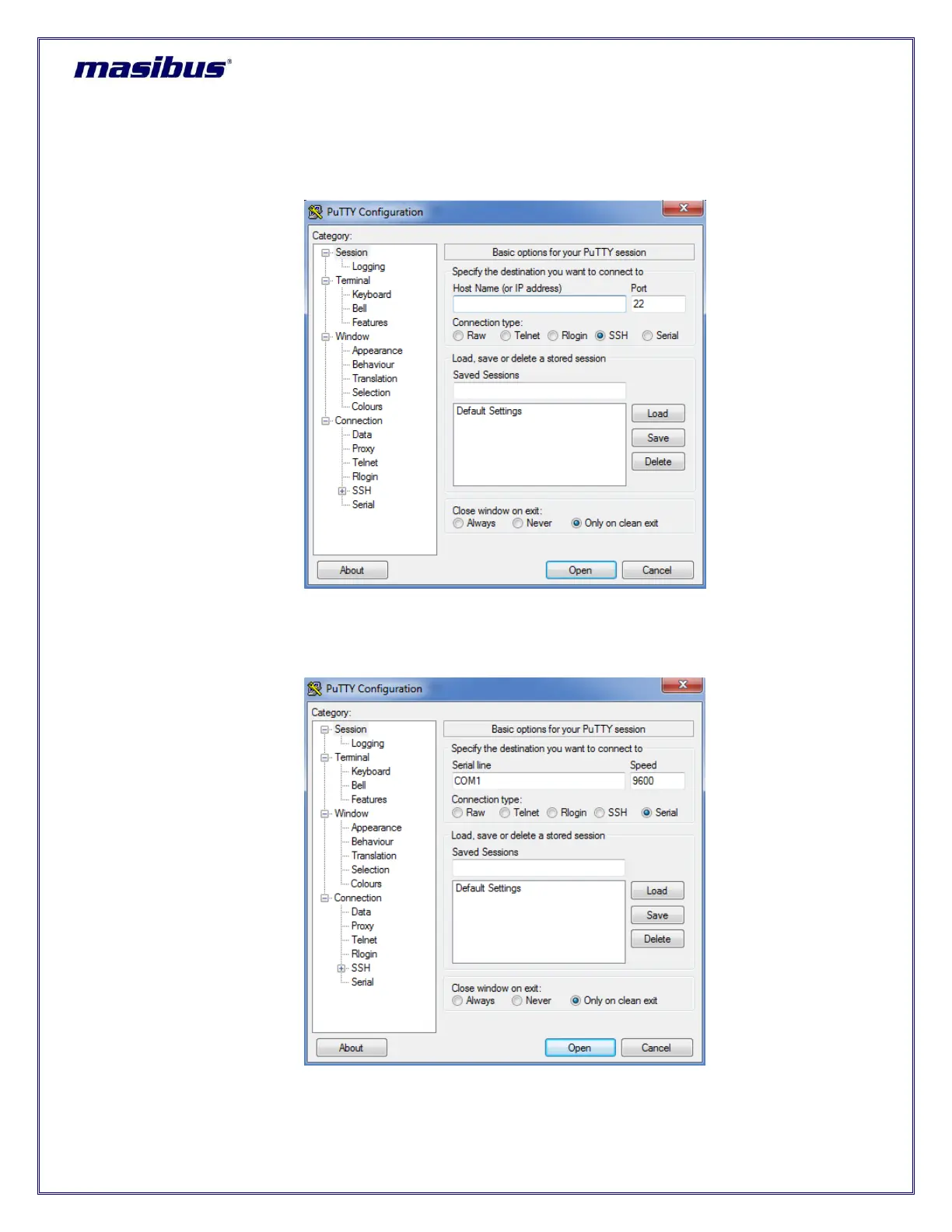
1. Run putty.exe file. Below image will appear when putty software is started.
Figure 10-2 Putty Software
2. User need to select “Serial” in field “Connection type” as shown in below image.



 To Next Page