Model: MTS200 (1U)
Doc. Ref. no. : m08/om/201
Issue no. : 03
User’s Manual Page 68 of 195 Page 68 of 195
INFORMATION
If no data is entered for more than 5 minutes timeout interval, console
program “start” will be stopped automatically. After program being
stopped, user need to again start the program by above mentioned
command to configure device.
The console based program “start” should be run only one at a time from
any of the existing ssh or telnet session. If one SSH/TELNET session is
already running “start” program from any configured device user, other
session or other user cannot run the same program at same time.
9.2.1 General Settings:
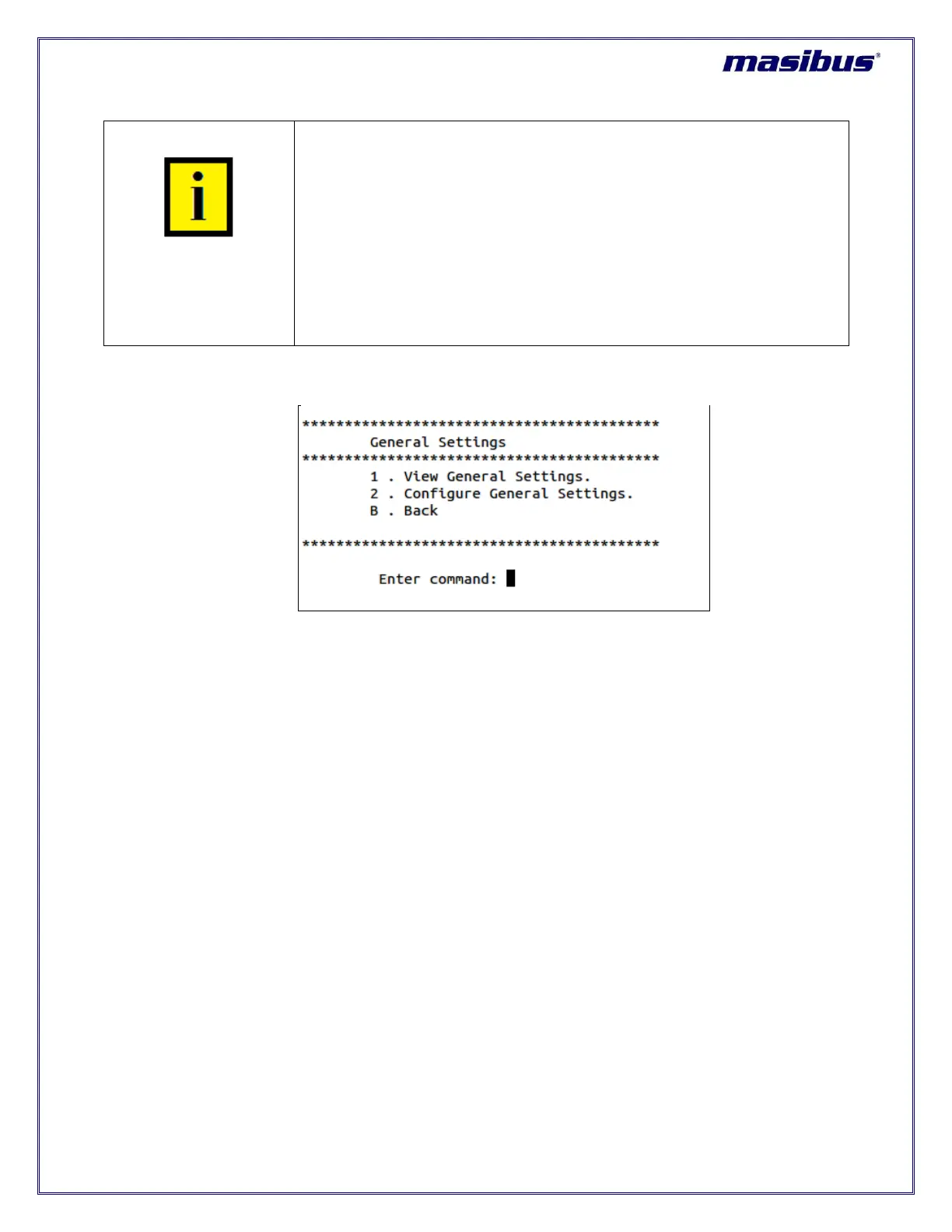
In above menu for general settings, Option “1” list outs all the current settings of GPS general parameters
and option “2” allows to individually configure all parameters and save them for permanent usage. Enter
1 or 2 option and then press “enter” key.
When option “1” is used, below figure resembles the output in this option.



 To Next Page