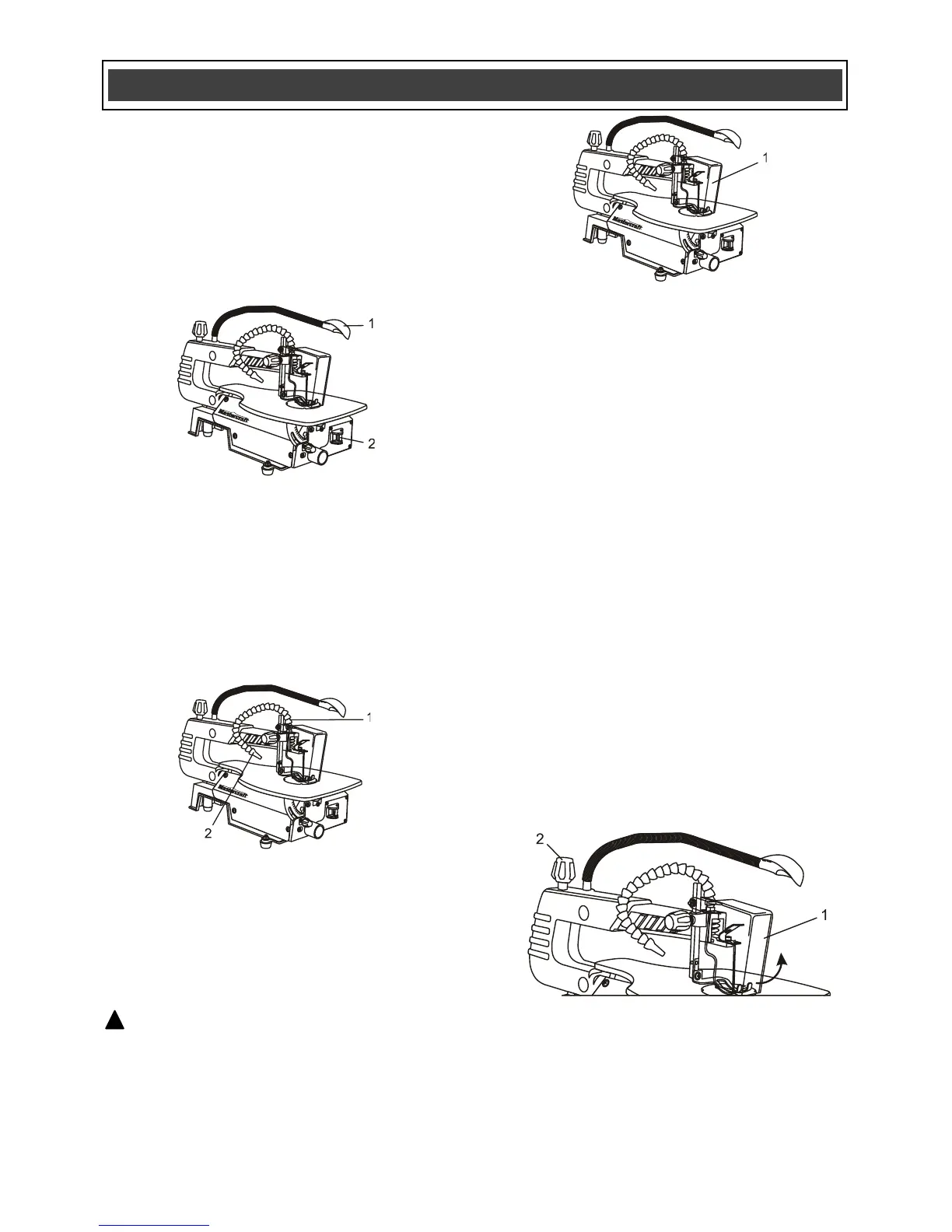
LED WORK LIGHT
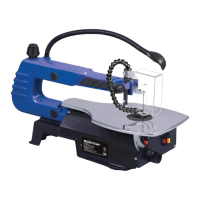
The LED worklight has a flexible connection (1)
that allows you to position the work light so it
illuminates the workpiece where it is being cut
(Fig. 3). The work light will automatically turn
ON when the saw switch (2) is turned ON and
will automatically turn OFF when the saw switch
is turned OFF.
DUST BLOWER
The scroll saw has a flexible tube (1) that can be
directed to the saw table to blow the sawdust
away from the cutting area (Fig. 4). Position the
air nozzle (2) so the air stream is directed at the
immediate cutting area for maximum airflow.
BLADE GUARD
The see-through blade guard (1) must be placed
in the “down” position whenever the saw is
turned ON (Fig. 5).
WARNING: Failing to lower the blade
guard could create a dangerous situation if the
blade should unexpectedly break. It will also
help to keep your fingers from getting too close
to the blade.
ADJUSTING THE BLADE TENSION
The blade tension must be adjusted to the
correct tension to ensure smooth cutting action
and to prevent blade breakage.
1. Turn the scroll saw OFF before adjusting
the blade tension.
2. Lift the blade guard (1) upward to expose
the blade (Fig. 6).
3. Make sure the blade is correctly installed in
both the upper and lower blade holders.
NOTE: This scroll saw requires 5" (12.5 cm)
scroll saw blades with pin ends. Use of any
other type of blade will result in poor cutting
action and possibly broken blades.
4. Tighten the blade by turning the blade
tension knob (2) counter clockwise until the
blade will "sing" when plucked. Do not over
tighten the blade. If the blade is too tight,
turn the blade control knob clockwise.



 To Next Page