___________________________________________________________________________________
MBT1015 rev-C
User’s Manual Versio18.08
Selecting Car will allow you to test car Batteries (up to 2000A) whereas will
only test Motorcycle Batteries (up to 600A) only.
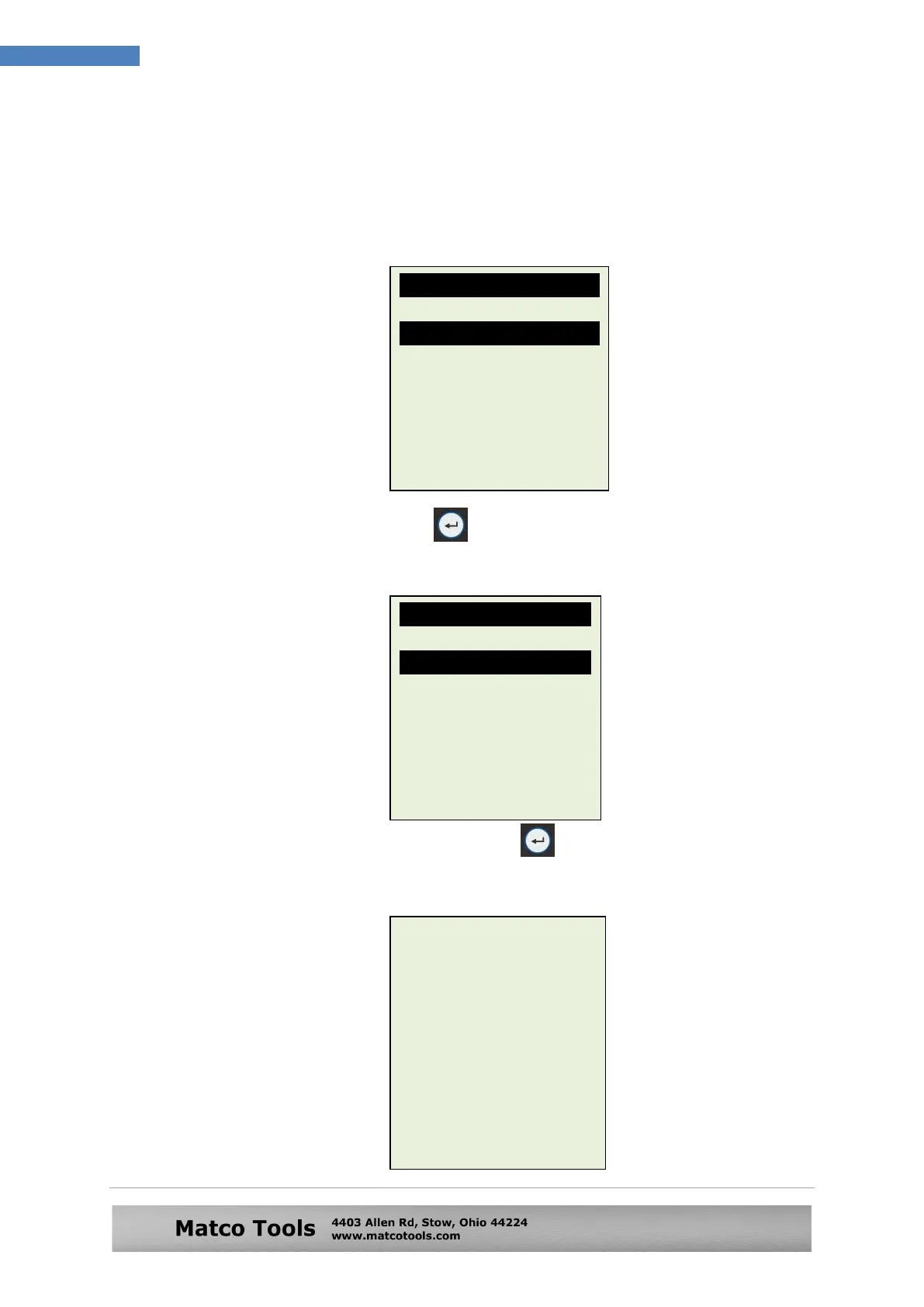
Here if you have selected test Car, then there is an option to select Battery
or other system test. See display below (Fig.22).
6. Select [Battery Test] and press key. The display will change as seen on
figure 23 below:
7. After you had made your choice, pressing key will proceed to do the
battery testing and if it has detected any surface charge on the battery, it will
start to remove it and a message is shown (Fig. 24) below.
Fig. 24
The Analyser is
removing the battery
surface charge now.
Please wait for a
moment!
Fig.23
Battery Type:
SLI [Wet Type]
AGM-Flat plate
AGM-Spiral wound
GEL cell
EFB [Start/Stop]
Select Test
Battery Test
Grounding Test
Starter Test
Alternator Test
[Enter] to proceed
Fig.22


 To Next Page